Dear Razer Support Team,
I tried to update BIOS firmware from 1.04 to 1.08 and faced with the issue. Every time I update, I get the next flow: Razer updater → reboot → Razer logo → Windows → BIOS still 1.04
The device’s technical characteristics:
Razer Blade 16 RZ09-0510- SKU
RZ09-05102EJ9 - i9-14900HX
- BIOS
1.04 - EC
1.00 - official BIOS updater offers
1.04 → 1.08 - updater completes its Windows progress normally
- computer restarts several times
- UEFI/firmware flashing interface never appears
- computer returns directly to Windows
- BIOS remains
1.04 - BitLocker fully disabled
- Windows Hello disabled
- Windows and Optional Updates current
- Memory Integrity tested Off
- Microsoft Vulnerable Driver Blocklist tested Off
- NVIDIA mode = Optimus
- same failure persists
The Updater window:
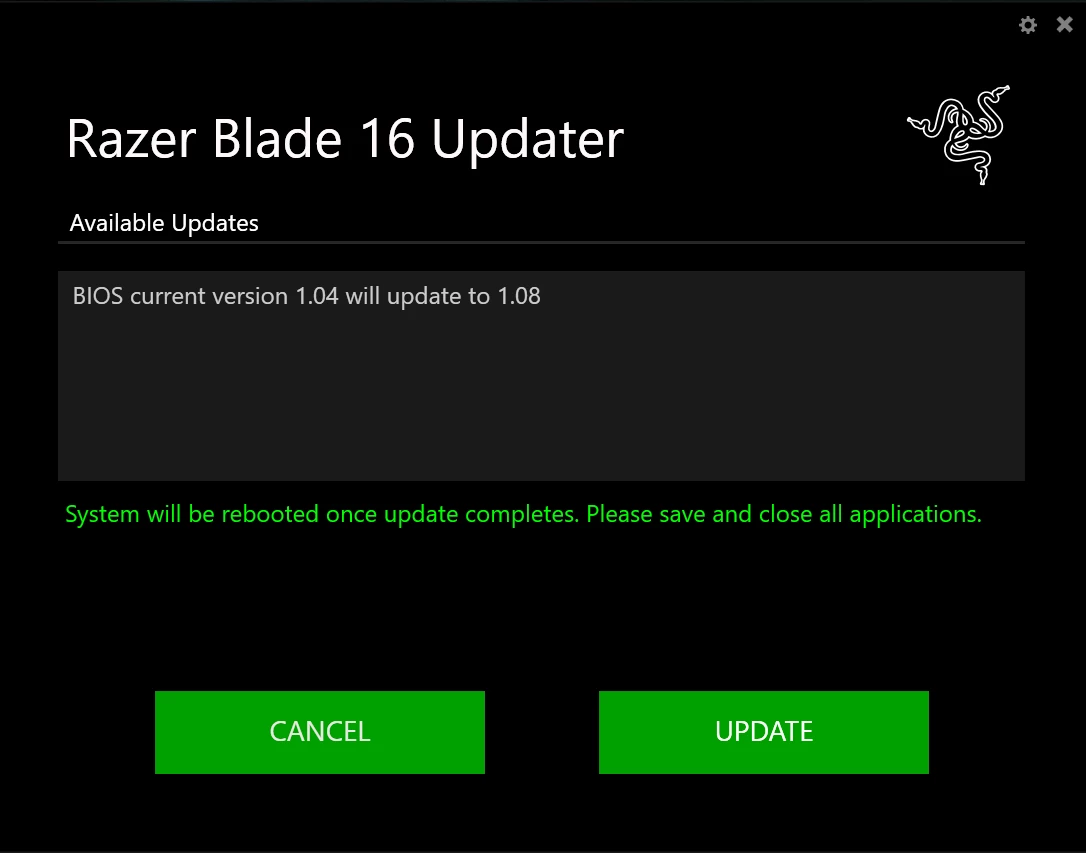
My questions are:
1. Is BIOS 1.06 required as an intermediate firmware for some RZ09-0510 systems currently on BIOS 1.04? (some games required BIOS firmware 1.06)
2. If so, can Razer provide the official signed RZ09-0510 BIOS 1.06 updater—or a corrected 1.08 updater that can stage directly from 1.04?
Let me know please if you need additional information.
Thanks!