Thx Spatial Setup not closing | Razer Insider
Skip to main content
Question

Thx Spatial Setup not closing

  • February 26, 2026
  • 4 replies
  • 27 views

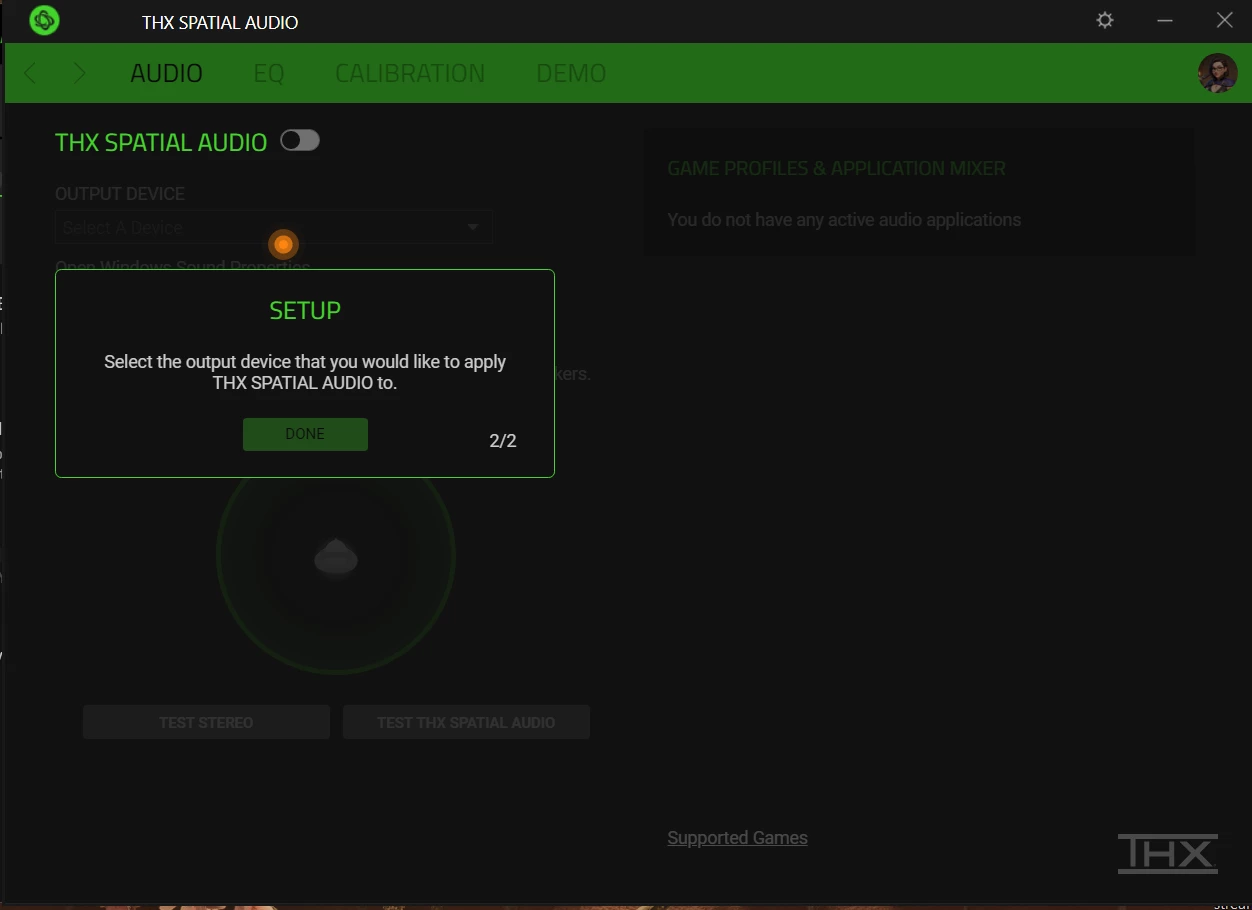
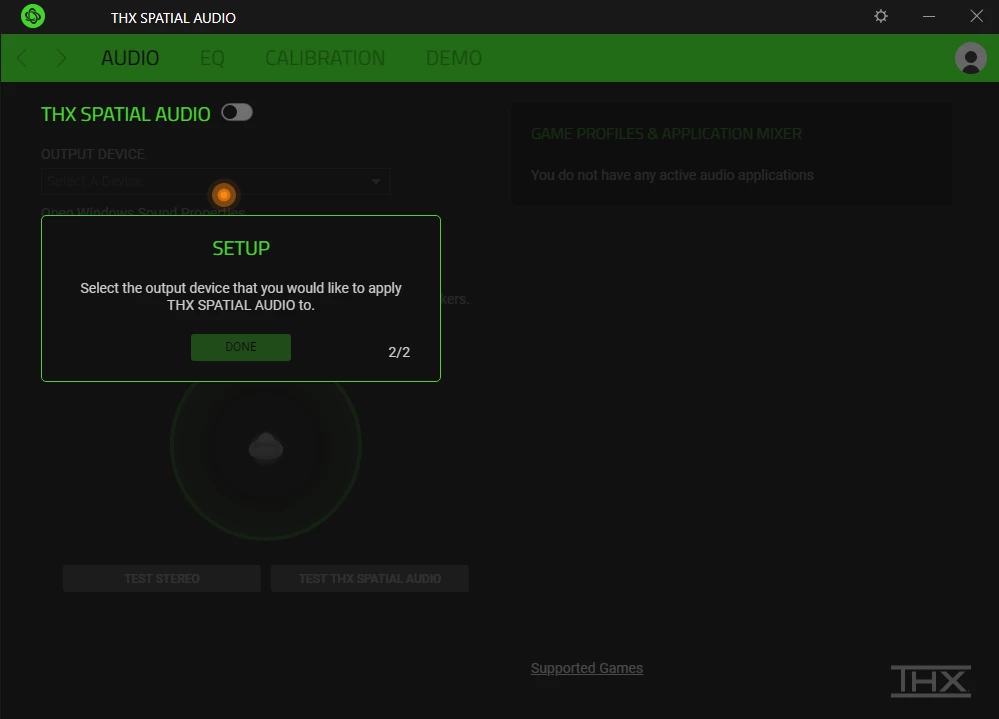
So i bought THX Spatial Audio, and the setup does not go past 2/2. i cant click any of the top tabs, the enable button, or select output device in the app. I havent even gotten to input my activation code.

 

4 Replies

Lrbrownii
  • February 26, 2026

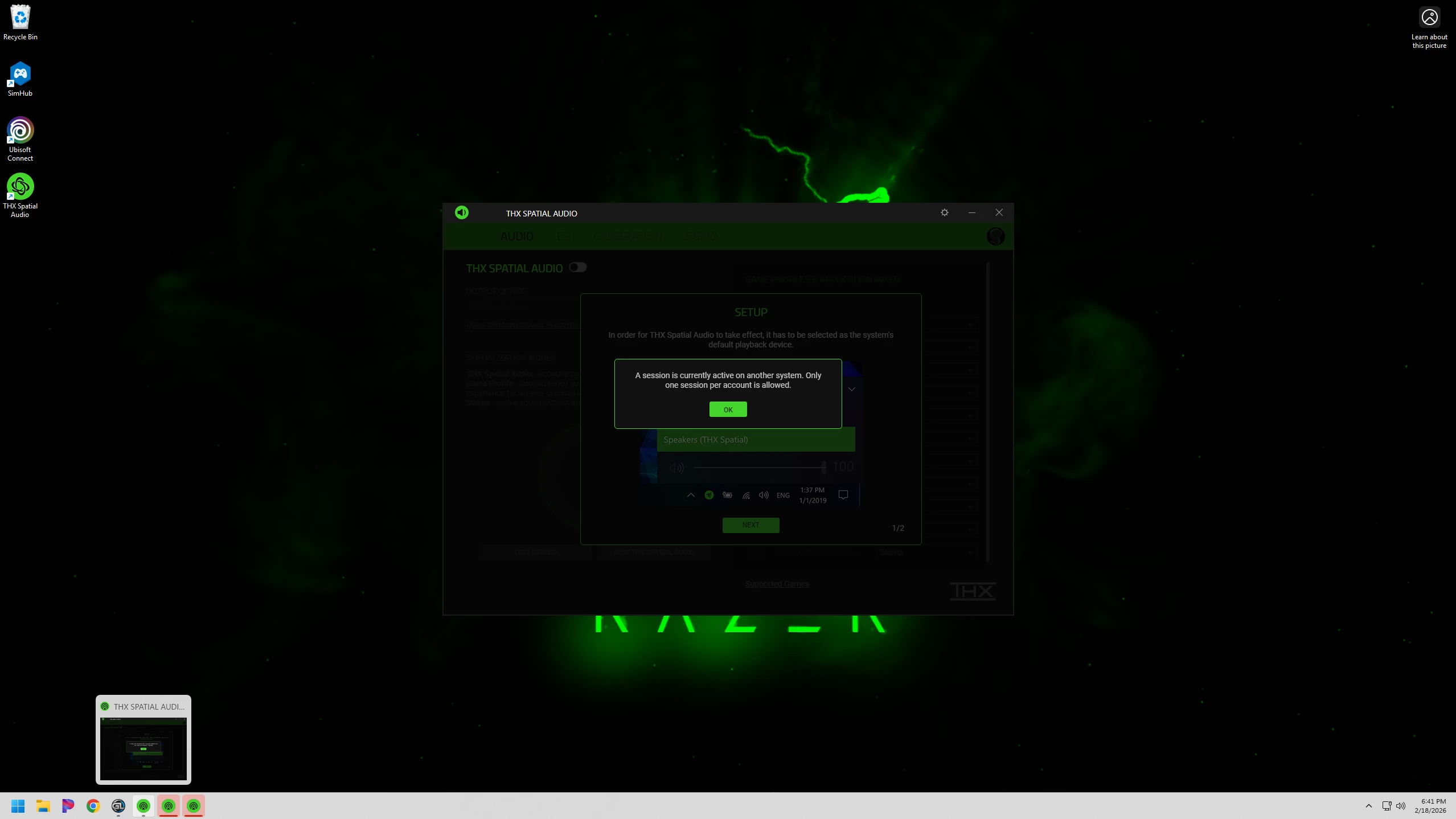
Multiple instances of Razer THX Spatial Audio app. Does anyone know how to fix? Or is this a bug? Scared me the first time it happened and I changed my password. I have since uninstalled and reinstalled for the same thing to happen. This started after an update. Please advise.


Lrbrownii
  • February 26, 2026

Hi, there.  I have noticed this has been disabled on boot. Change your audio output from sys tray to another device then switch back to THX. Be on the look out for multiple instances of this app too. I just posted a topic. Maybe we can share our information here and get this looked into by the THX team. Let us know how it goes. 


Lrbrownii
  • February 26, 2026

Right click THX app from sys tray and exit app?


Lrbrownii
  • February 27, 2026

Now I have 12 instances of this app when I restart! Someone help!