Viper v3 hyperspeed scroll wheel not working | Razer Insider
Skip to main content
Question

Viper v3 hyperspeed scroll wheel not working

  • September 23, 2026
  • 1 reply
  • 24 views

Martin232013

okay, so I’ve had this viper v3 hyperspeed for about 7 months now, and while I was playing Roblox, out of nowhere, the scroll wheel stopped working. I didn’t think much of it, so I used some compressed air, and it worked fine for 1 day. but the next day it stopped working again, and nothing would fix it, not even compressed air.

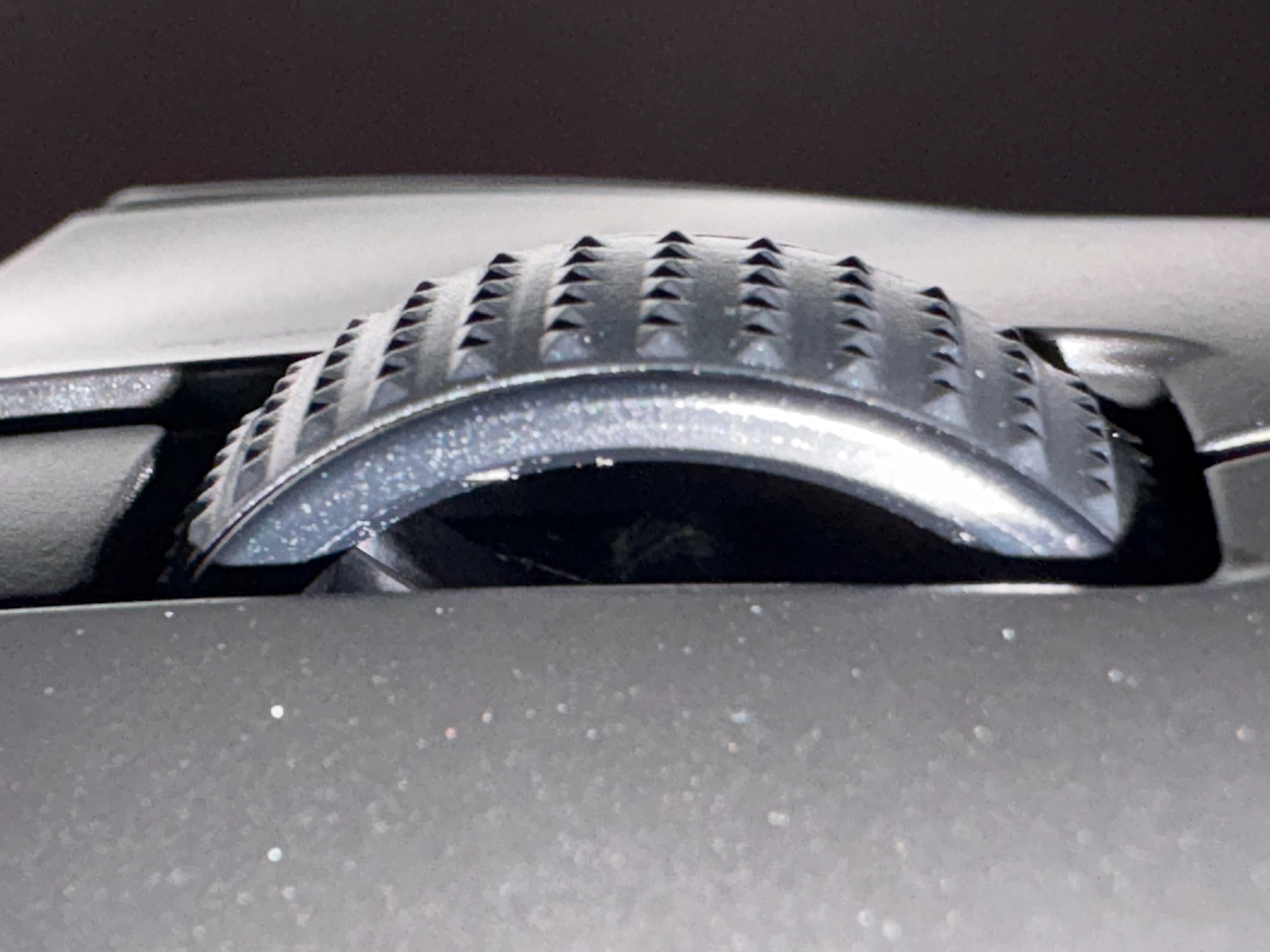
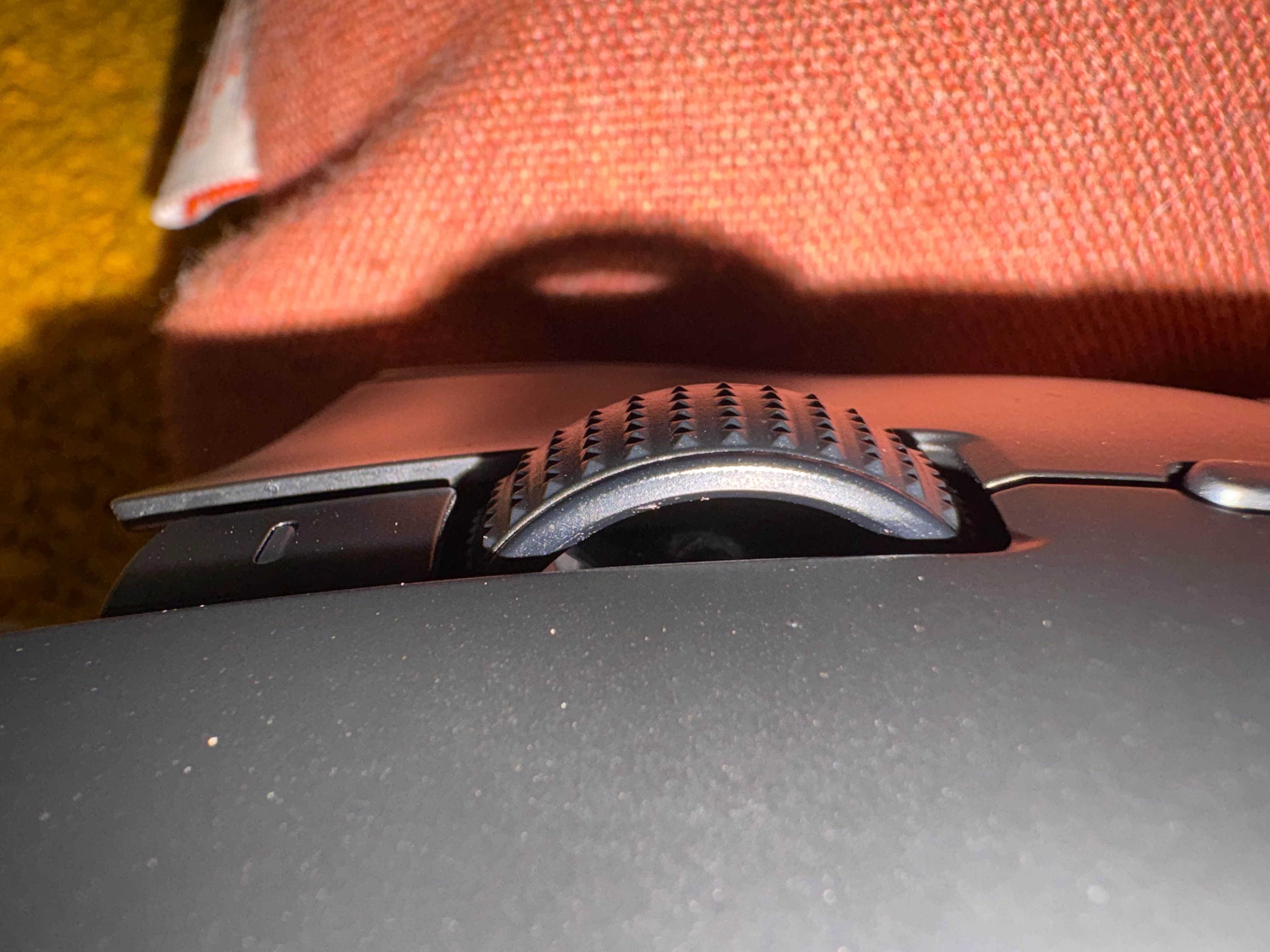
I used my phone’s flashlight to look inside the scroll wheel, and I can see a lot of dog hair inside. I tried to get it out, but nothing seems to work. I’m pretty sure the only way to get the hair out is to open the mouse because the hair is stuck, but I’ve never repaired any type of tech before so I’m pretty scared of messing something up.

can anyone help me figure out what I should do?

I know its hard to see with these photos but my camera isn’t that good 
 

1 Reply

Razer.Zionzedd

Hi Martin232013, 


Opening the mouse yourself involves peeling off the mouse skates and unscrewing the shell, which will void your warranty and make you ineligible for a free replacement. PM me your Razer Viper V3 HyperSpeed’s SN: (Follow steps here: https://mysupport.razer.com/app/answers/detail/a_id/548/~/how-to-find-the-serial%2C-product%2C-or-part-number-on-a-razer-device) and link of your receipt in a PDF format: (Save the shareable files via any online drive account listed here: https://mysupport.razer.com/app/answers/detail/a_id/4011?_ga=2.197232171.544708261.1744067200-1885068520.1744067200&_gl=1*vo487o*_ga_3TRK53PM75*MTc0NDA2NzE5OS4xLjEuMTc0NDA2NzM0My4yNC4wLjA). Kindly change the privacy settings to "anyone has link", so I can view the file/s without asking for permission.


*Thread locked to PM.