why my viper v3 pro look like this? | Razer Insider
Skip to main content
Question

why my viper v3 pro look like this?

  • April 8, 2026
  • 8 replies
  • 83 views

frontBeigeresources188

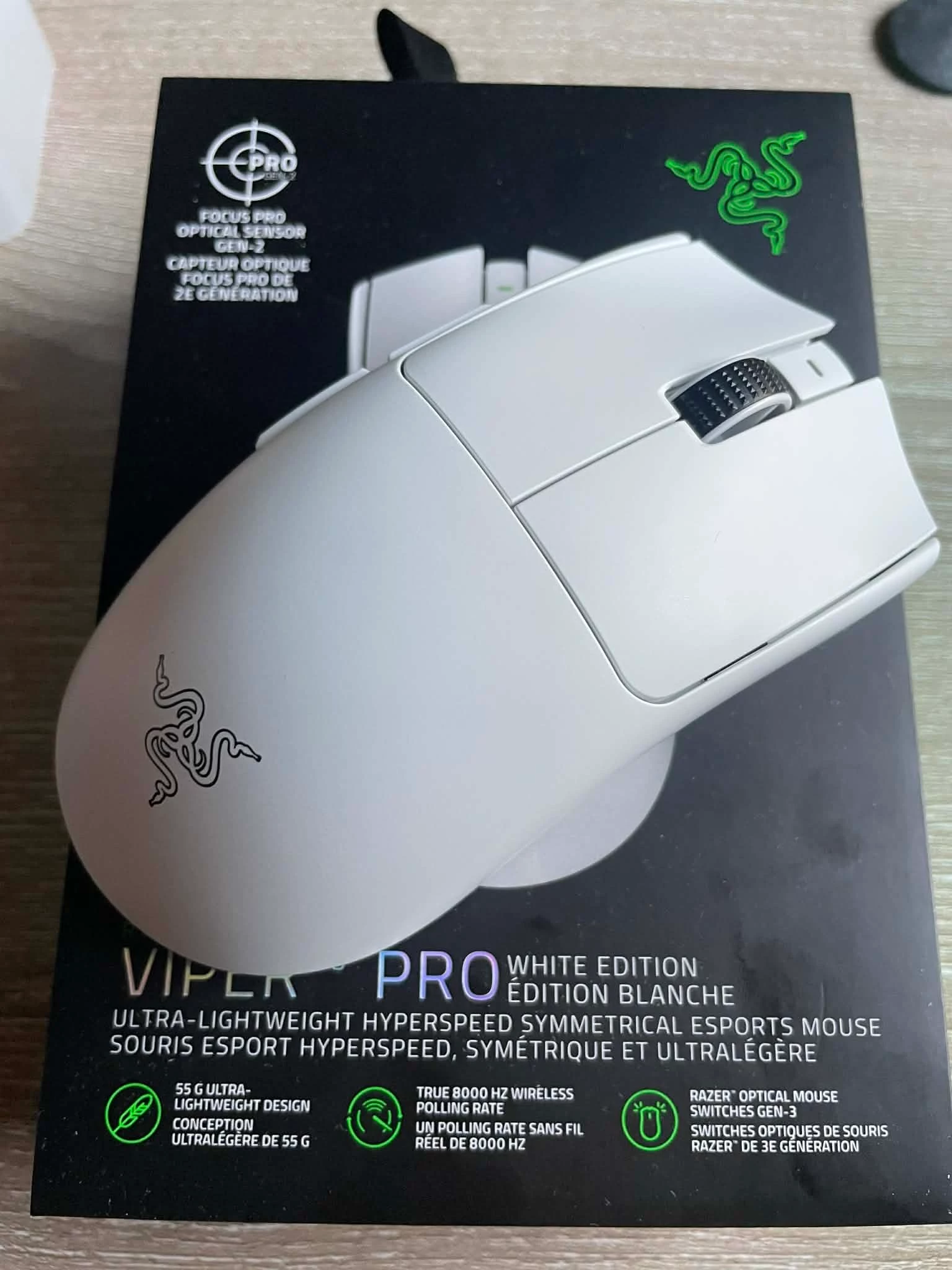
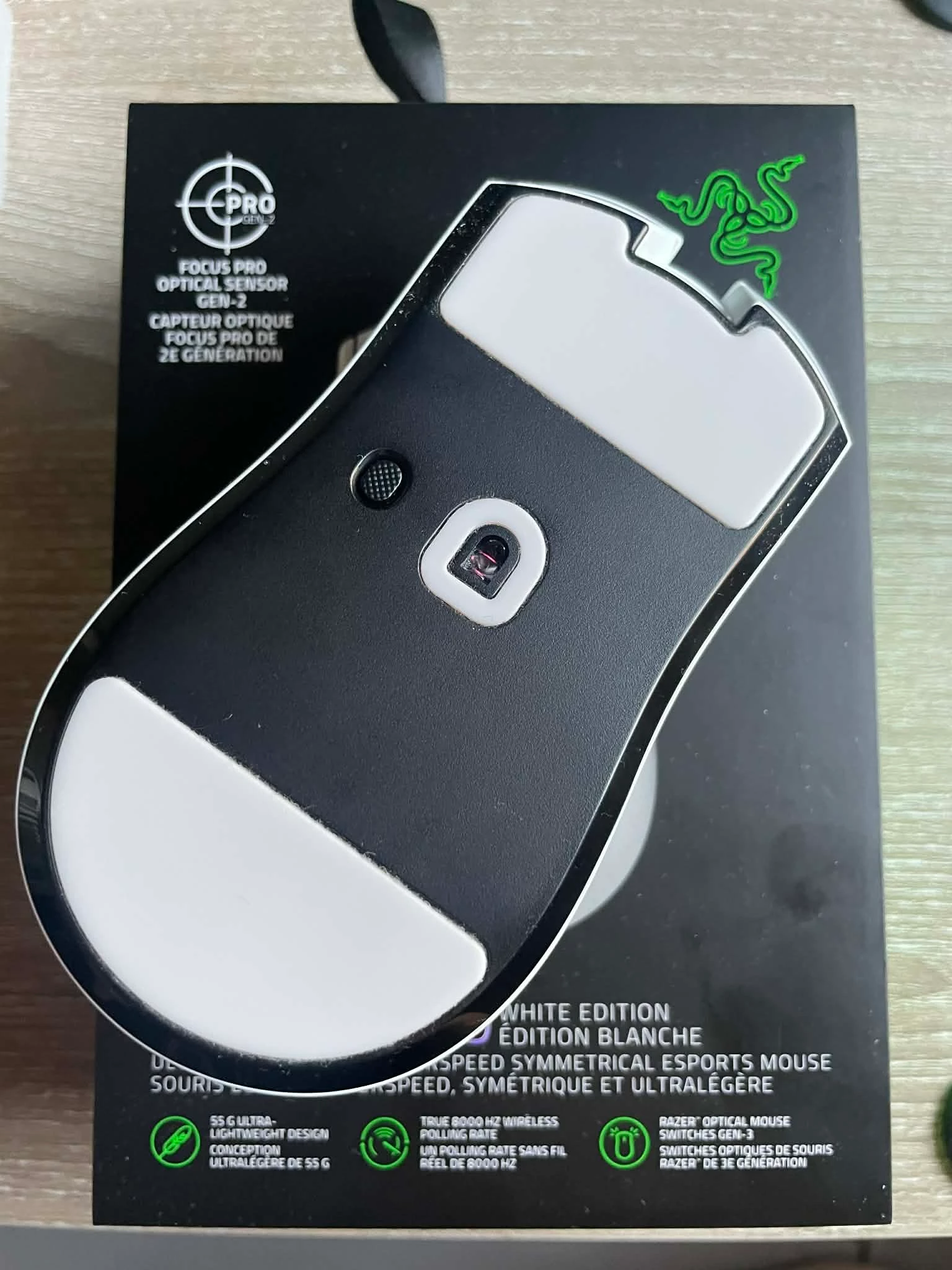
I bought a white Viper V3 Pro from a non-official store. It came as a complete package, and everything seems normal. However, the bottom base of the mouse is black and has no text on it, which makes me worried about what batch I received or whether it might be a fake.

From what I’ve checked so far:

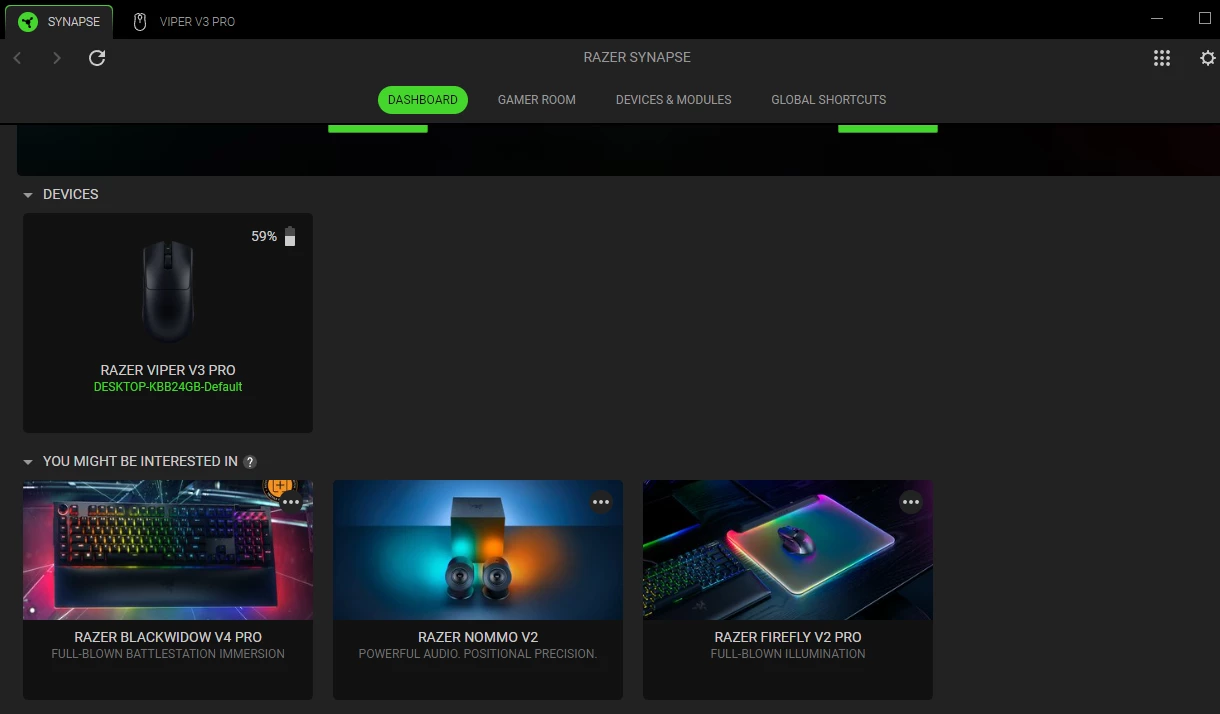
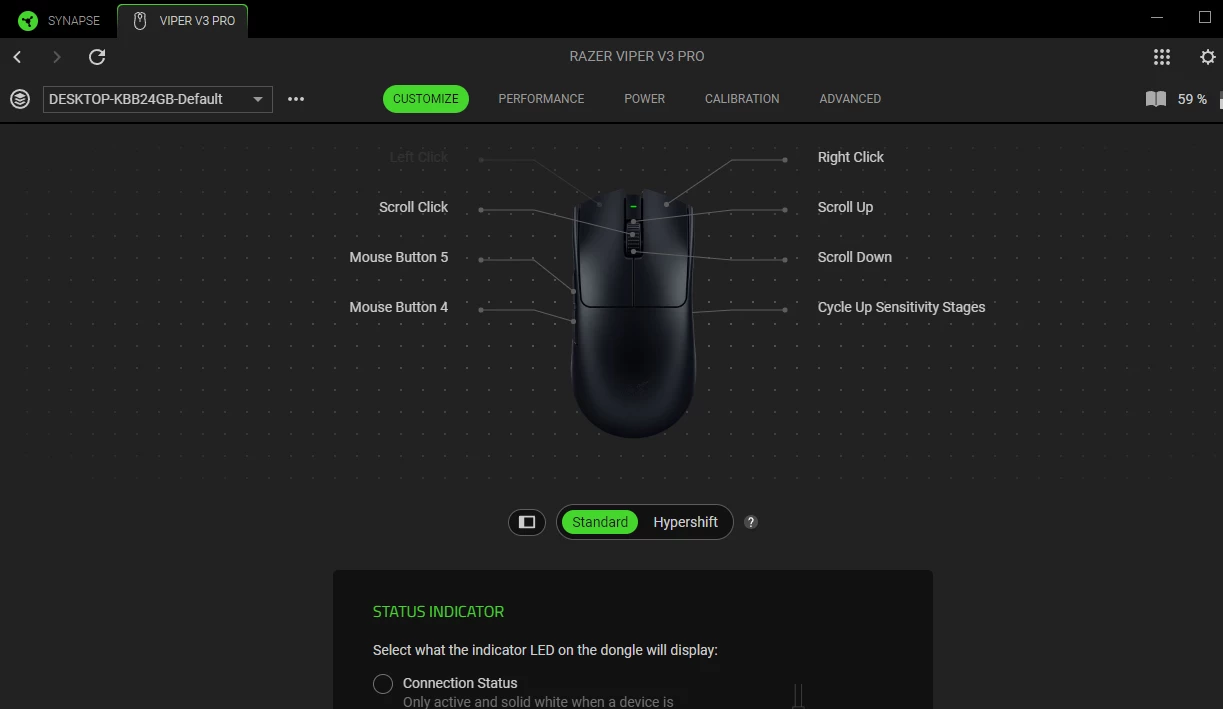
  1. Synapse connects normally.
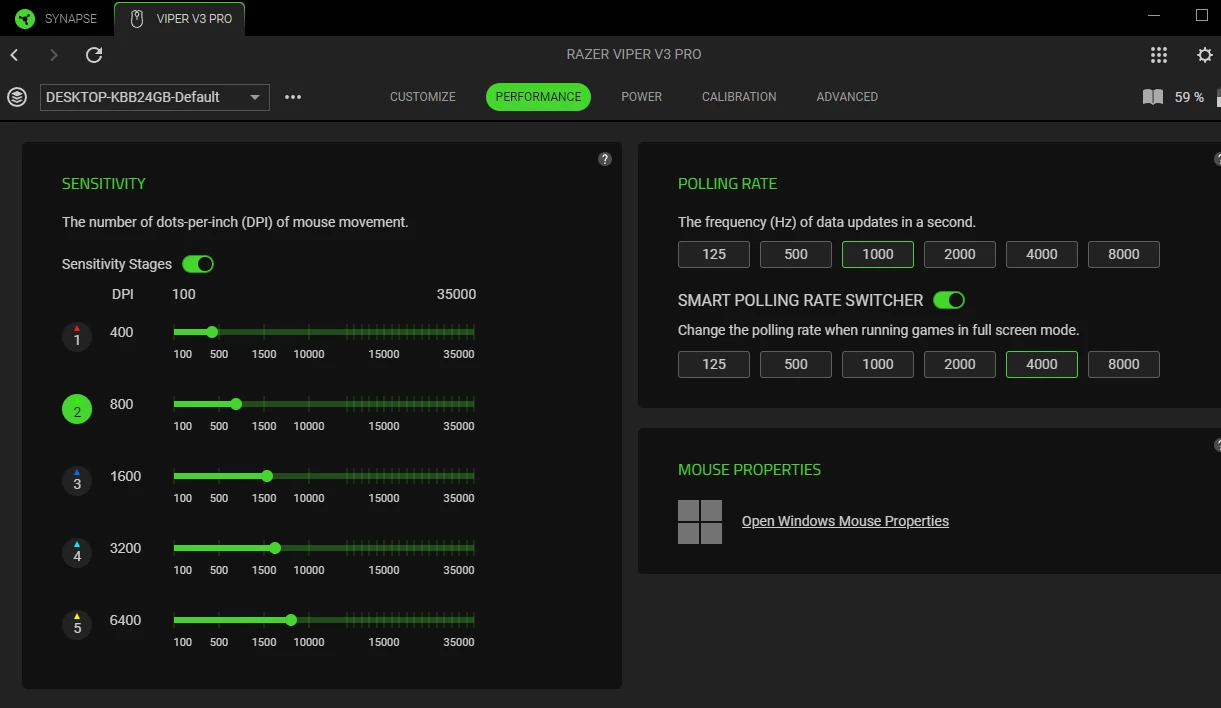
  2. I can adjust all performance settings.
  3. The polling rate can be checked and works normally.
  4. The mouse weighs 54 grams, which is normal.
  5. The serial number can be verified and registered on the website without any issues.

But what I’m still concerned about is: why does the bottom of the mouse look like this?
 

This topic has been closed for replies.

8 Replies

FiszPL
Vanguard
Forum|alt.badge.img+1
  • VANGUARD
  • April 8, 2026

lol… looks like someone on production forgot to pew, pew it with lazer to mark the text / qr code / serial number.

… but the main issue is - why there is a black bottom in Viper V3 Pro White edition?! It should be all white.

That’s some frankenstein mouse. And btw. was the box sealed / not opened?


frontBeigeresources188

Yes, it hadn’t been opened. When I received it, the box was still properly sealed.


frontBeigeresources188

lol… looks like someone on production forgot to pew, pew it with lazer to mark the text / qr code / serial number.

… but the main issue is - why there is a black bottom in Viper V3 Pro White edition?! It should be all white.

That’s some frankenstein mouse. And btw. was the box sealed / not opened?


Yes, it hadn’t been opened. When I received it, the box was still properly sealed.


FiszPL
Vanguard
Forum|alt.badge.img+1
  • VANGUARD
  • April 8, 2026

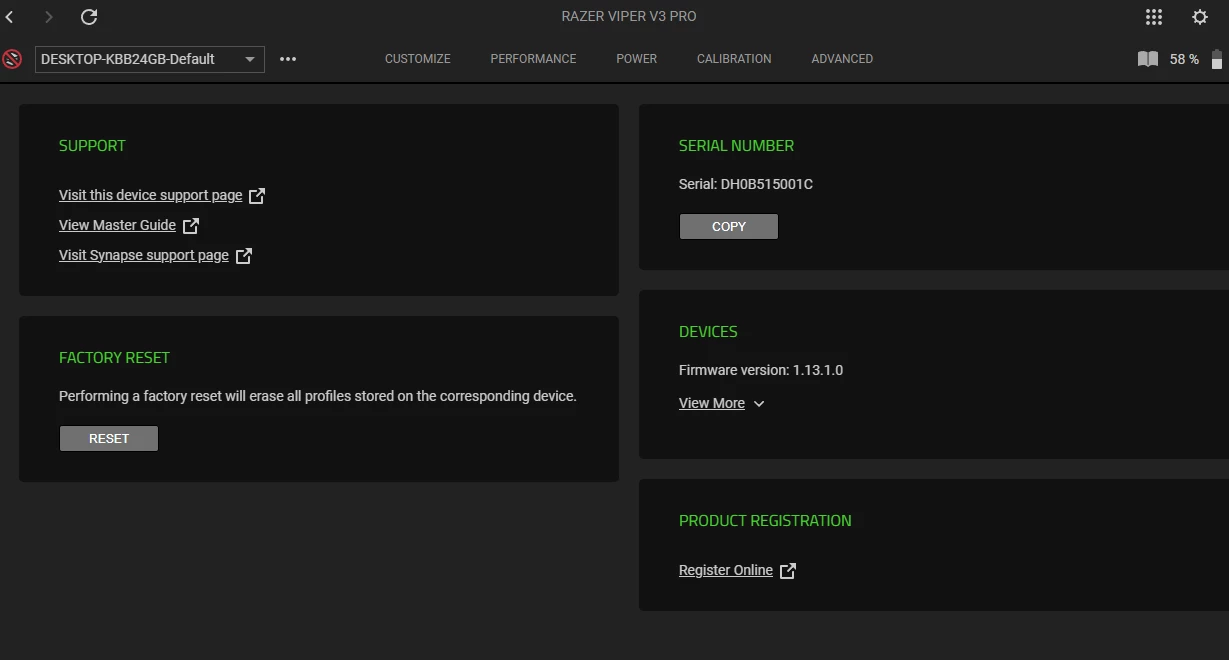
And the serial number in the mouse is the same as the serial number sticked on the box (bottom of the box)?

In Synapse 4 go to your mouse tab then click on (?) icon top right side and you’ll be able to see (and copy) the serial number.


frontBeigeresources188

And the serial number in the mouse is the same as the serial number sticked on the box (bottom of the box)?

In Synapse 4 go to your mouse tab then click on (?) icon top right side and you’ll be able to see (and copy) the serial number.

Oh, I noticed that the numbers are completely different. Could it be possible that the box was swapped, or if the product is not genuine, is it really possible for it to be replicated this accurately? Would you happen to have any information about this?


frontBeigeresources188

And the serial number in the mouse is the same as the serial number sticked on the box (bottom of the box)?

In Synapse 4 go to your mouse tab then click on (?) icon top right side and you’ll be able to see (and copy) the serial number.

here on the box (removed photo showing the device serial number)


Razer.Aero
Forum|alt.badge.img
  • Razer Support
  • April 9, 2026

Hi frontBeigeresources188,

I’m here to assist you. Please send me a PM with your mouse’s proof of purchase and region. Save the sharable files here. Thanks!

“Thread locked to curb conversation to PM.


FiszPL
Vanguard
Forum|alt.badge.img+1
  • VANGUARD
  • April 9, 2026

And the serial number in the mouse is the same as the serial number sticked on the box (bottom of the box)?

In Synapse 4 go to your mouse tab then click on (?) icon top right side and you’ll be able to see (and copy) the serial number.

Oh, I noticed that the numbers are completely different. Could it be possible that the box was swapped, or if the product is not genuine, is it really possible for it to be replicated this accurately? Would you happen to have any information about this?


Dunno what happened here, but personally I’d return the mouse - when something happens, there will be no warranty for it (or there will be a big problem with warranty).