Windows 11 driver for Razer Deathadder Chroma | Razer Insider
Skip to main content
Question

Windows 11 driver for Razer Deathadder Chroma

  • February 2, 2024
  • 5 replies
  • 5215 views

My Razer Deathadder Chroma mouse uses a std windows driver, and i would like to update the driver. However, windows update does not recognize the Raser mouse, and cannot get ‘additional’ drivers. Therefore, i have look ed for a driver on Razer homepage/support, but the Lancehead software, does not detect when i connect/reconnect the mouse to USB port. I cannot click next/begin.

Have spent too much time to find a simple driver for the mouse, and have somewhat given up on it. You are my last resort.

I would like to get the Windows 11 drivers for my mouse, not as a .exe file or MSI, but just the drivers so i can get the mouse to respond properly. 

Many thanks in advance.

5 Replies

FiszPL
Vanguard
Forum|alt.badge.img+1
  • VANGUARD
  • February 2, 2024

If you install Synapse 2.0 software it’ll automatically download the latest drivers for it (of course if it’s not counterfeit DA Chroma): https://www.razer.com/synapse-2


  • Author
  • Insider Mini
  • February 2, 2024

Great, that did the trick. Thx….

However, im a ‘Dinosauer’ when it comes to Companies wanting you to register/login for a simple driver to a mouse!  Its gone too far, and i really dont like that trend. Trying to guard my privacy….

I have moved away from companies that require that games/Apps/Programs etc.. For now, ill use my Razer, and are ok pleased with it. But...;-)

Thats just me, thinking, we need to be more aware. Enough of this ‘Old Fart’ complaning. 

Have a nice day @FiszPL 


sLiDe.67
  • Insider Mini
  • July 9, 2025

Hi guys,


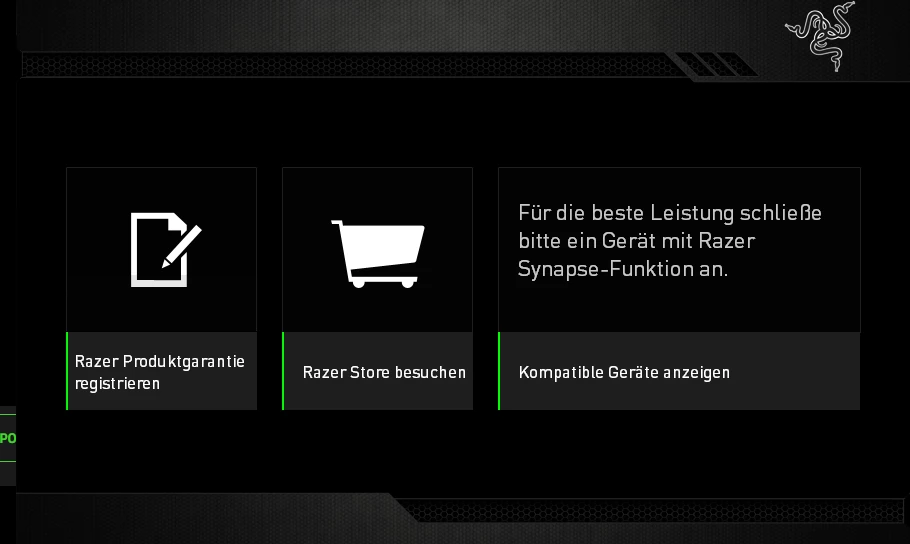
I do have a similar issue with my Deathadder Chroma from 2015 :D with Razer Synapse I automatically got the latest drivers and WIN11 detects the correct modell but synapse v2 will not. Its asks me to connect a device with synapse function while it already is. any ideas?


ty + br

sebb


FiszPL
Vanguard
Forum|alt.badge.img+1
  • VANGUARD
  • July 14, 2025

Hi guys,


I do have a similar issue with my Deathadder Chroma from 2015 :D with Razer Synapse I automatically got the latest drivers and WIN11 detects the correct modell but synapse v2 will not. Its asks me to connect a device with synapse function while it already is. any ideas?


ty + br

sebb


Try clean reinstalling Synapse if you haven’t tried it yet:

  1. Uninstall Synapse
  2. Download & run this tool: https://rzr.to/Tf53xj to remove any razer drivers/leftovers
  3. Then restart your PC
  4. After reboot install Synapse again (as administrator).

Also was the mouse previously detected before?


sLiDe.67
  • Insider Mini
  • July 15, 2025

Hey Fisz,


thanks for your help - it worked very well for me! 

Finally I can setup my Deathadder again :)


BR

sebb