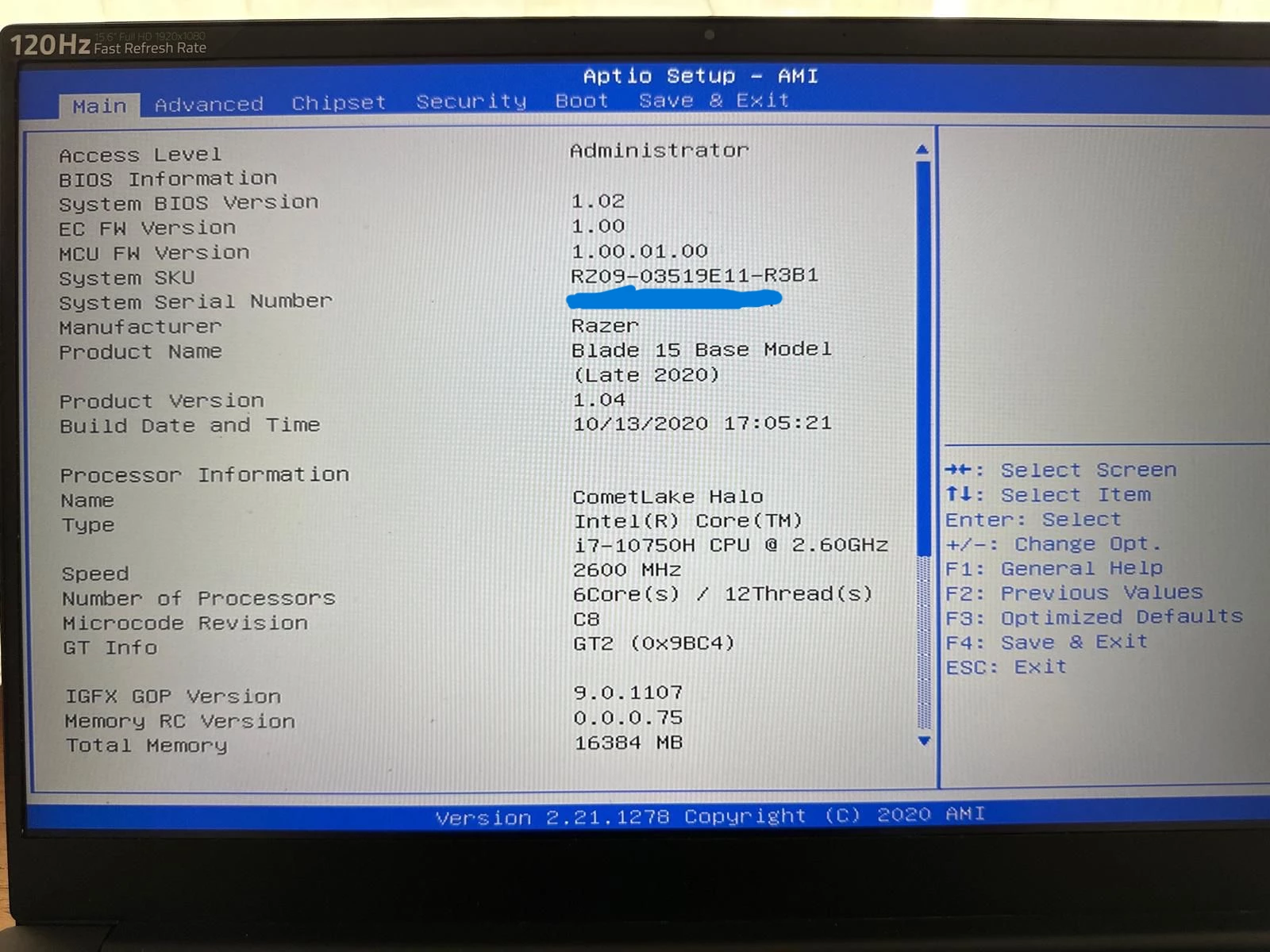
Razer Blade 15 Base Model (Late 2020)
Model: RZ09-03519E11-R3B1
BIOS: 1.02
Windows 11
Issue:
I need Secure Boot enabled because Riot Vanguard (Valorant) reports VAN9003.
When Secure Boot is disabled, Windows boots normally.
When Secure Boot is enabled, the laptop immediately displays:
"Secure Boot Violation
Invalid signature detected.
Check Secure Boot Policy in Setup."
The error appears before the Windows logo or spinning circle appears.
Diagnostics already completed:
• UEFI mode enabled
• TPM 2.0 healthy and enabled
• Windows 11 healthy
• BitLocker disabled
• SFC /scannow clean
• Microsoft Boot Manager in use (\EFI\Microsoft\Boot\bootmgfw.efi)
• EFI partition healthy
• EFI partition contains only Microsoft and Boot folders
• No Linux, GRUB, Clover, Acronis, Macrium or other third-party bootloaders present
• Secure Boot variables PK, KEK and db are all present and readable from Windows
• Secure Boot databases appear to be enrolled and the system reports User Mode when Secure Boot is enabled
Because Secure Boot cannot be enabled, Riot Vanguard reports VAN9003 and Valorant cannot be played.
Questions:
-
Has anyone encountered this issue on the RZ09-03519E11-R3B1?
-
Is there a Secure Boot recovery or Secure Boot database reset procedure for this model?
-
Is there a BIOS version newer than 1.02 available?
-
Has anyone successfully enabled Secure Boot on this exact model under Windows 11?
Any assistance would be greatly appreciated.


The Secure Boot Violation error occurs before the Windows logo appears.