7.1 Surround sound software not showing UI. | Razer Insider
Skip to main content

7.1 Surround sound software not showing UI.

  • March 14, 2021
  • 4 replies
  • 63 views

SoiGrame
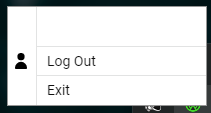
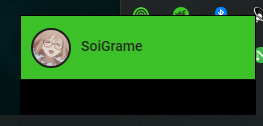
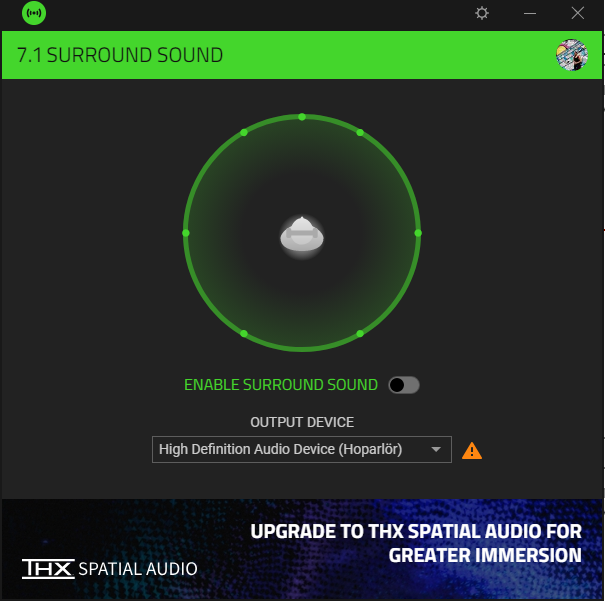
it runs but only shows up on the taskbar left click shows this and right click shows this: otherwise I can choose 7.1 Surround sound as audio output but with no sound out. and my headphone is Kraken X USB, motherboard is MSI MORTOAR MAX B450M. Device manager shows that my headphone driver is USB Audio device.
This topic has been closed for replies.

4 Replies

  • March 14, 2021
i was active surround 7.1 after windows setup i reintall it and again try to active but i can not & its show it is already use this code now how can i use surround sound

SoiGrame
  • Author
  • Insider Mini
  • March 15, 2021
mehedi16
i was active surround 7.1 after windows setup i reintall it and again try to active but i can not & its show it is already use this code now how can i use surround sound
actually i used my active code twice but the second time is registing my headphone in my razer id profile, and i dont know if this works or not, 'cause i cant open my software anymore....

Im having the same problem someone please help.

I have the same issue. I used to use my headphone without any problem before. Couple of days ago, I installed the latest Windows Update. After update, I am unable to chose 7.1 from right bottom sound logo (it only says High Definition Audio Device). Due to this, I can not enable surround sound. What is the fix for it ?