

Razer Blade Stealth, i7, Modelyear 2016 or 2017
Hi all,
I basically studying abroad and let my Blade Stealth Book at home. Yesterday I powered it on - everything worked as expected...but then I came across the idea changing the SSD from 256GB to 500GB which I got for birthday earlier this week.
Procedure:
1. Downloaded Windows 10 Media Creation Tool
2. Made USB install media
3. Change of SSD
4. Booting to USB Stick
###
Here it becomes tricky...it boots and the BIOS checks for SSD (OK) and for the USB Stick (also OK)...But after the loading-dots under the Razer Logo are gone, the screen stays black. My best friend of mine has got a Razer 14 inch 2016 modell and the same applies there...if I want to reinstall it it wont work.
After placing the original SSD back inside, everything works again.
Best regards,
Robert
This topic has been closed for replies.


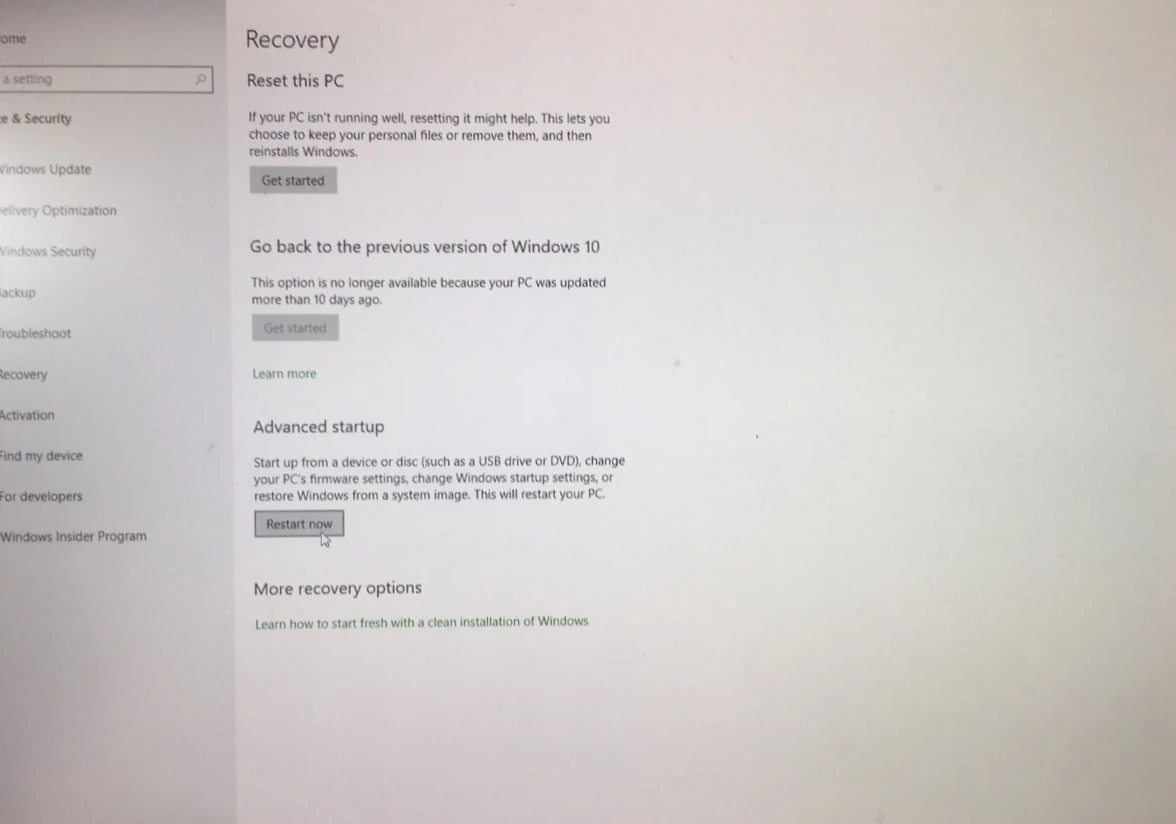 It should load original recovery file to your usb.
I didn’t do it right now but I had pictures from japanese youtuber. Choose troubleshooting
It should load original recovery file to your usb.
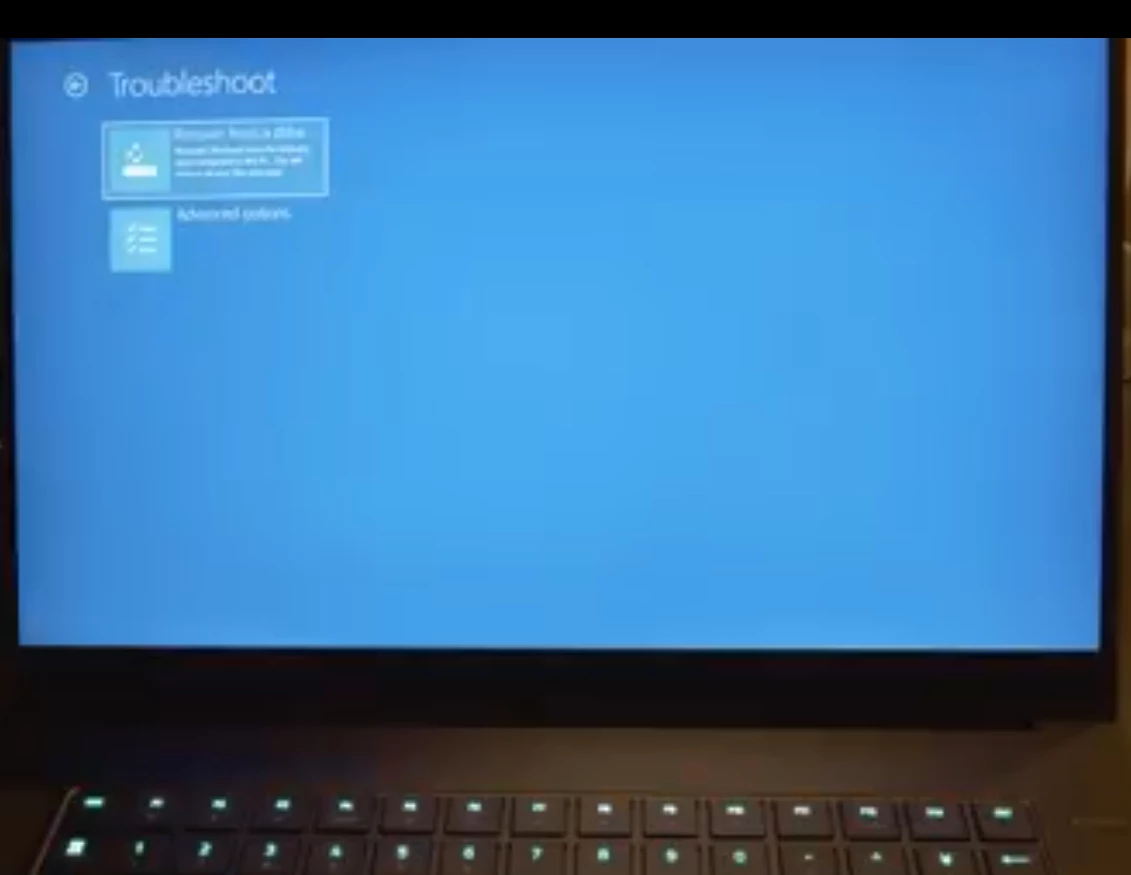
I didn’t do it right now but I had pictures from japanese youtuber. Choose troubleshooting
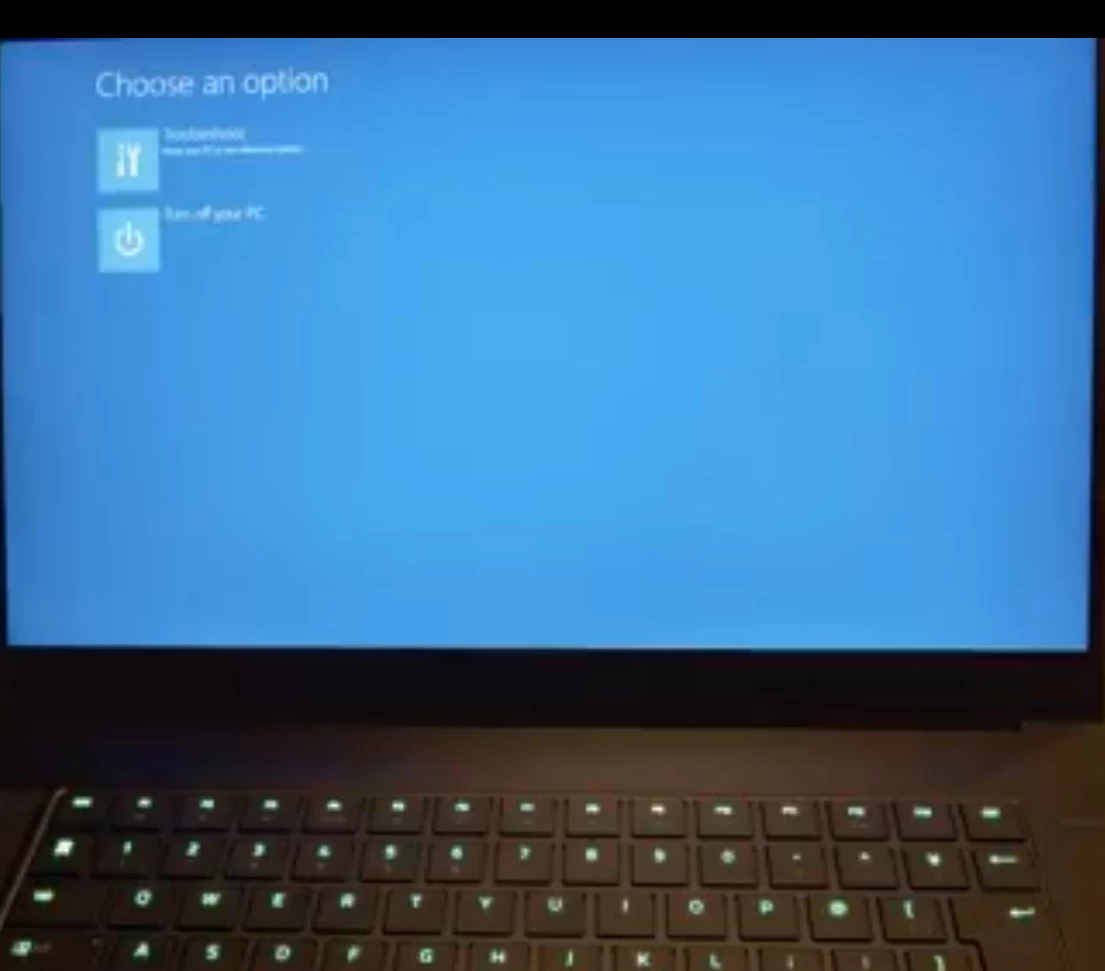 and recovery file, first one

Sign up
Already have an account? Login
Log in with Razer ID to create new threads and earn badges.
LOG INEnter your E-mail address. We'll send you an e-mail with instructions to reset your password.