BlackShark V3 Pro: Sound muffled every startup, must cycle EQ button to restore normal audio | Razer Insider
Skip to main content
Question

BlackShark V3 Pro: Sound muffled every startup, must cycle EQ button to restore normal audio

  • August 25, 2026
  • 4 replies
  • 57 views

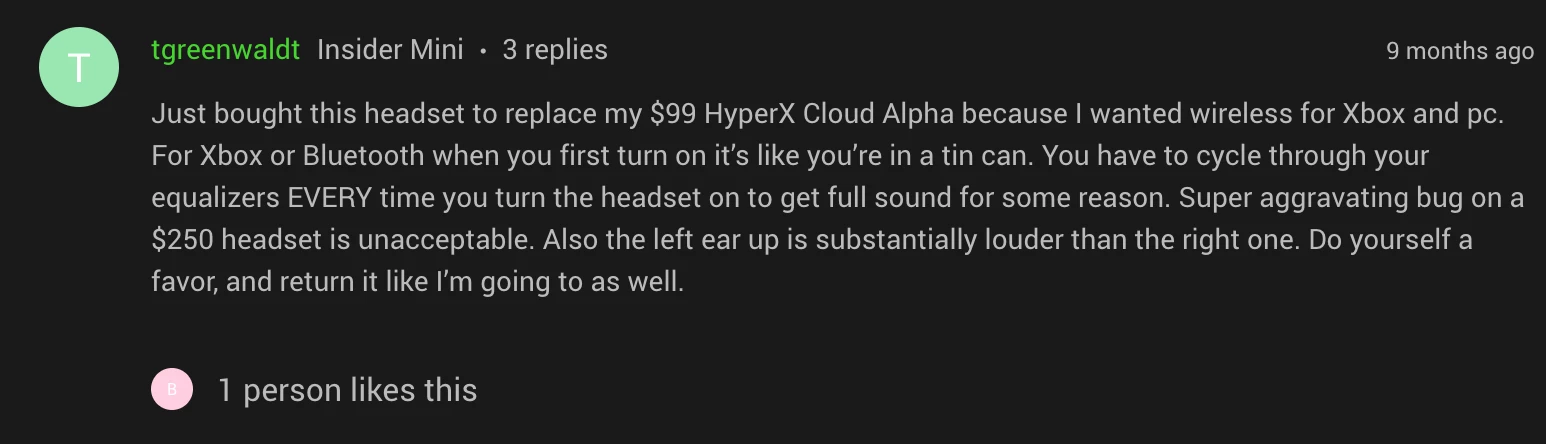
Hi bro, I have a Razer BlackShark V3 Pro headset. Every time I power it on, the audio sounds muffled and distorted. I need to cycle through the EQ button on the headset to restore normal sound quality. Both the headset and dongle are running the latest available firmware. I’ve noticed multiple other users in the community are reporting this exact same bug. Is Razer aware of this issue?

4 Replies

  • Author
  • Insider Mini
  • August 25, 2026

Hi bro, I have a Razer BlackShark V3 Pro headset. Every time I power it on, the audio sounds muffled and distorted. I need to cycle through the EQ button on the headset to restore normal sound quality. Both the headset and dongle are running the latest available firmware. I’ve noticed multiple other users in the community are reporting this exact same bug. Is Razer aware of this issue?

I’ve noticed other community users have reported similar issues before, yet there has been no official response or update regarding a fix.


Every time I start the V3 Pro the EQ sounds like trash and I have to cycle through to my custom setup. No response from Razer at all. Is there any way to get in touch with an actual developer? After all these months I feel like this is never going to be fixed.


I fixed my issue. I’m not the best with computers but Ill explain exactly what I did.


I went to uninstall the synapse software by going to windows setting > installed apps > synapse > uninstall. It then popped up a window that gave me the option to “repair” my software which I did and IT WORKED. 


It will reset all settings to default so make sure to take a pic or remember your settings.


I fixed my issue. I’m not the best with computers but Ill explain exactly what I did.


I went to uninstall the synapse software by going to windows setting > installed apps > synapse > uninstall. It then popped up a window that gave me the option to “repair” my software which I did and IT WORKED. 


It will reset all settings to default so make sure to take a pic or remember your settings.

Thanks for the tip, I’ll try this later today!

Are you running synapse in the background? I only run it for initial setup, since I don’t want too many programs running at once. If so, this is unfortunately more of a workaround than a fix, and I assume wouldn’t help those using a console.