Hi everyone,
I'm experiencing a very strange issue with my Razer Monitor Stand Chroma (RC21-0232), and it appears to have started after a recent Synapse/Chroma update.
The important thing is that I have now completely reinstalled Windows 11 from scratch, so this is a completely clean installation with no previous Razer configuration or leftover software.
The problem
When the computer starts, the entire LED strip works perfectly.
If I disconnect and reconnect the Monitor Stand while Synapse/Chroma is not running, 100% of the LEDs work correctly.
The physical Chroma button also works correctly and cycles through the built-in lighting effects with the entire LED strip illuminated.
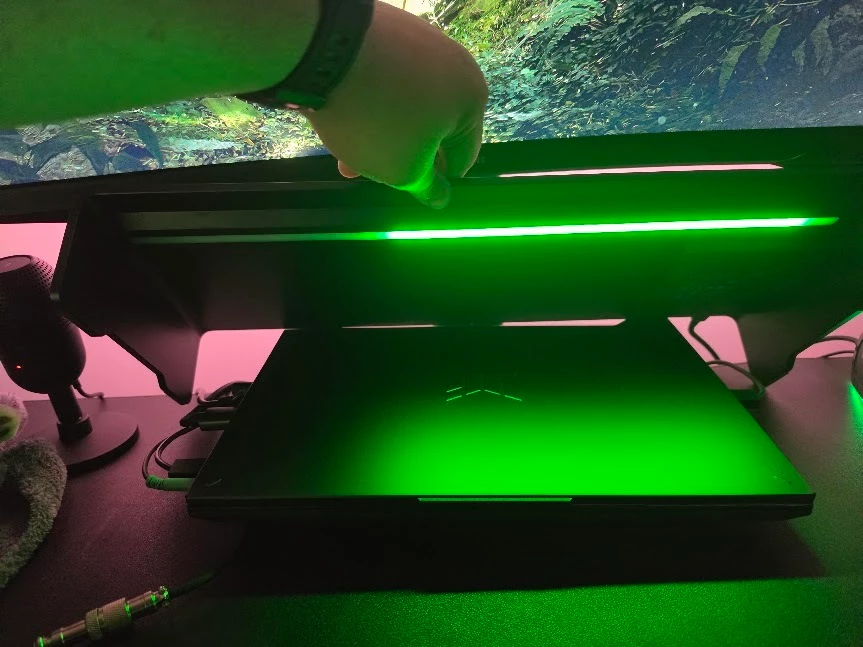
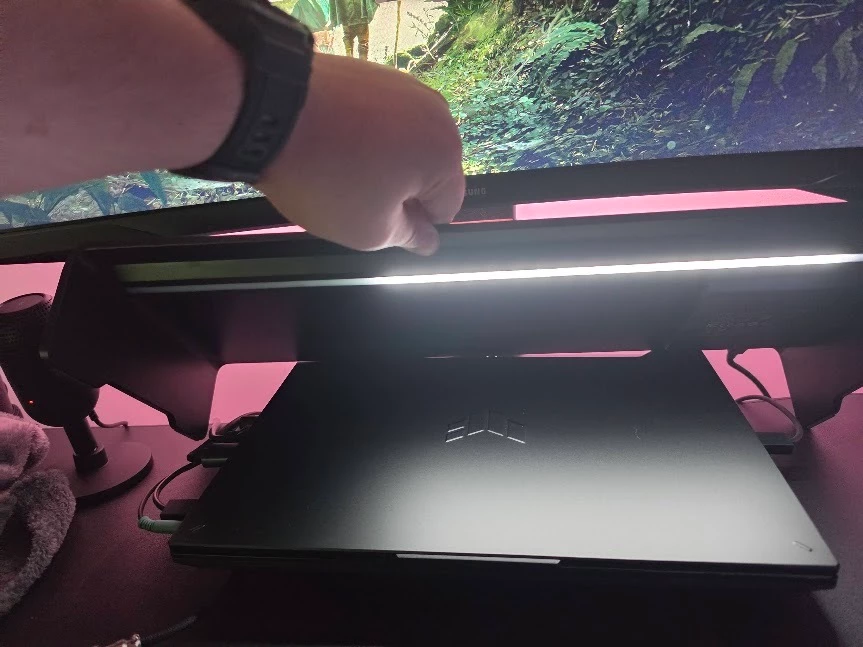
However, as soon as Razer Synapse/Chroma starts and takes control of the Monitor Stand, part of the LED strip turns off.
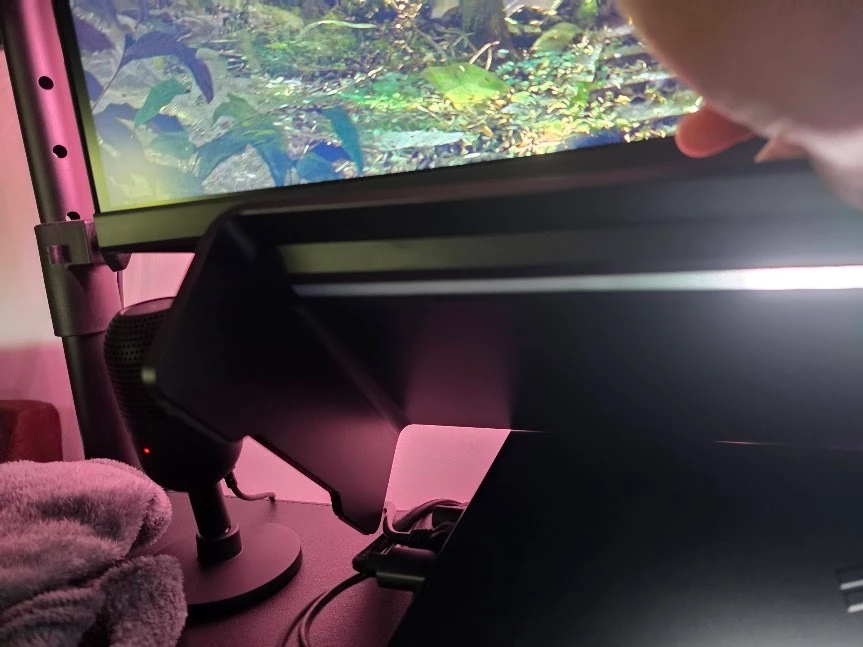
It is roughly half of the strip, slightly less.
The affected section is always the same.
For example:
- Static → affected section is OFF
- Breathing → affected section is OFF
- Spectrum Cycling → affected section is OFF
- Other Chroma effects → affected section is OFF
This is not an issue with a particular lighting effect.
What makes this particularly strange
The LEDs clearly are not physically damaged.
I can repeatedly reproduce this behavior:
Synapse/Chroma NOT running
→ 🟢 100% of the LEDs work
Synapse/Chroma starts
→ 🔴 the same section of the LED strip turns OFF
If I disconnect and reconnect the USB cable with Synapse/Chroma closed:
→ 🟢 100% of the LEDs immediately work again
Then, as soon as Synapse/Chroma takes control:
→ 🔴 the same section turns off again
Troubleshooting I've already done
I have already tried:
- Disabling Windows Dynamic Lighting
- Testing multiple Chroma effects
- Testing the physical Chroma button
- Completely closing Synapse
- Disconnecting/reconnecting the Monitor Stand
- Reinstalling Synapse/Chroma
- Performing a complete clean installation of Windows 11
- Installing Synapse/Chroma again on the completely fresh Windows installation
And the issue still happens on the completely clean Windows installation.
Windows version
I just reinstalled Windows 11 from scratch and I'm currently running:
Windows 11 Pro 26H2
OS Build 26300.9445
This is a completely fresh Windows installation. There was no previous Synapse installation, no old Chroma profiles, and no previous Windows configuration carried over.
Because of this, I'm strongly suspecting a recent Synapse/Chroma update or compatibility issue with the RC21-0232, rather than a Windows installation or hardware problem.
Device
Razer Monitor Stand Chroma
Model: RC21-0232
Has anyone else experienced this since the latest Synapse/Chroma update?
I'd especially appreciate feedback from other RC21-0232 owners, or confirmation from Razer staff about whether there is a known issue, firmware update, device reset procedure, or recent Synapse/Chroma regression affecting the Monitor Stand Chroma.
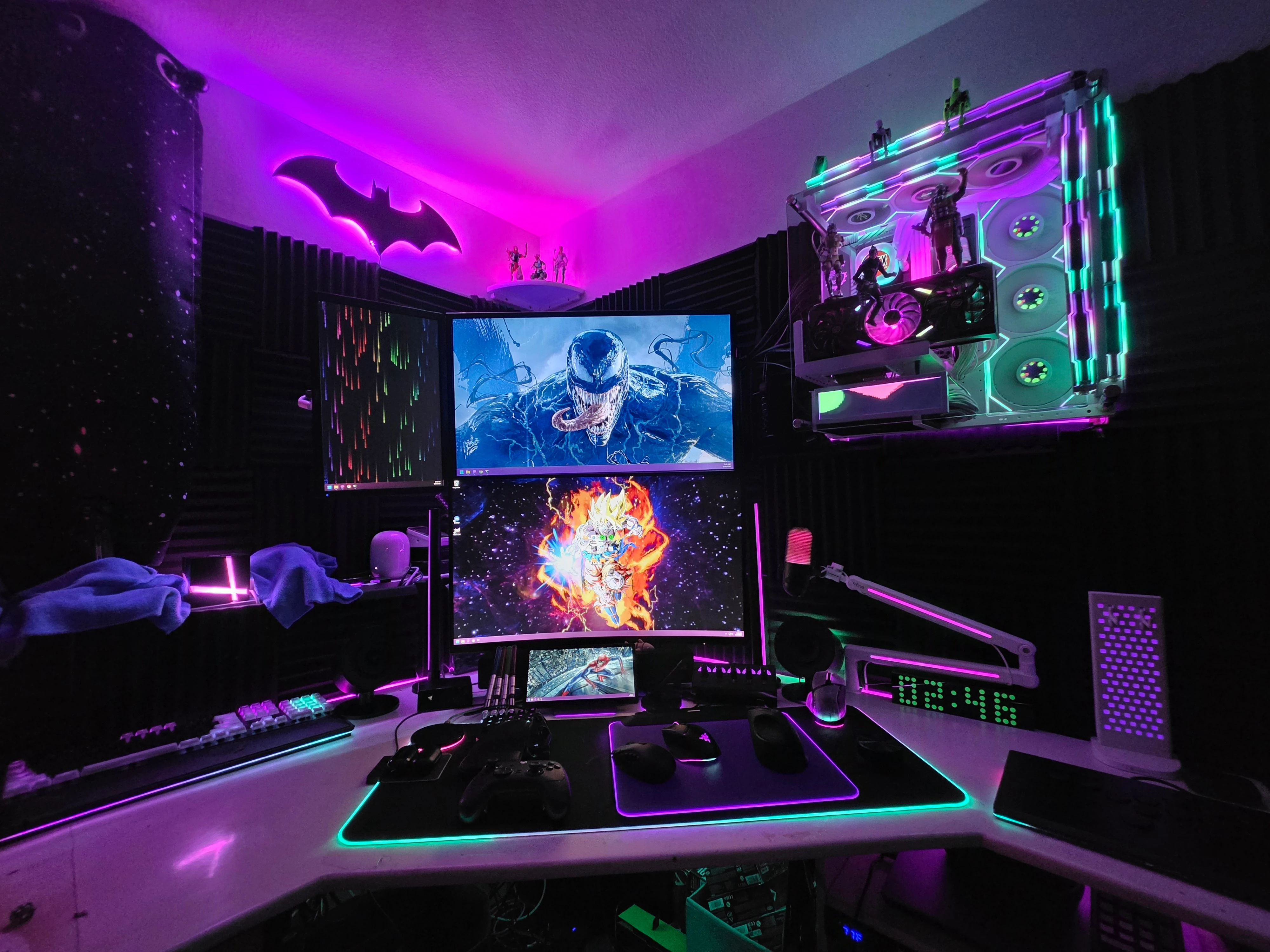
I've attached photos showing the affected section.
Thanks!