Barracuda x (2022) firmware update not working | Razer Insider
Skip to main content
Question

Barracuda x (2022) firmware update not working

  • January 16, 2025
  • 36 replies
  • 3510 views

Show first post

36 Replies

GianGD
  • Insider Mini
  • March 26, 2025

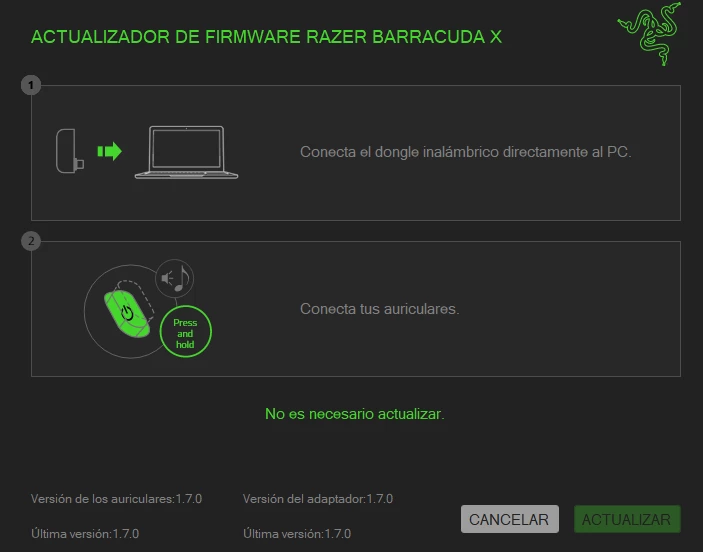
Es posible que tenga algunas buenas noticias. Hoy he recibido un mensaje de seguimiento del servicio de asistencia de Razer que me enlaza con una página web con una nueva herramienta de actualización de firmware. Lo probé y la herramienta funcionó normalmente como lo hacía en el pasado. Dice que estoy en el firmware actual, headset fw 1.7.0 y dongle fw 2.0.0. Parece que el dongle era quizás "demasiado nuevo" para ser detectado y esa fue mi corazonada. Pero hasta que no lo vea funcionar, ¿cómo lo sé...


Pregunté y me dijeron que está bien compartir este enlace, pero que la nueva herramienta de actualización de fw estará en el sitio de Razer "pronto". Así que aquí hay v1.7.0_r4, que debería aparecer en la sección de soporte habitual de Razer eventualmente.

https://mysupport.razer.com/app/answers/detail/a_id/15083


Espero que fu

ncione para todos aquí ahora, y que recibas una confirmación o actualización. Cierro el boleto a continuación con Razer.

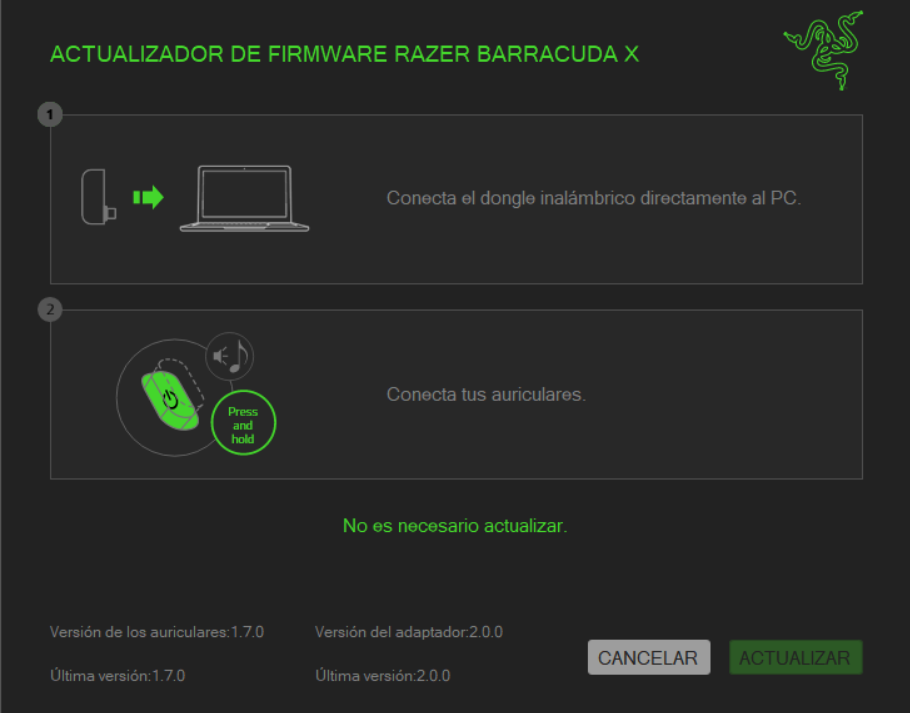
I tried it and well now the "firmware updater" does recognize the hearing aids correctly but it says that the hearing aids are already in their latest version, so in conclusion there was no firmware update. 

I would like you to confirm if you see the same thing as me in the screenshot I shared, and anyway I am grateful for contacting us, thank you very much.


  • Insider Mini
  • March 26, 2025

GianGD, yes, that’s the same information I am getting when I run the latest firmware update tool.

If someone still has a firmware update tool problem after running the latest r4 Razer tool, I would open up a trouble ticket with Razer as you could have a hardware or some other problem.


  • Insider Mini
  • March 26, 2025

GianGD, yes, that’s the same information I am getting when I run the latest firmware update tool.

If someone still has a firmware update tool problem after running the latest r4 Razer tool, I would open up a trouble ticket with Razer as you could have a hardware or some other problem.

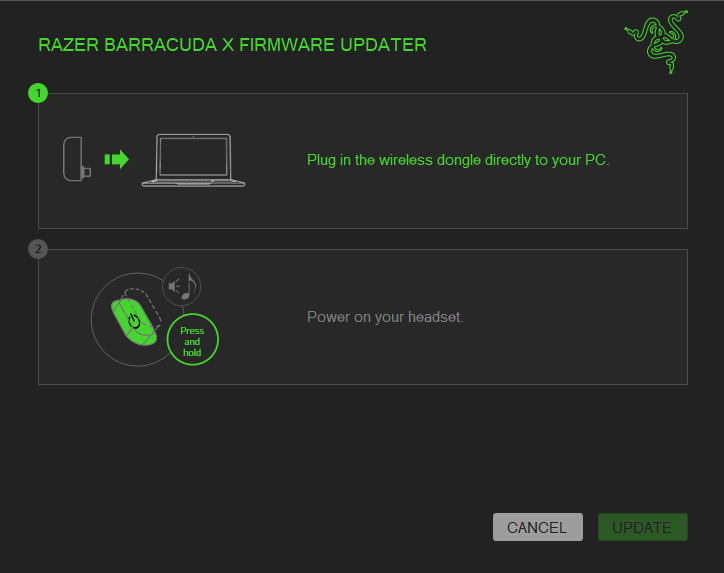
I downloaded the lasted linked firmware update and i have still the issue, Windows 11 Pro latest version and seems like the updater can’t recognize my headset. It’s the RazerBarracudaX_0550_0552_FirmwareUpdater_v1.7.0_r4 version and i tried everything to pair the headset to the updater, still not recognizing. I connected the C port dongle (i have USB C port in the motherboard) and turn up the headset, even connected those by USB while dongle was in; headset totally work but the updater can’t recognyze it.
Waiting for updates, hope we can find a solution.


madetofall
  • Insider Mini
  • April 12, 2025

I may have some good news.  I received a follow-up message from Razer support today linking me to a web page with a new firmware update tool.  I tried it, and the tool worked normally as it did in the past.  It says I’m on the current firmware, headset fw 1.7.0 and dongle fw 2.0.0.  It seems that the dongle was perhaps “too new” to be detected and that was my hunch.  But until I see it working, how do I know…


I asked and was told it’s OK to share this link, but that the new fw update tool will be on the Razer site “soon”.  So here is v1.7.0_r4, which should show up in the usual Razer support section eventually.

https://mysupport.razer.com/app/answers/detail/a_id/15083


Hope that works for everyone here now, and you get a confirmation or update.  I’m closing the ticket next with Razer.


This version reads the dongle, but crashes when trying to read the headset version. Audio is super solid when using cable, but static when using BT, and static + popping/cracking when using the dongle. Very disappointing. Will unfortunately be returning these… :(​​​


PolishedPineeasyCORAL253

Razer Barracuda X (2022) I can't flash it, what should I do? I have firmware 1.7.0, now firmware v2.1.1_r2 has been released. I do everything according to the instructions, I connect the dong, turn on the headphones and it says you have the latest firmware. I tried it on different PCs. Help me figure out what the reason might be.


  • Insider Mini
  • September 5, 2025

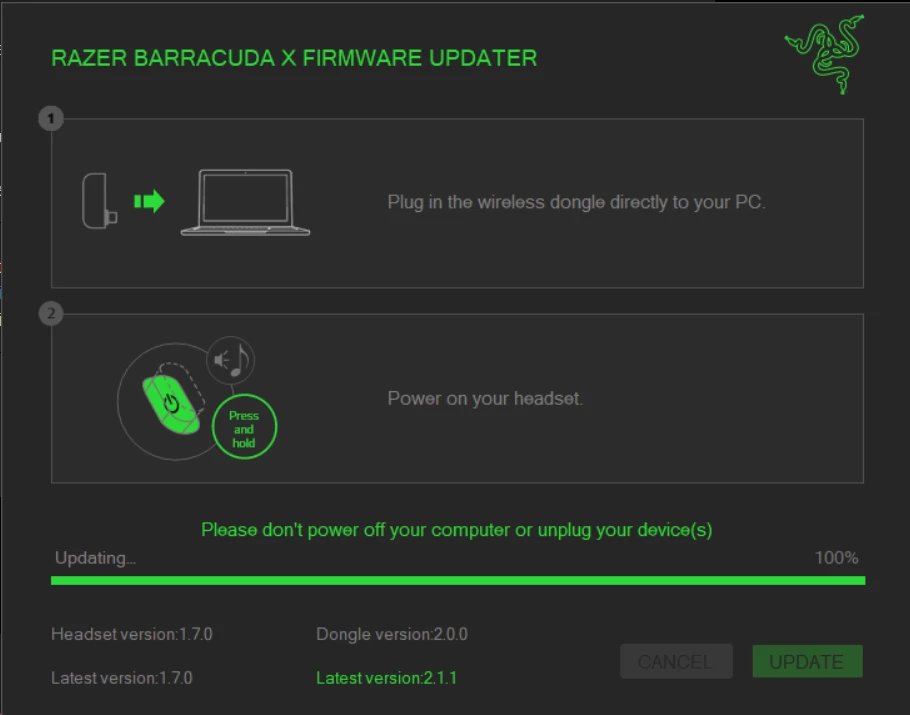
I tried the latest link as provide above and it initially said that I needed to update the dongle; the headset was still v1.7.0 as shown.


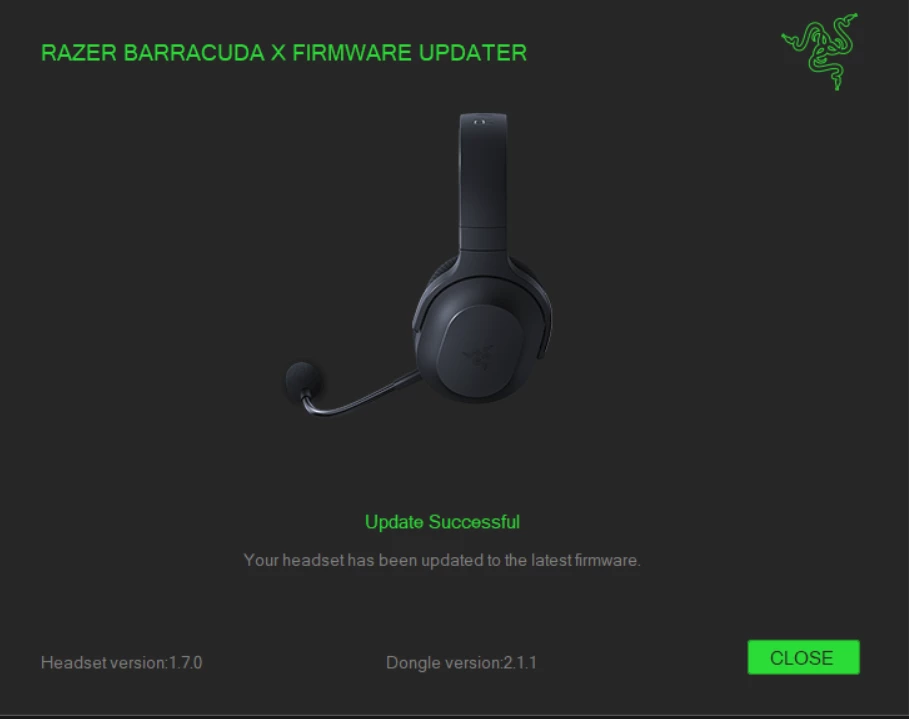
After doing this process, it wanted me to unplug the dongle and plug it back in, and I also noticed the headset said something to the effect of “factory reset”.  Now it came back with this:


Now it says you have the latest firmware, matching 1.7.0 headset and 2.1.1 dongle.  Were there any steps that you missed in the process?  I unplugged the headset and plugged it back in and then noticed they wanted the dongle unplugged, not the headset.  :)


EDIT: I should mention that the file name I downloaded this update was called: RazerBarracudaX(2022)_0552_0550_FirmwareUpdater_v2.1.1_r2.exe


AlexParu
  • Insider Mini
  • September 6, 2025

Razer Barracuda X (2022) I can't flash it, what should I do? I have firmware 1.7.0, now firmware v2.1.1_r2 has been released. I do everything according to the instructions, I connect the dong, turn on the headphones and it says you have the latest firmware. I tried it on different PCs. Help me figure out what the reason might be.

SAME trouble as you!!! 


  • Insider Mini
  • October 8, 2025

I couldn’t update to the latest 2 firmware executables with my Barracuda X (2022). 

First I never could update from v1.7.0_r2 to _v1.7.0_r4 (because only 1.7.0 was checked and already saying had the latest version)

Now I can’t upgrade to v2.1.1_r2 because when I connect the dongle it says 1.7.0 is the latest version. This is a bad joke!


  • Insider Mini
  • October 8, 2025

One thing I discovered after my headset replacement is that there are apparently two different hardware versions out now for the dongle (depending on purchase date), and one hardware version for the headset.

Tech support would have to comment on what the latest v1 and v2 firmware is and upgrade compatibility.

Sorry if that’s not much help; I haven’t looked again since my 2.1.1 dongle update.


Shim0o
  • Insider Mini
  • December 15, 2025
The problem still persists; the software update isn't working. This is most likely because the device is detected by the system as USB Audio 1.0. However, it's unlikely to be counterfeit, as it was purchased from an official supplier and the serial number was activated on the website.

Shim0o
  • Insider Mini
  • December 21, 2025

The problem is most likely related to the fact that the headphones are counterfeit. I decided to return them and buy new ones from a different seller. The new headphones are detected correctly, and the software update works.