Blade 15 Advanced is overheating after Synapse update | Razer Insider
Skip to main content

Blade 15 Advanced is overheating after Synapse update

  • June 8, 2019
  • 5 replies
  • 13 views

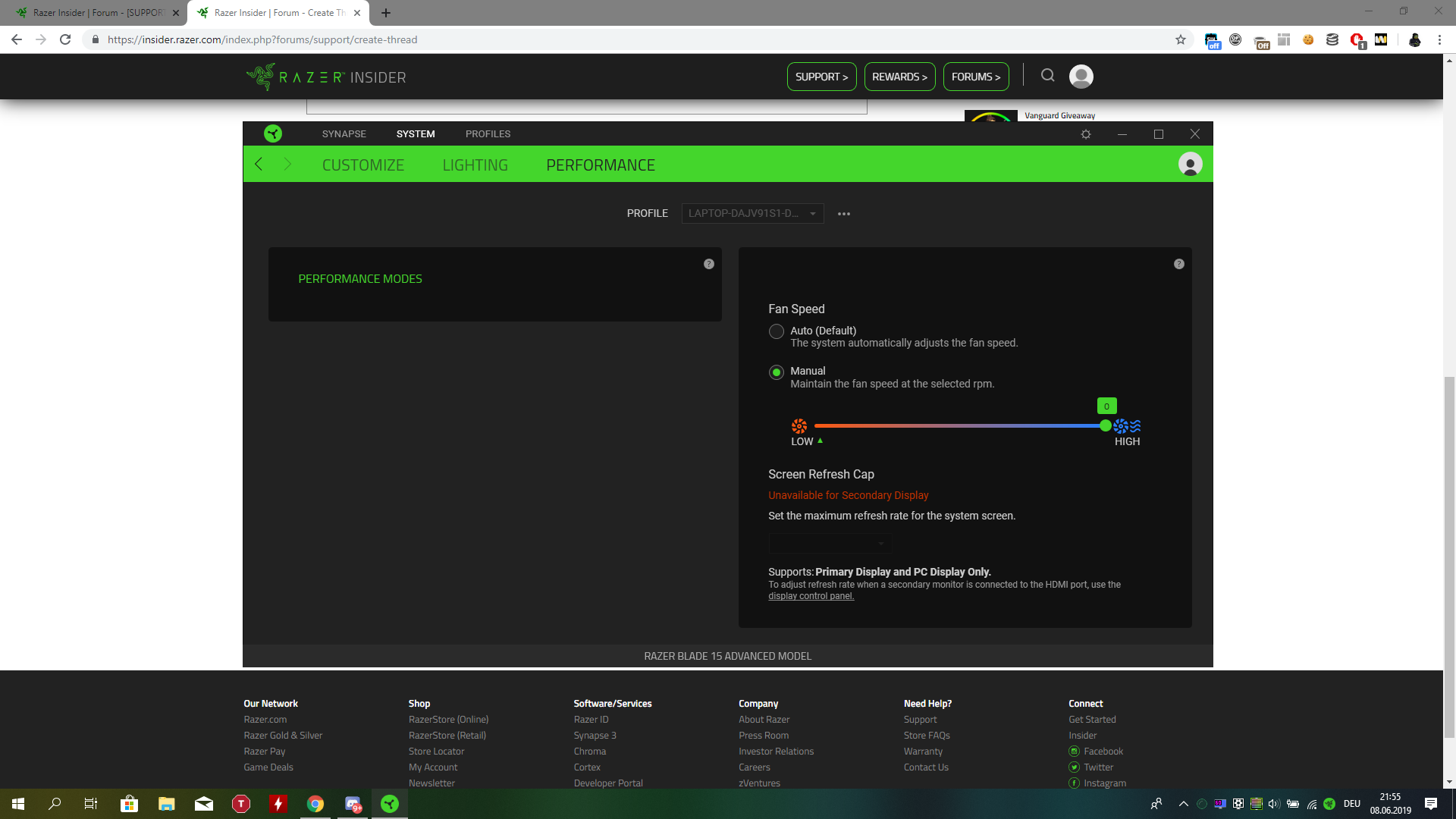
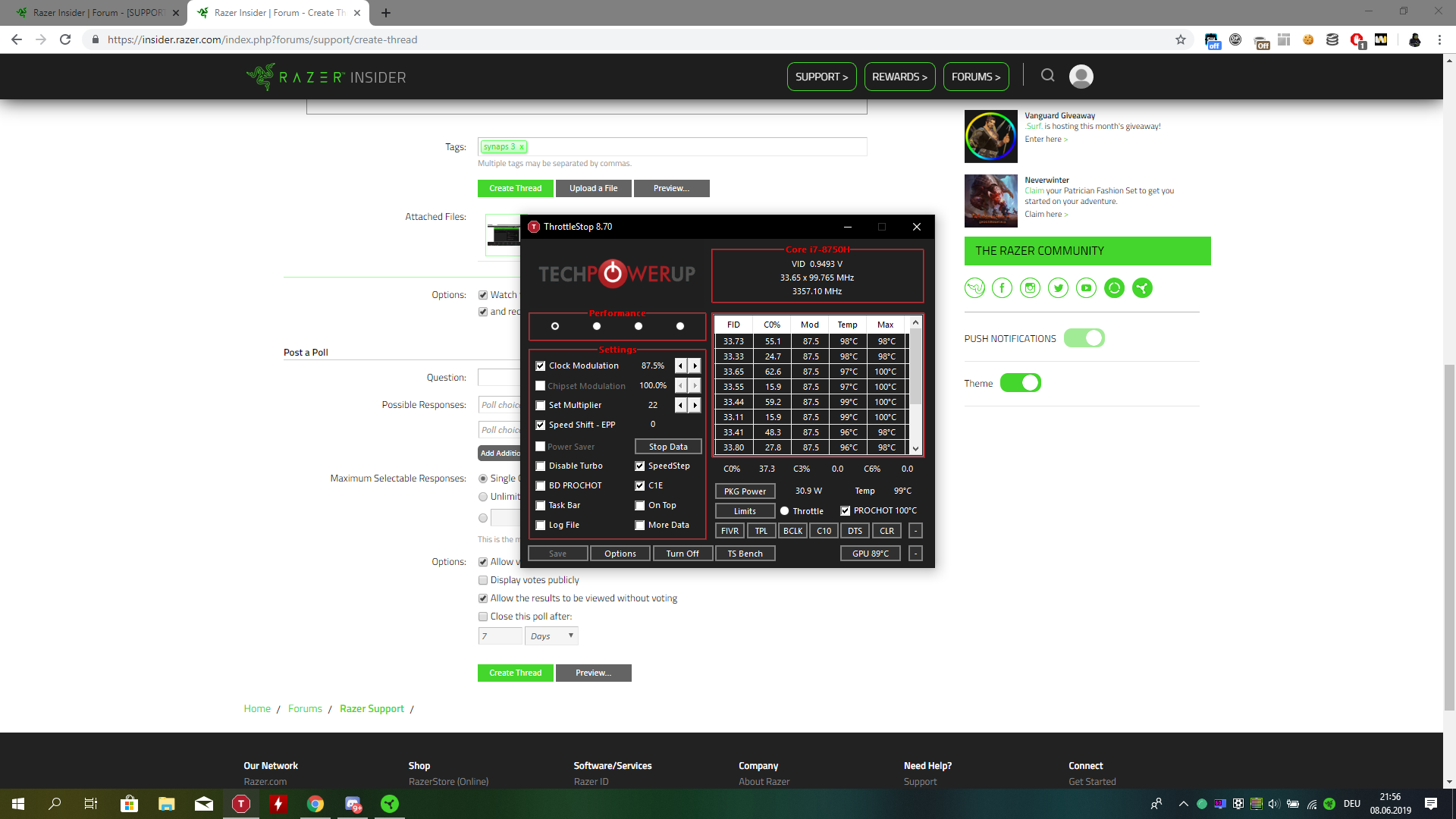
My Blade 15 is overheating since the newest update (version 3.4.604.60316) my Laptop is starting to overheat. Its getting 100C while im watching videos. I cant change the performance modes and when im trying to change the fan speed the number stays on 0. Is there a way to downgrade? Razer Synapse performance settings: Throttle Stop and Temps:
This topic has been closed for replies.

5 Replies

  • Guardian of the Forest
  • June 9, 2019
Hi there! Have you tried reinstalling Synapse? If you haven't, please do and let me know how it goes.

  • Author
  • June 10, 2019
Razer.RedPanda
Hi there! Have you tried reinstalling Synapse? If you haven't, please do and let me know how it goes.
Reinstalled it, now i cant put fan speed over 5000rpm in gaming mode and r6 is still lagging and i have 100C.

  • Guardian of the Forest
  • June 10, 2019
Thanks for the reply. Can you PM me the serial number of your Blade? Let's continue there.

TheLPCheat
Reinstalled it, now i cant put fan speed over 5000rpm in gaming mode and r6 is still lagging and i have 100C.
My blade will not allow rpms to go over 5000 in gaming mode now too. PLEASE RAZER, BRING BACK MY 5300 RPMS!!

  • Guardian of the Forest
  • June 22, 2019
freshRUBYPhlox526
My blade will not allow rpms to go over 5000 in gaming mode now too. PLEASE RAZER, BRING BACK MY 5300 RPMS!!
Hi there! Please try doing a clean reinstall of Synapse to see if it helps. If the issue persists, PM me the serial number of your Blade as well as the version number of Synapse 3. I'll pick it up from there.