Hello,
I have been experiencing a recurring issue with my Mouse Dock Pro. Every time I start or restart my computer, the dock is not recognized and appears disconnected. The only way to make it work is to physically unplug the USB cable from the computer and reconnect it. Once reconnected, the dock is detected under USB devices and works normally.
My setup:
-
Windows 11 Home
-
Razer Basilisk V3 Pro 35K
-
Razer Synapse 4
-
All drivers and firmware updated to the latest versions
This behavior occurs consistently on every boot and is quite frustrating, as it requires me to manually reconnect the device each time.
Could you please assist me in resolving this issue?
Thank you in advance for your support.
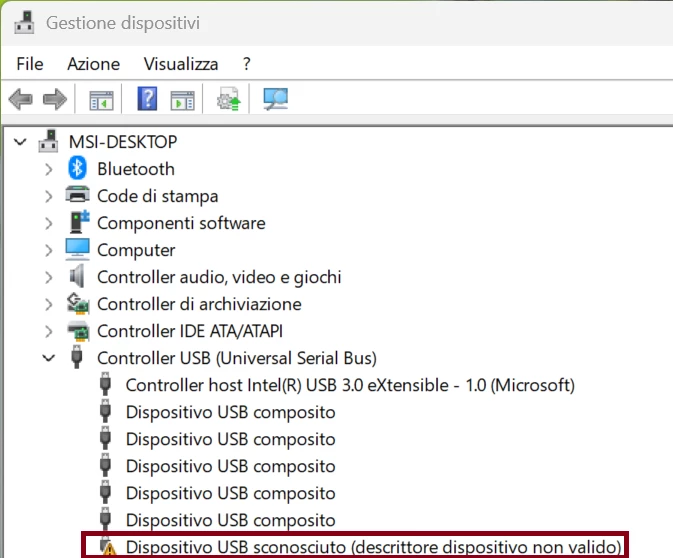
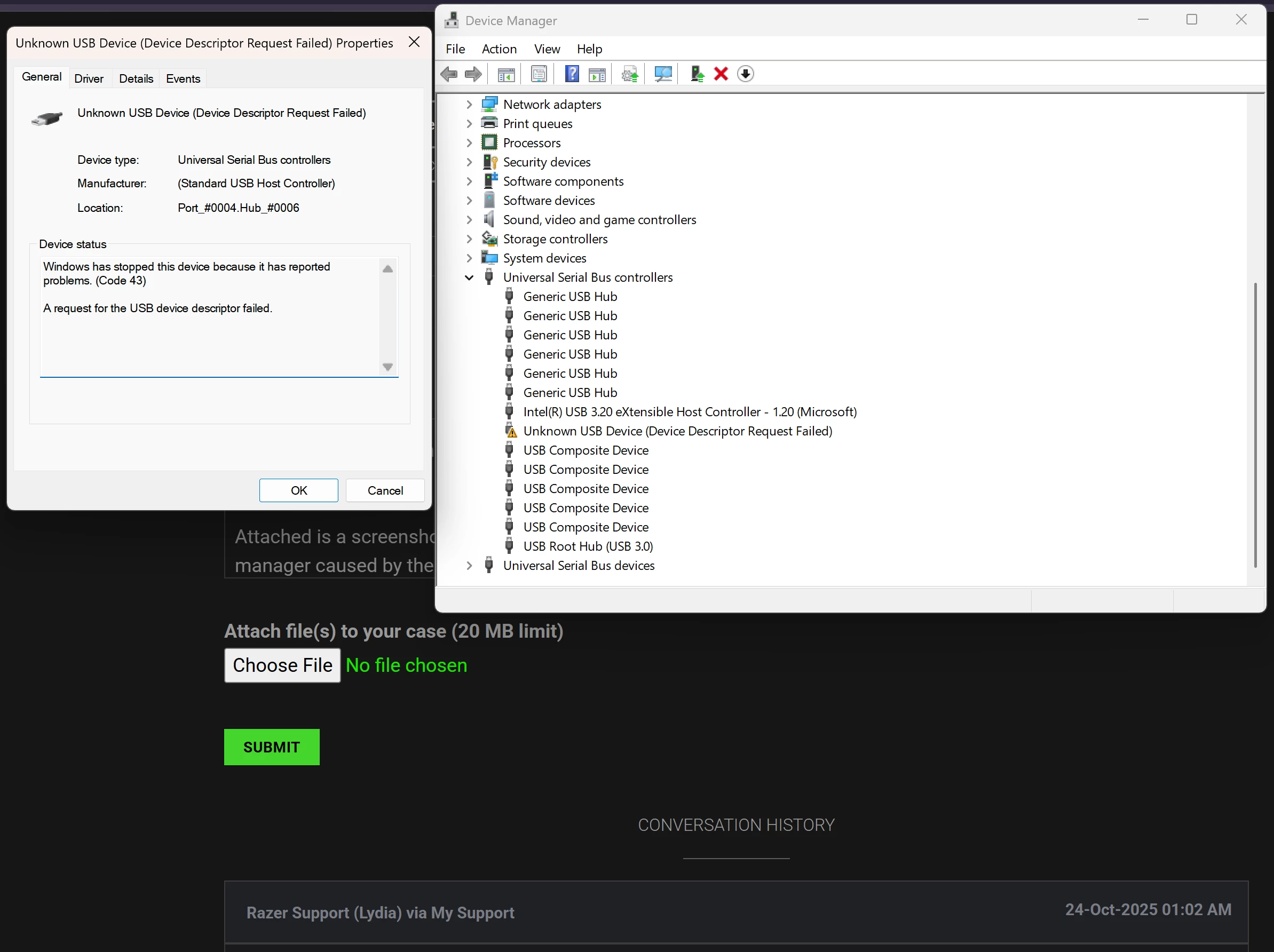
P.S.: I have attached a screenshot from Device Manager showing the situation after startup. Reconnecting the dock temporarily fixes the problem. Please note that I have also formatted the system, but the issue still persists.