mouse sampling rate | Razer Insider
Skip to main content

mouse sampling rate

  • July 4, 2022
  • 6 replies
  • 37 views

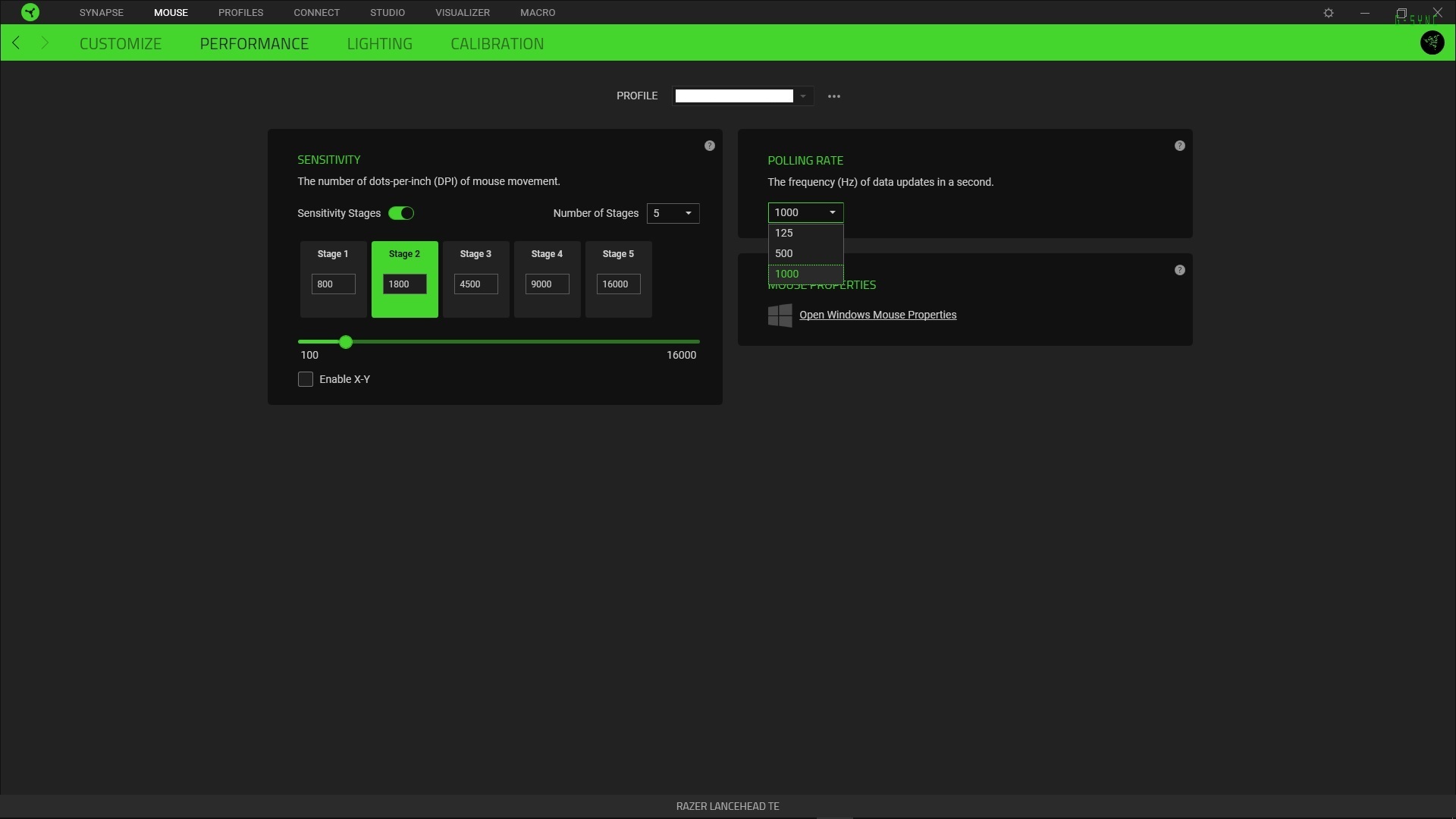
Hi everyone, since the update of razer synapse i can no longer set my mouse sampling rate (250,500,1000hz), there is absolutely no option available, the selection is completely empty. the latest firmware is also installed. I have the Razer Lancehead Te mouse, thanks in advance for your help!
This topic has been closed for replies.


6 Replies

Coffeecoolbase161
Hi , I too have the Razer Lancehead TE edition and on Windows 11 , there is no setting for Polling Rate in the Synapse 3 software.

Coffeecoolbase161
David20276537
Hi everyone, since the update of razer synapse i can no longer set my mouse sampling rate (250,500,1000hz), there is absolutely no option available, the selection is completely empty. the latest firmware is also installed. I have the Razer Lancehead Te mouse, thanks in advance for your help!
Hi , I used Razer Synapse 2 and the polling rate now shows.

AlphaTay
  • Insider
  • July 14, 2022
hi, Razer Synapse 3 Latest Version 3.7.630.62903 20220630 All Option of Polling Rate Disappear. Razer Lancehead Tournament Edition thx in adv.

FiszPL
Vanguard
Forum|alt.badge.img+1
  • VANGUARD
  • July 14, 2022
Did you've tried clean Synapse reinstall? I mean uninstall Synapse 3 software, then download and use this tool to remove drivers/leftovers: https://rzr.to/Tf53xj, then restart your PC and after restart install Synapse 3 again (as administrator).

AlphaTay
  • Insider
  • July 14, 2022
FiszPL
Did you've tried clean Synapse reinstall? I mean uninstall Synapse 3 software, then download and use this tool to remove drivers/leftovers: https://rzr.to/Tf53xj, then restart your PC and after restart install Synapse 3 again (as administrator).
hi, just do it including the DriverCleanup_21062021.zip the result still the same, All Option of Polling Rate still Disappear, Razer Lancehead Tournament Edition, with newer version of Razer Synapse 3 Latest Version 3.7.630.62903 20220714 with RazerSynapseInstaller_V1.7.0.311.exe , mouserate is stuck at 500Hz also tried to Factory Reset the Mouse at Razer Synapse 3 Settings, still the same.

AlphaTay
  • Insider
  • July 29, 2022
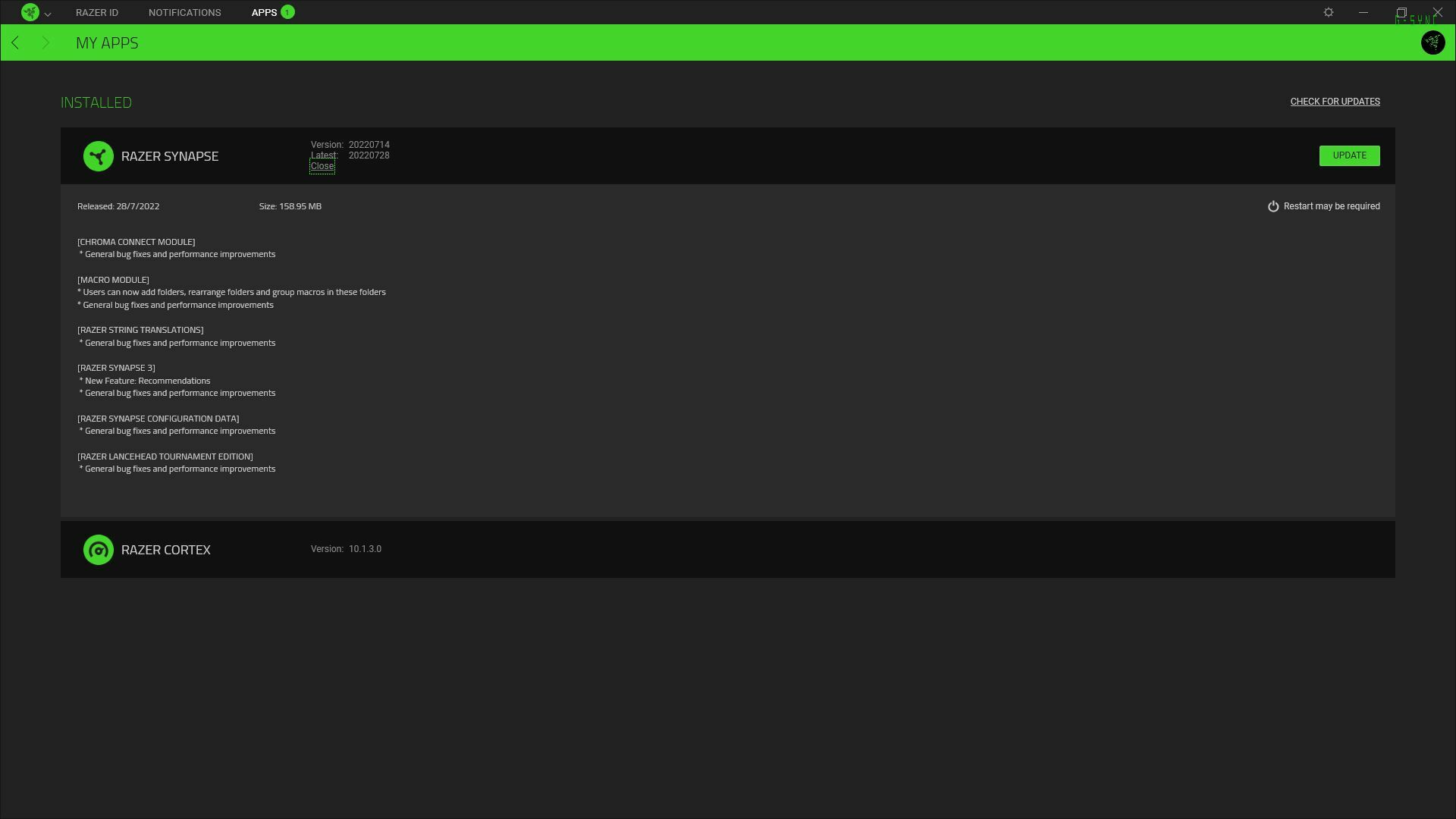
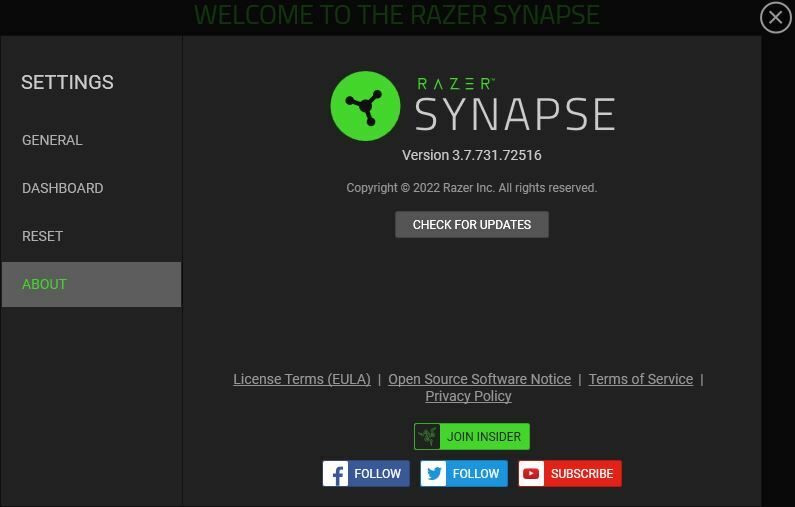
there's a new Razer Synapse 3 Update that fix this newly introduced Bug. Razer Synapse 20220728 Razer Synapse 3.7.731.72516