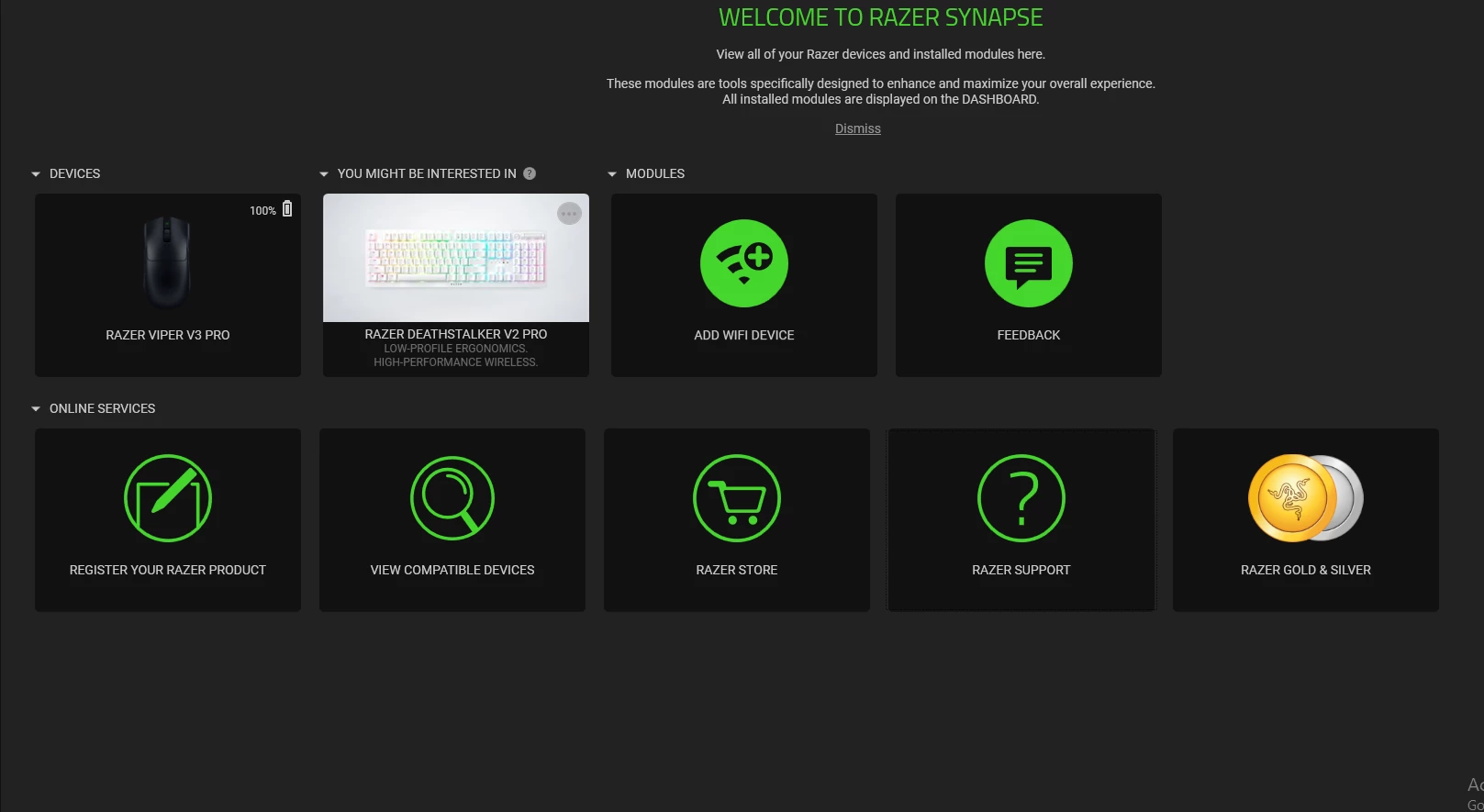
I understand that the battery of your Razer Viper V3 Pro shows 100% all the time. To isolate and fix the issue, please try the additional steps below:
1. Update the firmware on your Razer Viper V3 Pro. 2. Perform a hard reset on your mouse: a. Unplug your mouse from your computer. b. Press the Left Mouse Button + Right Mouse Button + Scroll Wheel button at the same time for 10 seconds. c. Plug your mouse into the computer while holding step #2. d. Your computer will recognize a new device and will start to install the drivers if this was done correctly.
3. If the steps didn't work, try logging in to Razer Synapse using the test account credentials below and check if the same problem persists.
Email: testingrazer1@gmail.com
Password: testingrazer1
If the same problem persists, please PM me your device serial number and proof of purchase for warranty validation. Save the shareable files via any online drive account listed here. Thank you for your cooperation.