Hi,
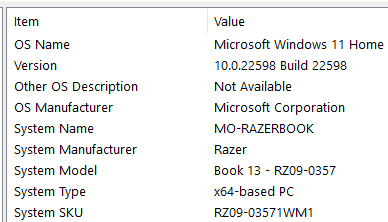
I love Razer laptops, I have a 2019 Blade Advanced in Mercury. I had to get the Razer Book as a mobile baby version of it.
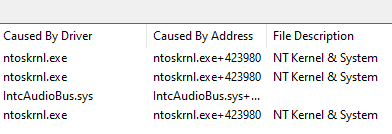
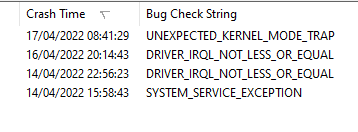
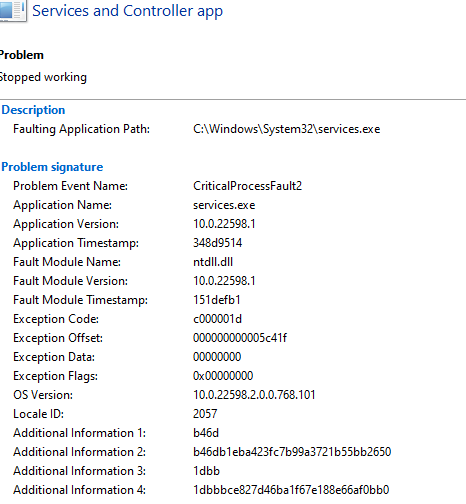
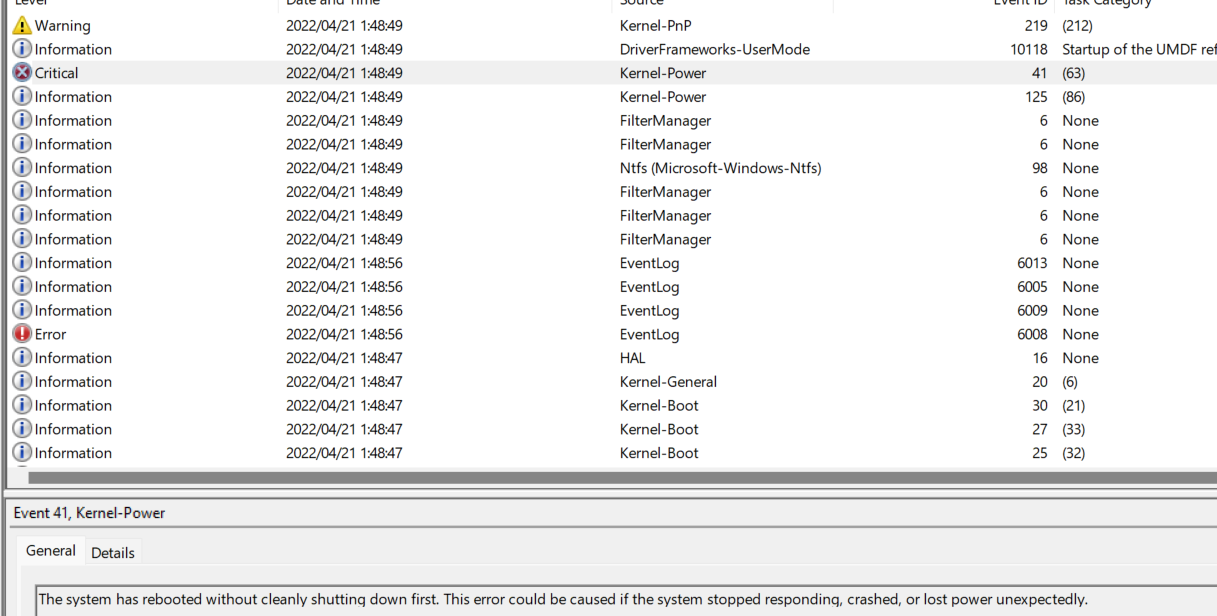
It's an almost perfect device however, it BSOD at least twice a day. I'm aware from a few hours of researching that the Razer Books have some kind of widespread BSOD issue.
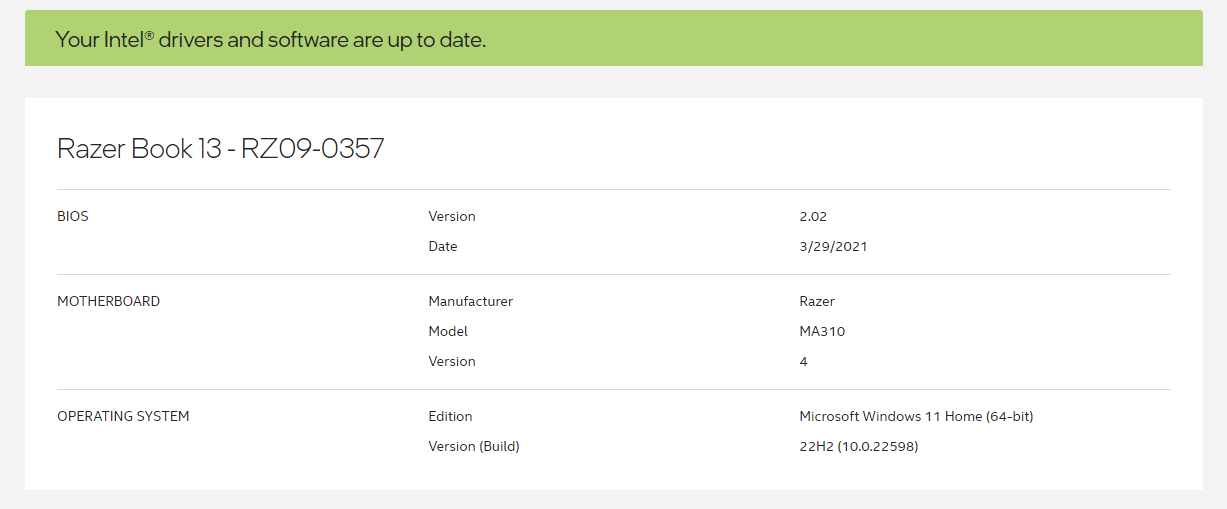
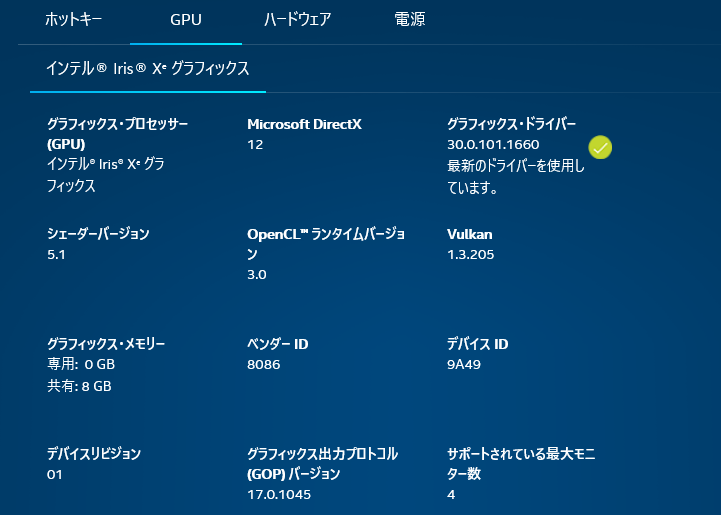
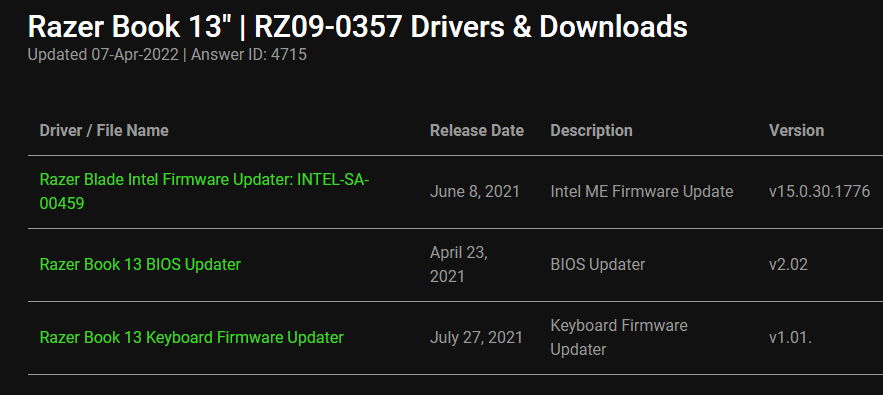
So far I have updated the BIOS using this link Razer Book 13" | RZ09-0357 Drivers & Downloads, and Intel drivers using Intel Driver Support Assistant. With no luck.
The laptop can be idling with no apps running or with Edge running and music playing, it will BSOD in either case.
I'd love to get to the bottom of this if it really is resolvable and not an internal hardware compatibility issue.
I'm fully available for troubleshooting.
FiszPL I'd try to install OS from scratch, with every newest available driver for it - if you haven't done it yet.
I reinstalled Windows via windows reset however the device BSOD during Windows initial setup process!
I presume the Windows Reset does not remove all drivers as I could see some drivers remain pre-reset.
I am now creating a bootable USB and wipe the SDD and see if it still BSOD....
Thanks for your response.
momanatorx I reinstalled Windows via windows reset however the device BSOD during Windows initial setup process!
I presume the Windows Reset does not remove all drivers as I could see some drivers remain pre-reset.
I am now creating a bootable USB and wipe the SDD and see if it still BSOD....
Thanks for your response.
Please send me a PM if the BSOD persist even after performing Windows factory reset. I'll be locking this thread to curb our conversation privately.






 I am now creating a bootable USB and wipe the SDD and see if it still BSOD....
Thanks for your response.
I am now creating a bootable USB and wipe the SDD and see if it still BSOD....
Thanks for your response.
