Hello,
I'm experiencing an issue with my Razer Barracuda Pro HyperSpeed dongle.
Symptoms
- The headset works perfectly over Bluetooth.
- The issue only affects the 2.4 GHz HyperSpeed connection.
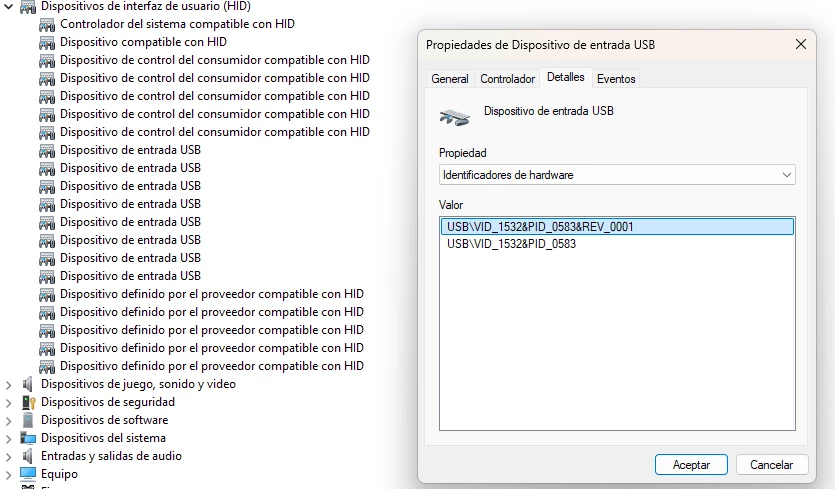
- Windows detects the USB dongle.
- Synapse detects the dongle.
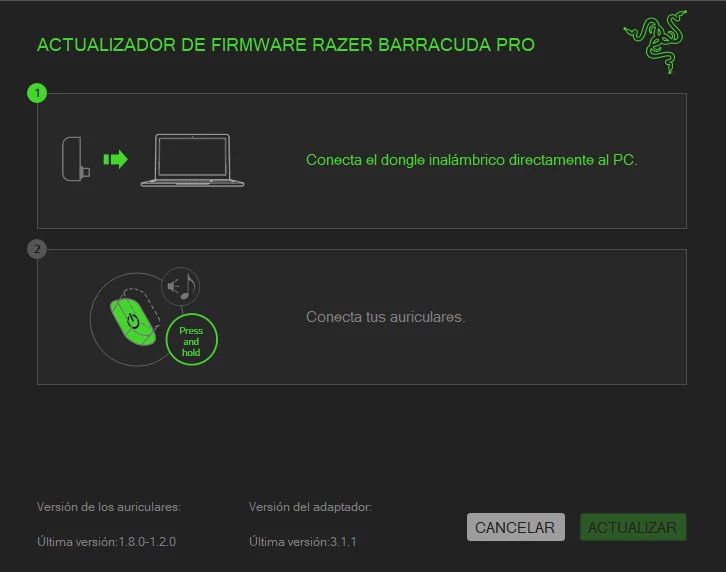
- The Firmware Updater detects the dongle and reports firmware version 3.1.1.
- However, the Firmware Updater never detects the headset and remains waiting at step 2.
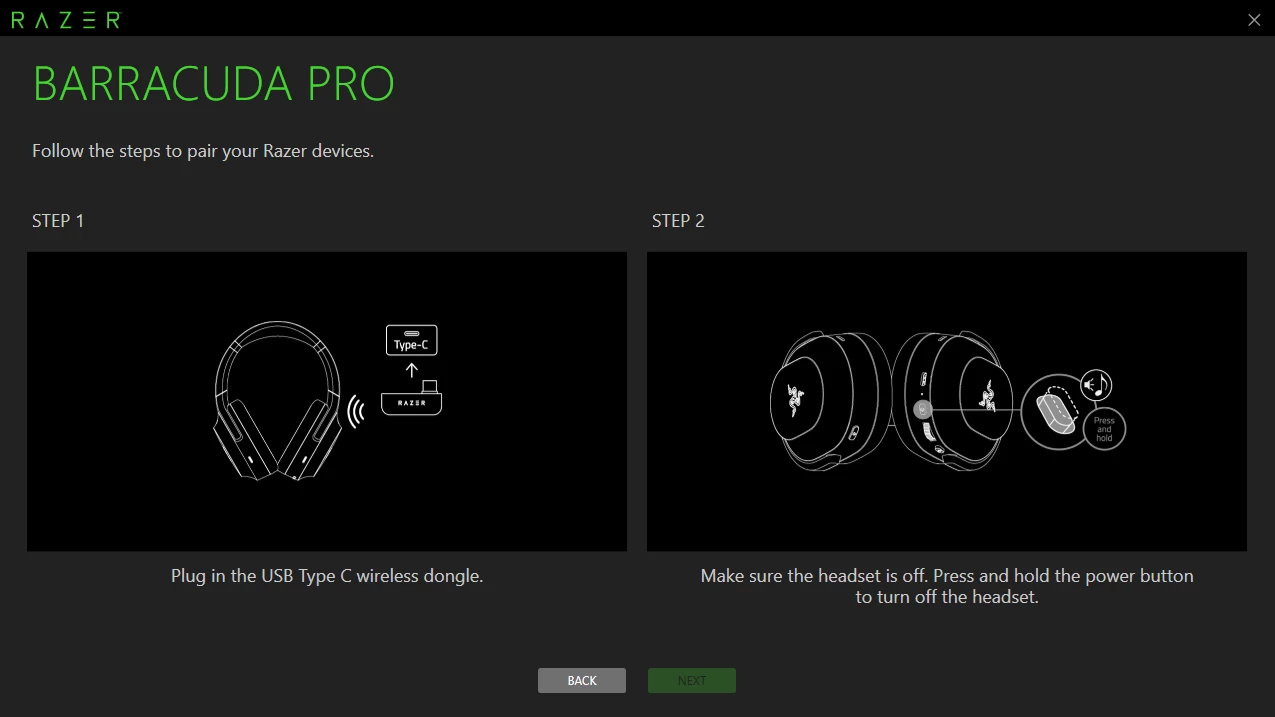
- The Headset Pairing Utility does not detect the dongle at all.
- Windows never creates a USB audio device.
USB Information
Hardware ID:
USB\VID_1532&PID_0583
Investigation
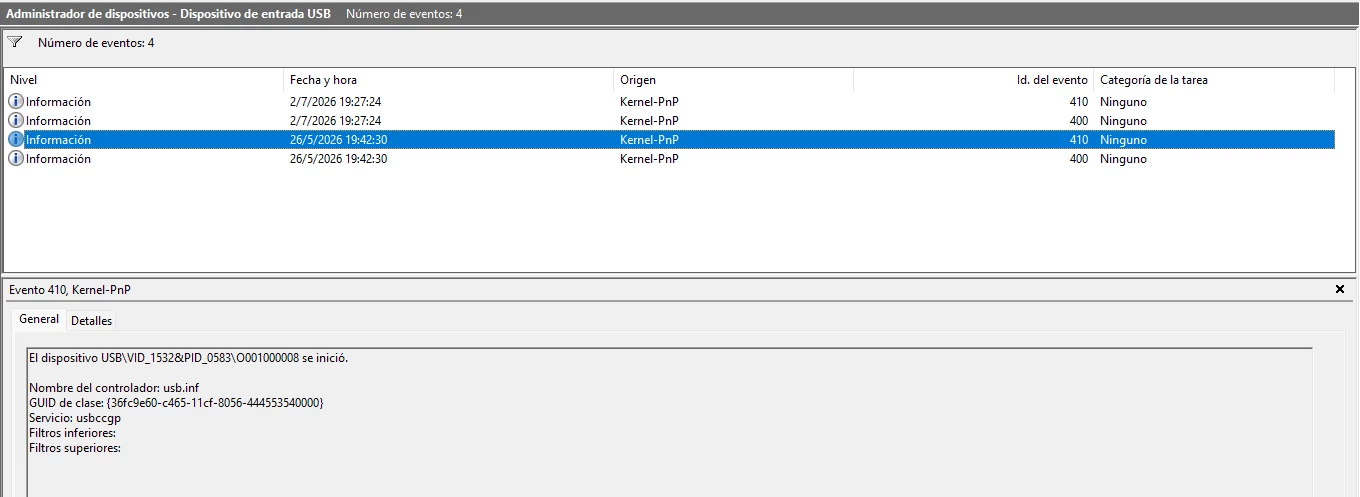
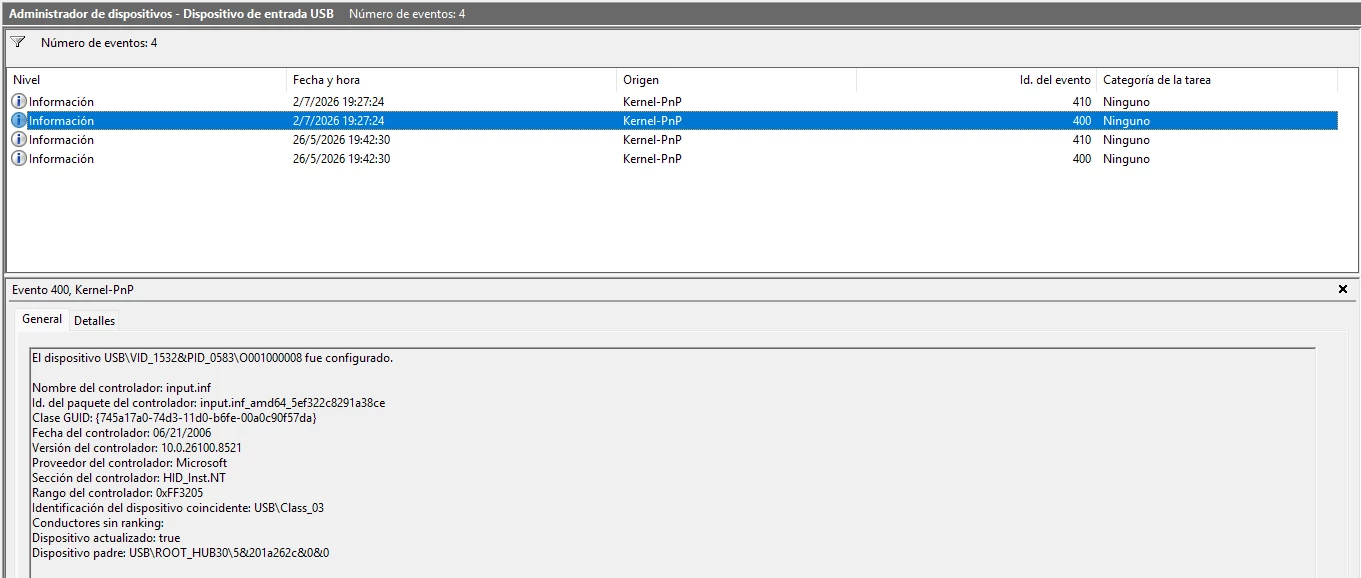
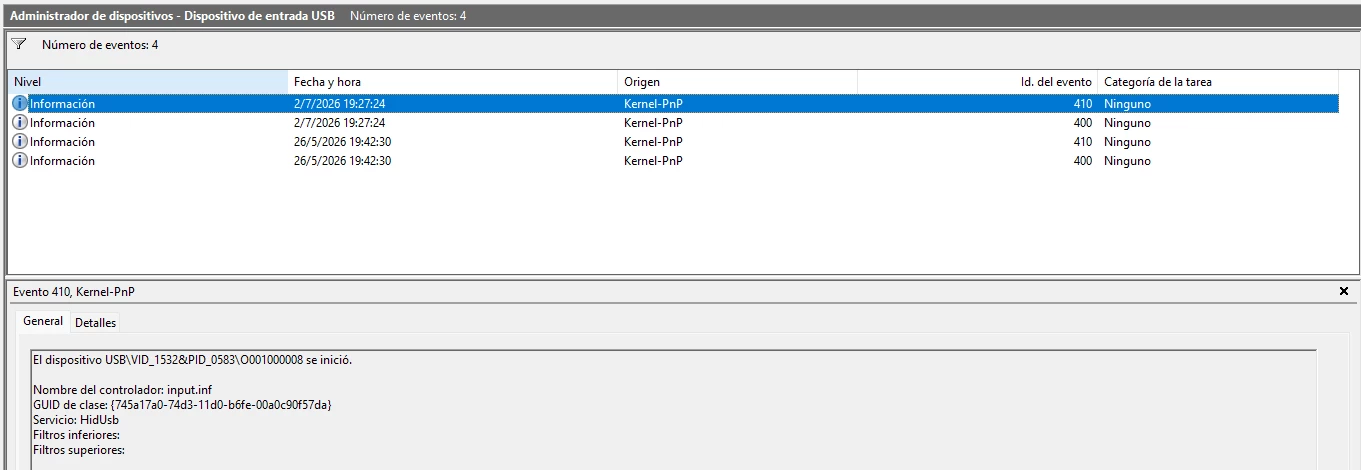
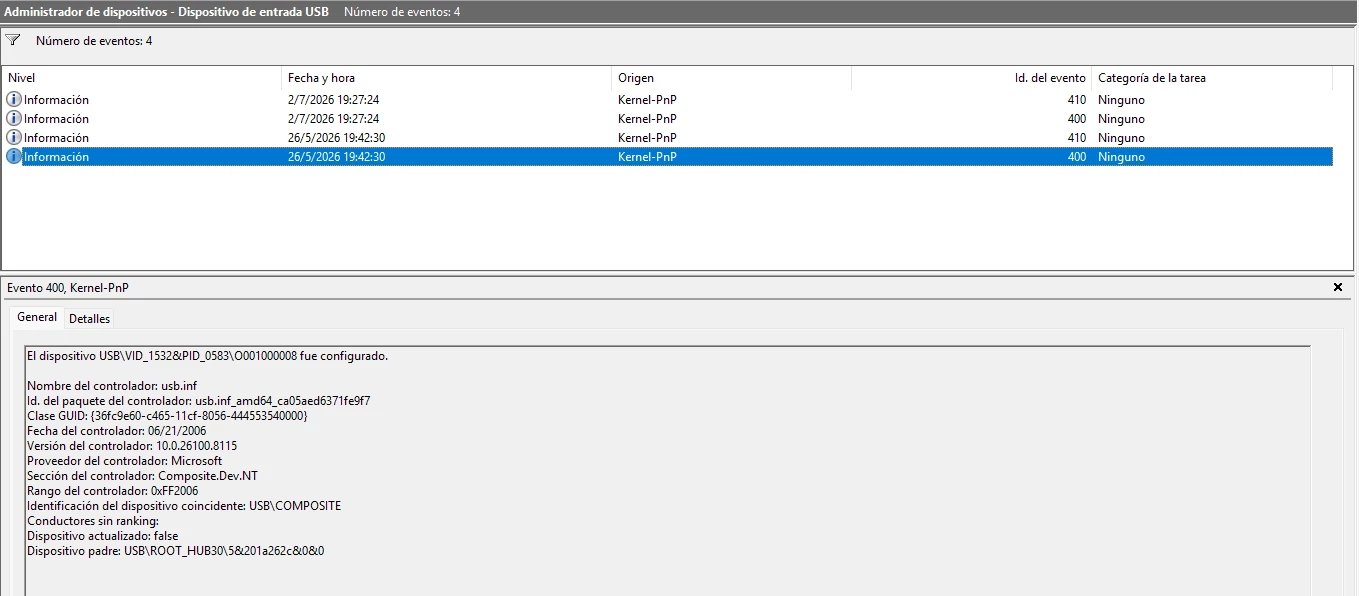
I checked the Windows Event Viewer and noticed a change in how the device enumerates.
May 26, 2026 (working)
- Driver: usb.inf
- Service: usbccgp
- Device identified as USB Composite Device
July 2, 2026 (when the problem appeared)
- Driver: input.inf
- Service: HidUsb
- Device identified only as a HID device
There were no Windows updates, no Synapse installation, and no firmware update before the issue started.
USB Device Tree Viewer
The dongle currently reports:
- bNumConfigurations = 1
- bNumInterfaces = 1
- Interface Class = HID (Class 03)
It exposes only a HID interface.
There is no USB Audio interface and no Composite Device interfaces.
Additional Information
- The headset worked normally the day before the issue appeared.
- The headset still works correctly over Bluetooth.
- Multiple USB ports have been tested.
- Reinstalling Synapse and using the official Firmware Updater (v1.8.0) did not solve the issue.
My Question
Is there any recovery procedure, factory firmware restore, or low-level recovery tool that can reflash the HyperSpeed dongle?
Since the dongle is still detected and reports firmware version 3.1.1, I am wondering whether it is recoverable or if this behavior indicates a hardware failure requiring replacement.
Thank you.