

Surround 7.1 doesn't recognize my device
I have Razer Kraken Lite, the problem is that while they sound good on phone they sound like garbage on PC, I thought the problem was that I didn't have 7.1 surround installed so I downloaded the thing, inputted the code this all worked however the software didn't recognize my device, I also tried installing synapse and that also didn't recognize it.
So my question is, what should I do to let anything from razer recognize my razer headset?
I tried reinstalling, restarting and unplugging/replugging the headset, these didn't work.
Alternatively If my headset has a driver from razer I would appreciate some direction to find it, didn't have any luck with that either :P
This topic has been closed for replies.


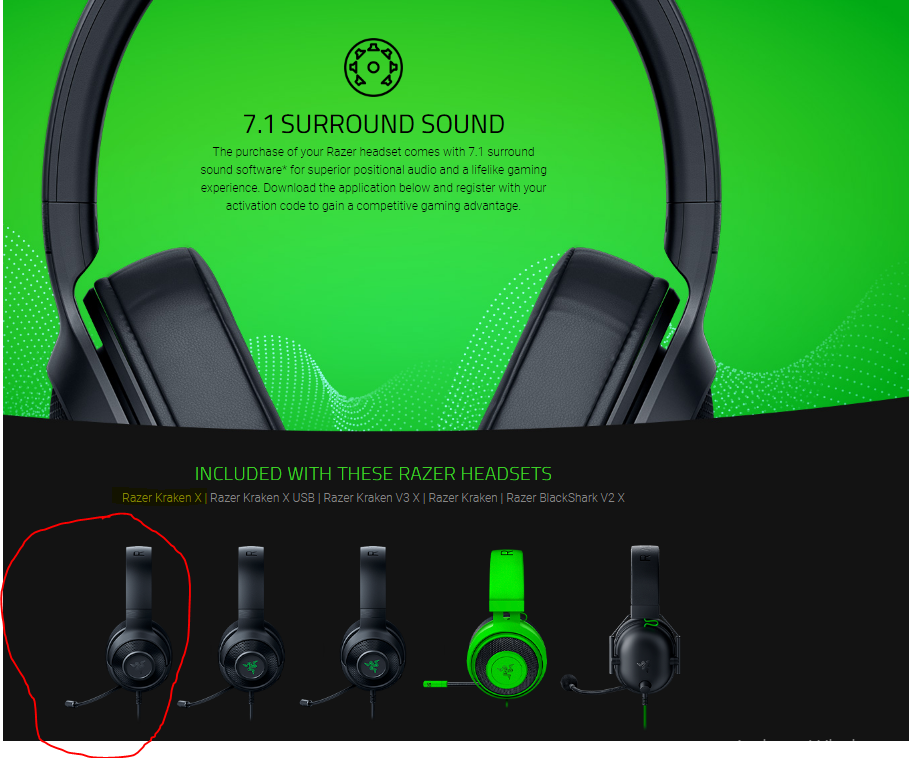 Oddly, the 7.1 Surround Sound is not showing a THX Spatial output device from the list. Also, the Razer Synapse 3.0 can only detect USB-type devices which are shown in the
 Sign up
Already have an account? Login
Log in with Razer ID to create new threads and earn badges.
LOG INWelcome to Razer Insider
No account yet? Create an account
Log in with Razer ID to create new threads and earn badges.
LOG INEnter your E-mail address. We'll send you an e-mail with instructions to reset your password.