system recovery/Secure Boot Violation: Invalid Signature Detected | Razer Insider
Skip to main content
Question

system recovery/Secure Boot Violation: Invalid Signature Detected

  • February 12, 2026
  • 3 replies
  • 157 views

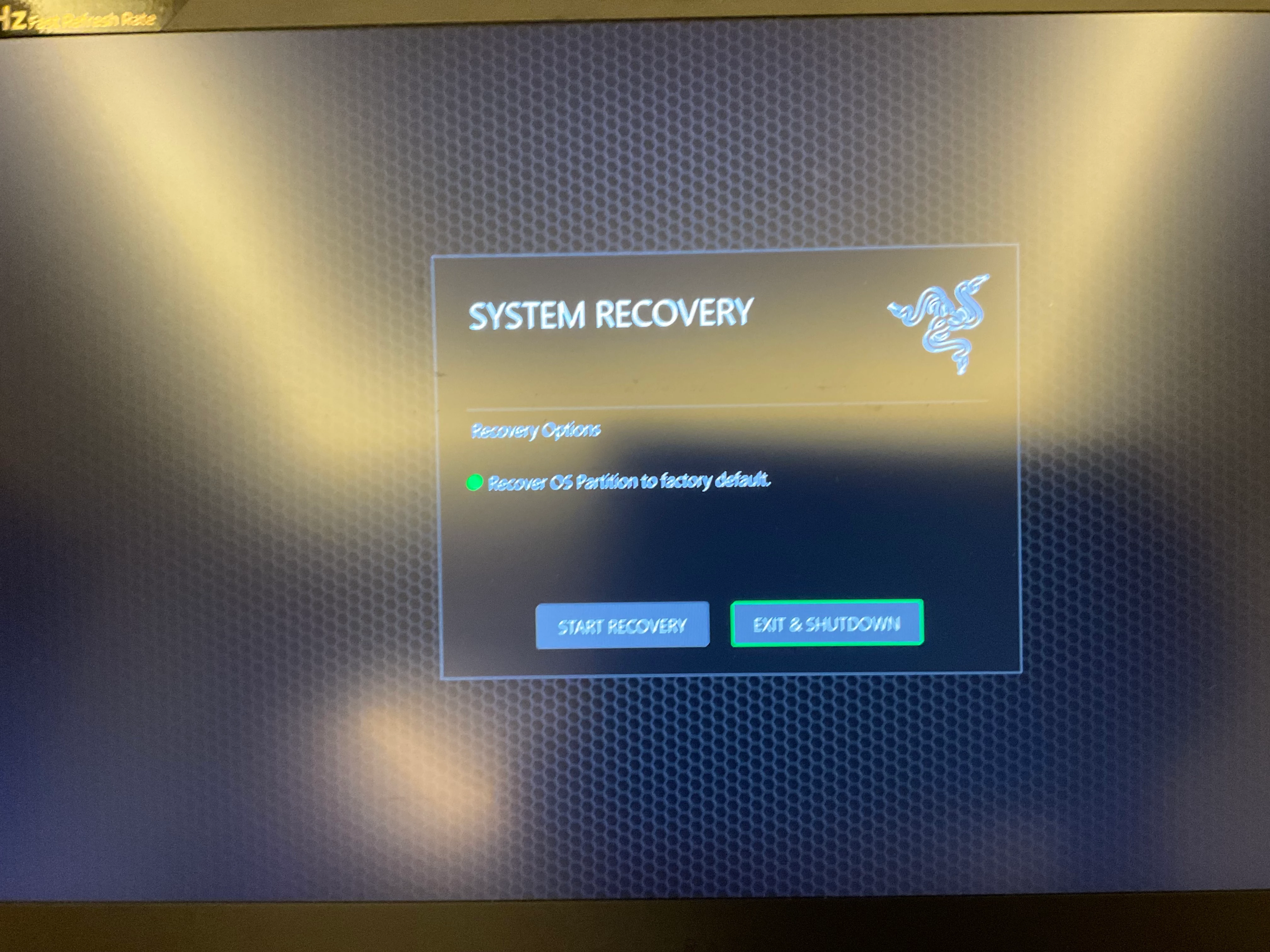
Hi. I have a razer blade 15 inch with this problem showing system recovery and after it runs the recovery it simply shuts down with the same page showing again after I restarted.


Serial no. BY1839a47702120

Product no. RZ09-02385T92-R3T1 

3 Replies

NabuEQ2
  • Insider
  • February 12, 2026

Have the same issue after running the. Bios updater.  
 

Warning is


Secure boot violation

Invalid signature detected. Check secure boot policy in setup


Only option is OK


Bios is totally locked down in ams 2.22 (which what it updated to) and you cannot do anything at this point. Only options in recovery are to wipe and reset to factory default.  
 

surely this can’t be right??? 


  • Insider Mini
  • February 13, 2026

I’m experiencing the exact same issue on a Razer Blade 14 (2021) immediately after updating to BIOS v.  using the official Razer updater.

With Secure Boot enabled in BIOS, the system fails to boot and displays:

Secure Boot Violation
Invalid signature detected. Check Secure Boot policy in setup

The only way to boot back into Windows is by disabling Secure Boot entirely.

Prior to the BIOS update, both TPM 2.0 and Secure Boot were functioning correctly. TPM remains enabled and working, but Secure Boot can no longer be enabled without triggering this boot-blocking error.

This appears to indicate that the BIOS update may have modified or reset the Secure Boot key database (PK/KEK/db), causing the Windows Boot Manager to fail signature verification.

Reinstalling Windows or using the recovery image to re-register the bootloader is not an acceptable workaround for a firmware-induced issue that did not exist prior to the BIOS update.

Given that modern anti-cheat systems for titles such as EA SPORTS FC and upcoming Call of Duty releases require both TPM 2.0 and Secure Boot to be enabled, this effectively renders the device non-compliant with current system requirements.

Would appreciate confirmation from Razer whether this is a known issue with BIOS update and if a remediation path (e.g. Secure Boot key re-provisioning or firmware rollback) is being investigated.


NabuEQ2
  • Insider
  • February 13, 2026

Well, I found that CHATGPT was my best friend on this one. 

Taking out power cord
Holding down power button for 15-30 seconds. 
Booting up (but before it gets to the red box Secure boot error) must get into the bios to allow you to disable the secure boot option.. 
Then go through re-establishing the secure key validation.. (this bit was not so easy). 
I have flagged with Razer and awaiting some kind of response or workaround. 

It’s either:
a modified bios flash package you can put on a usb 

or 
A key combo specific to your laptop model/bios that allows modification of secure boot option while in deployed state. 

Anyway.. back up and running today… but still waiting for Razer. 

Good Luck!!