There is no synchronization between Razer Synapse and Yeelight Station | Razer Insider
Skip to main content
Answer

There is no synchronization between Razer Synapse and Yeelight Station

  • July 29, 2025
  • 6 replies
  • 199 views

ProFikProStrike

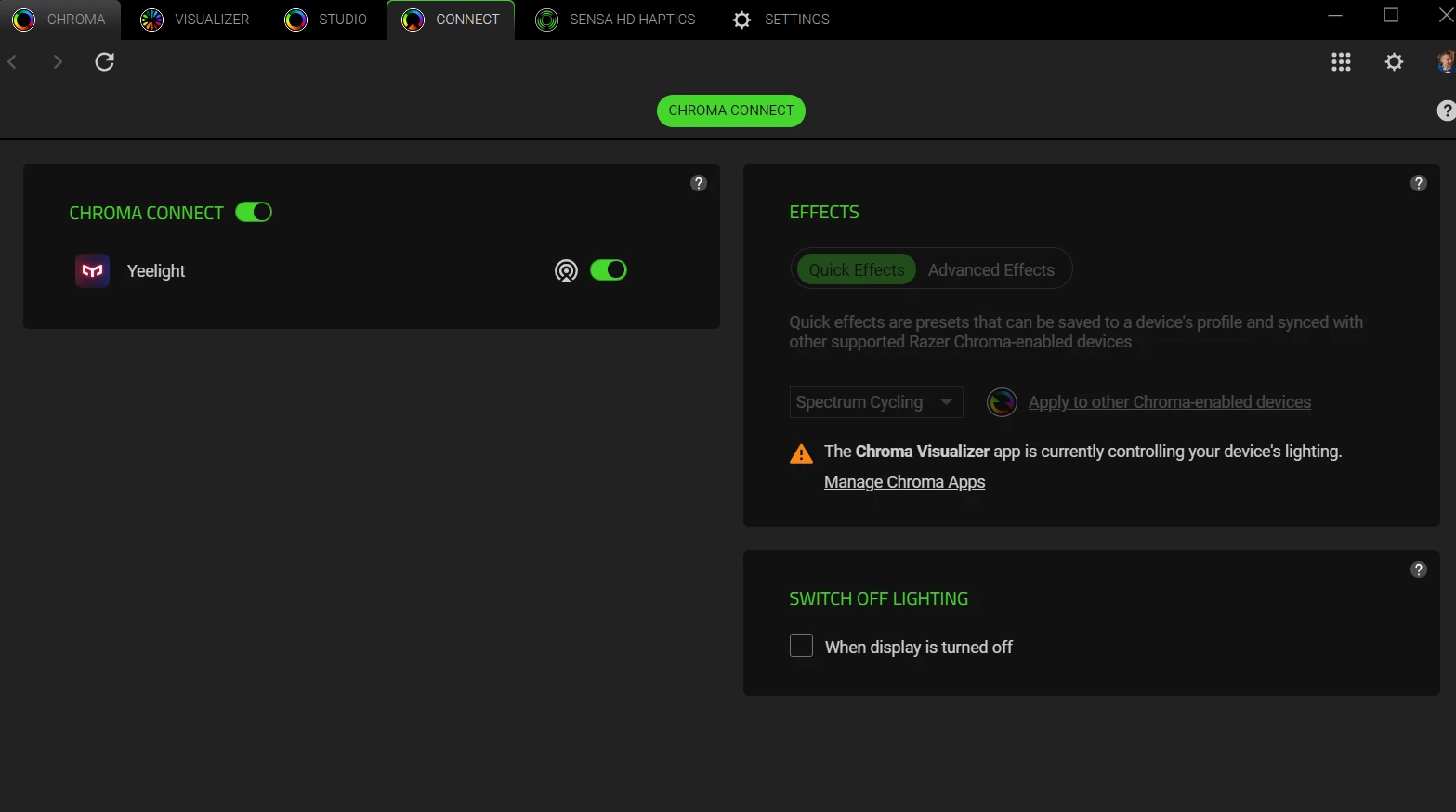
Good day, dear Razer fans! Can you tell me, has anyone encountered a problem with syncing the Yeelight Station and Razer Synapse? After switching from Razer Synapse 3 to Razer Synapse 4, synchronization fell off. Now, if you look in Chroma connect, there is no Yeelight app. I reinstalled both Razer Synapse and Yeelight Station - nothing helped.
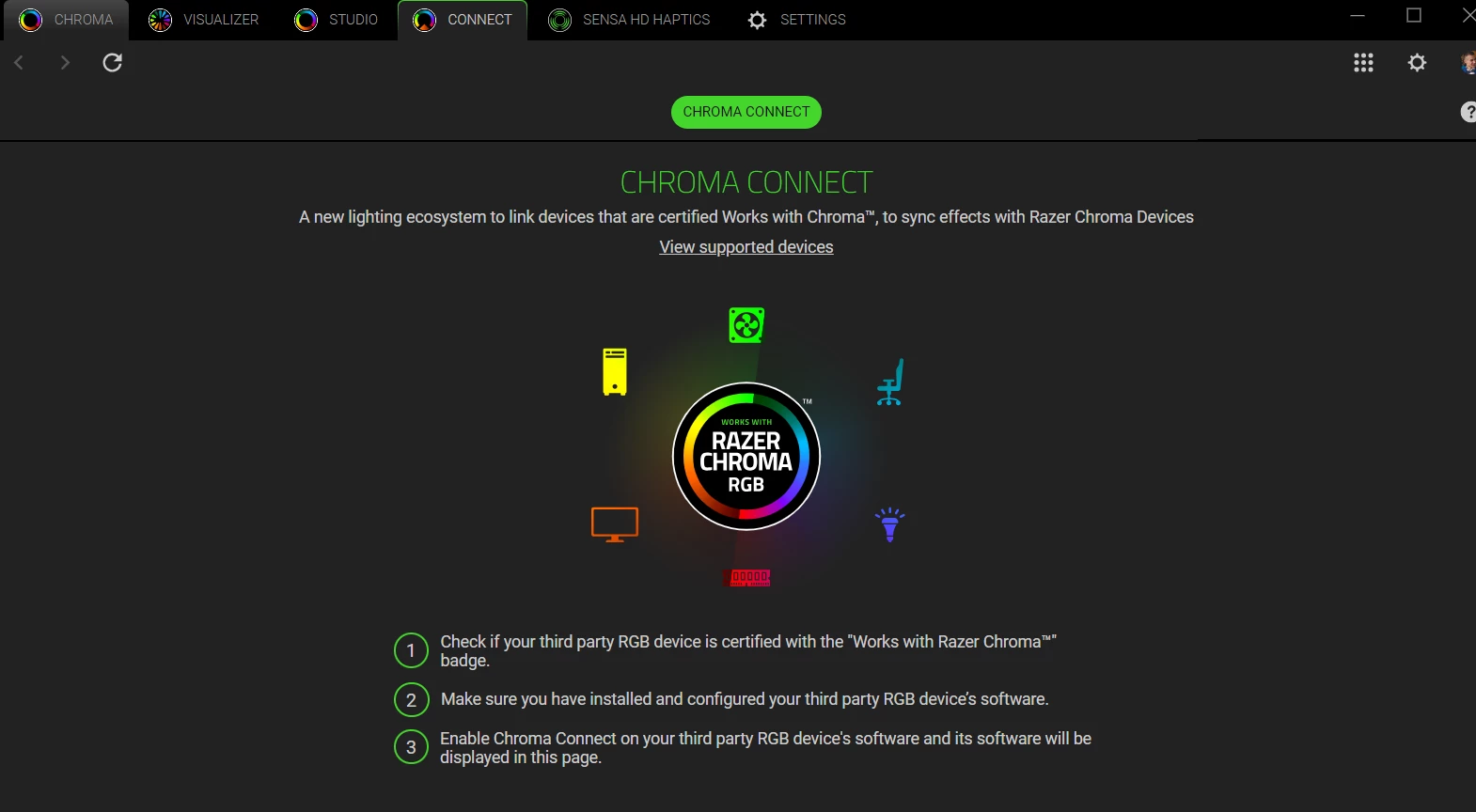
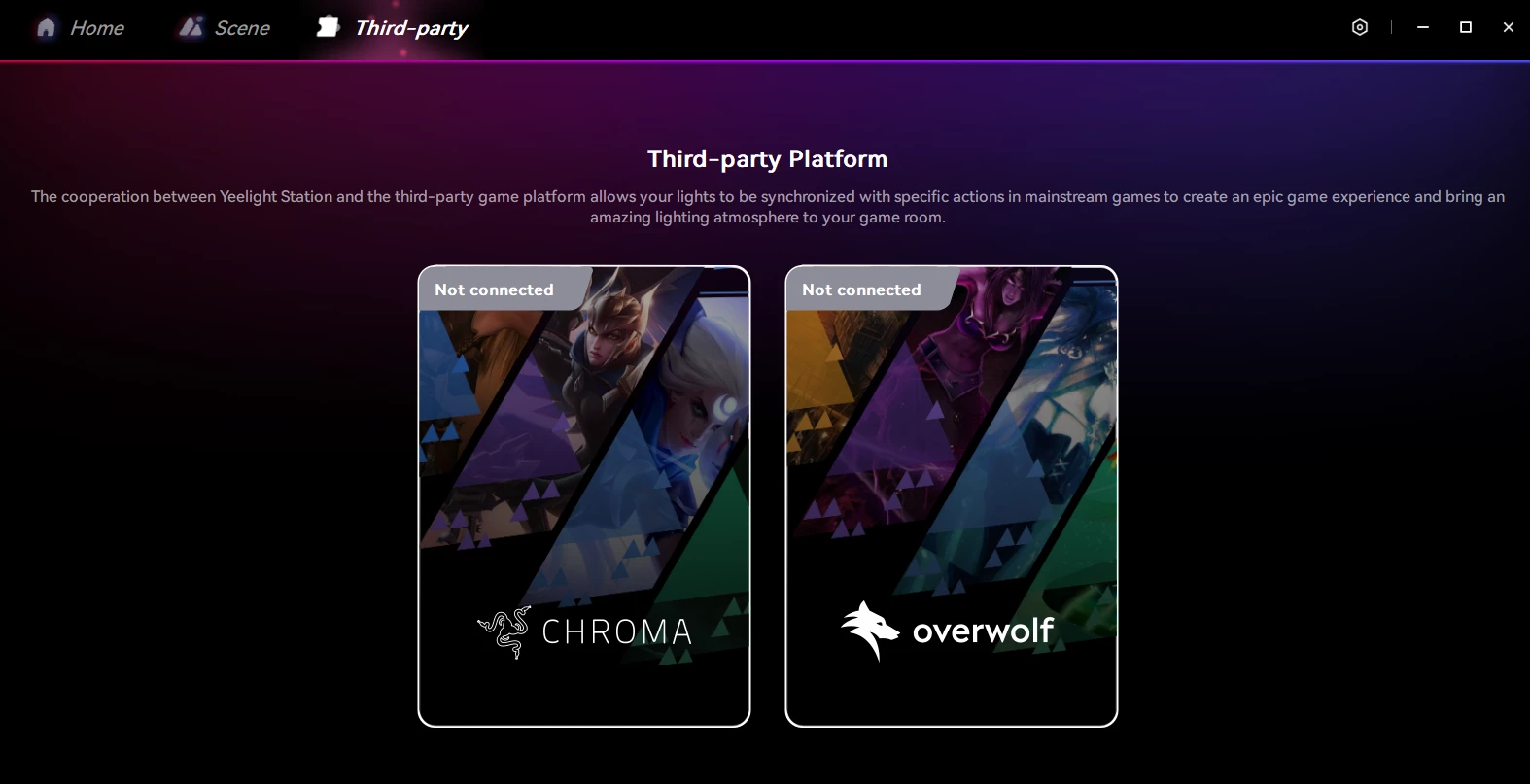
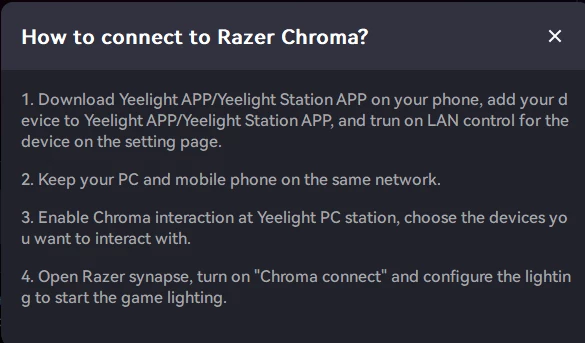
I've tried this before:
 

Best answer by ProFikProStrike

I didn't do anything, the app appeared on its own. Magic!😁

6 Replies

Lrbrownii
  • July 29, 2025

I am missing turnup.tech another user reported nanoleaf. 


MSI works, govee works, Monster works, and Hue works. There seem to be a few that just don't right now. 


Have you turned it off and on yet? Like turn yeelight off and try again? Hopefully someone with that modules knows more. Otherwise we are waiting on an update and you had bad timing. Good luck!


ProFikProStrike

Yes, I've tried everything. Indeed, I chose the wrong time to upgrade to Synapse 4. But I hope that all the necessary bugfixes will be done. Razer is my love, so they'll do everything right. 🙃


Lrbrownii
  • July 30, 2025

Do you have a file named "RzChromaBroadcastAPI.dll" in C:\Windows\SysWOW64? Or a file named "RzChromaBroadcastAPI64.dll" in C:\Windows\System32?  When I asked turnup.tech they had me verify the file above was there. It is for me.


ProFikProStrike

There are both files


Lrbrownii
  • July 30, 2025

Idk that's as far as I got sounds like it's on Razer rn.


ProFikProStrike
  • Author
  • Insider Mini
  • Answer
  • August 14, 2025

I didn't do anything, the app appeared on its own. Magic!😁