
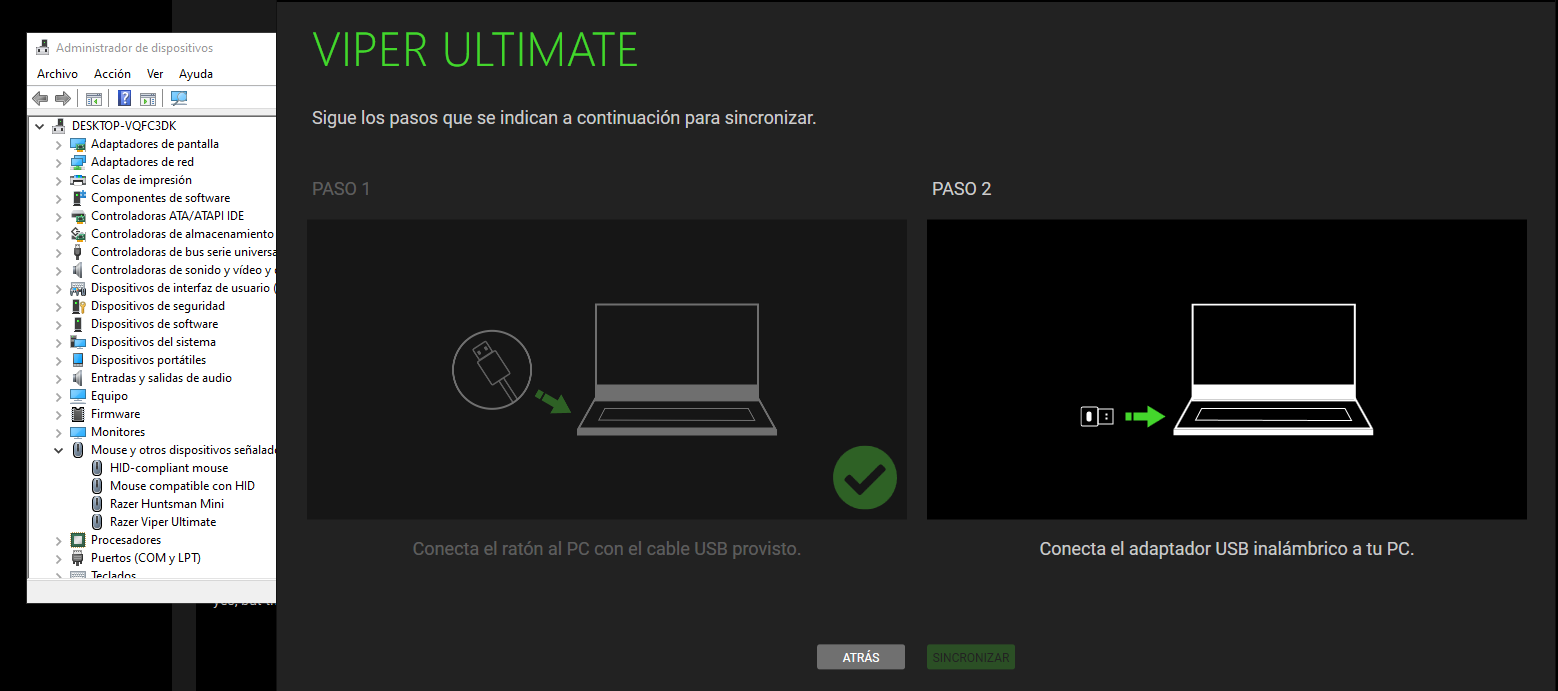
Some time ago I bought the Razer Viper Ultimate model, the mouse works completely, I have been using it for a while, the only problem is that it does not connect wirelessly, I have tried everything I have been told but I still can not use it wirelessly, I tried in the pairing program but the program does not detect the usb dodgle, and it wasn't until later that I realized it was because the dodgle was configured for another mouse, then I had to download the Razer USB HyperSpeed Dongle Utility to be able to configure the usb for my mouse, but it doesn't have the model of my mouse, I don't know what to do anymore and I would like to use the mouse wirelessly, so I would like very much if someone could help.

Question
VIPER ULTIMATE NOT WORKING WIRELESSLY




Sign up
Already have an account? Login
Log in with Razer ID to create new threads and earn badges.
LOG INWelcome to Razer Insider
No account yet? Create an account
Log in with Razer ID to create new threads and earn badges.
LOG INEnter your E-mail address. We'll send you an e-mail with instructions to reset your password.