Viper V3 Hyperspeed pairing with hyperpolling dongle impossible | Razer Insider
Skip to main content

Viper V3 Hyperspeed pairing with hyperpolling dongle impossible

  • January 12, 2026
  • 14 replies
  • 160 views

Hello,
I am unable to connect my Razer Viper V3 HyperSpeed mouse to my HyperPolling Dongle (which is listed as compatible in the documentation) purchased from the Razer Store.

I have read all the topics related to this issue and followed the various tutorials for pairing these two devices, but without success.

Any assistance would be greatly appreciated.

14 Replies

FiszPL
Vanguard
Forum|alt.badge.img+1
  • VANGUARD
  • January 12, 2026

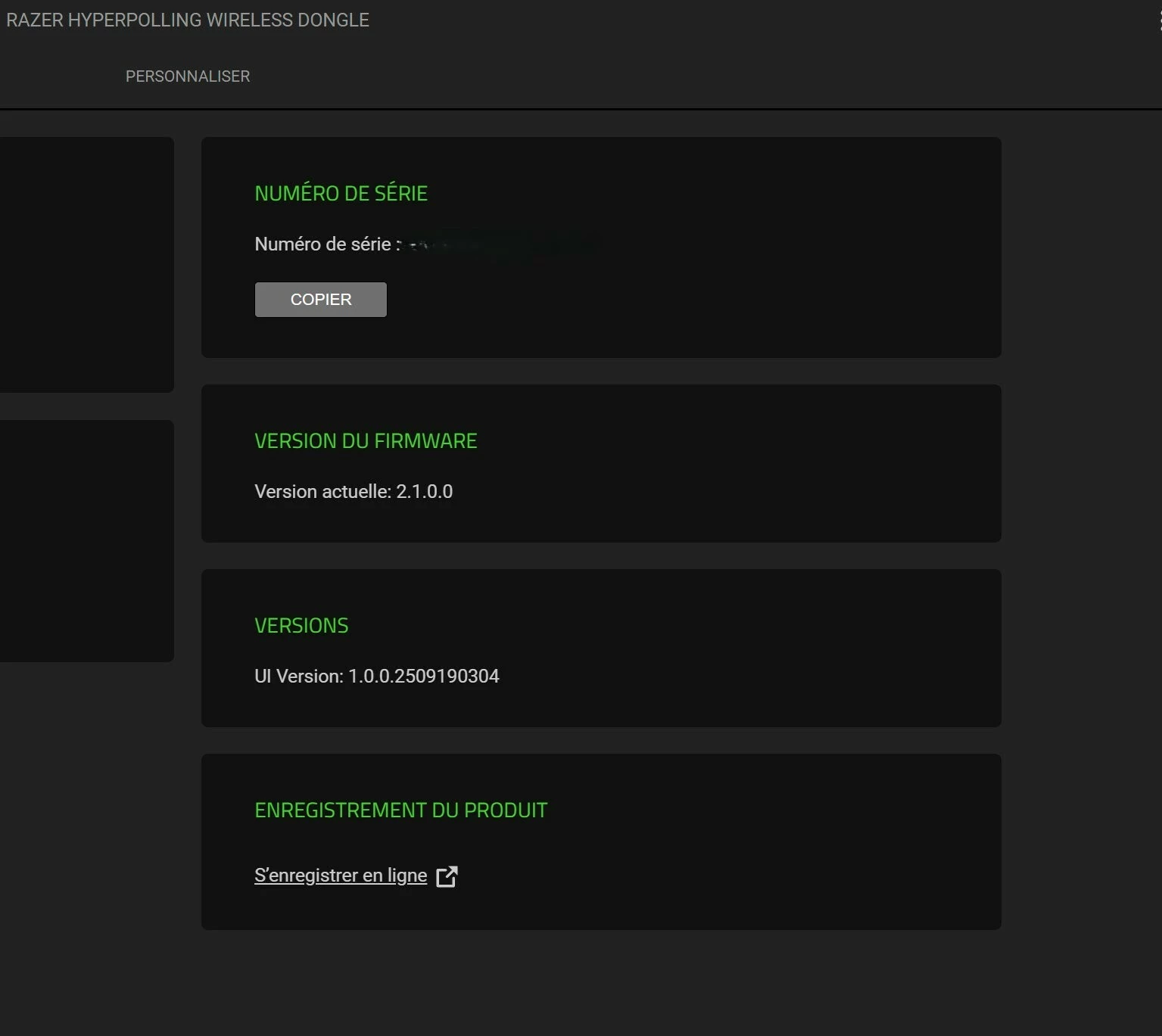
Both firmwares (mouse + hyperpolling dongle up to date)?


  • Author
  • Insider Mini
  • January 13, 2026

Yes, both firmwares have been checked and are up to date.


  • Author
  • Insider Mini
  • January 16, 2026

No answer from the support ?

I bought an hyperpolling dongle for nothing ?


FiszPL
Vanguard
Forum|alt.badge.img+1
  • VANGUARD
  • January 17, 2026

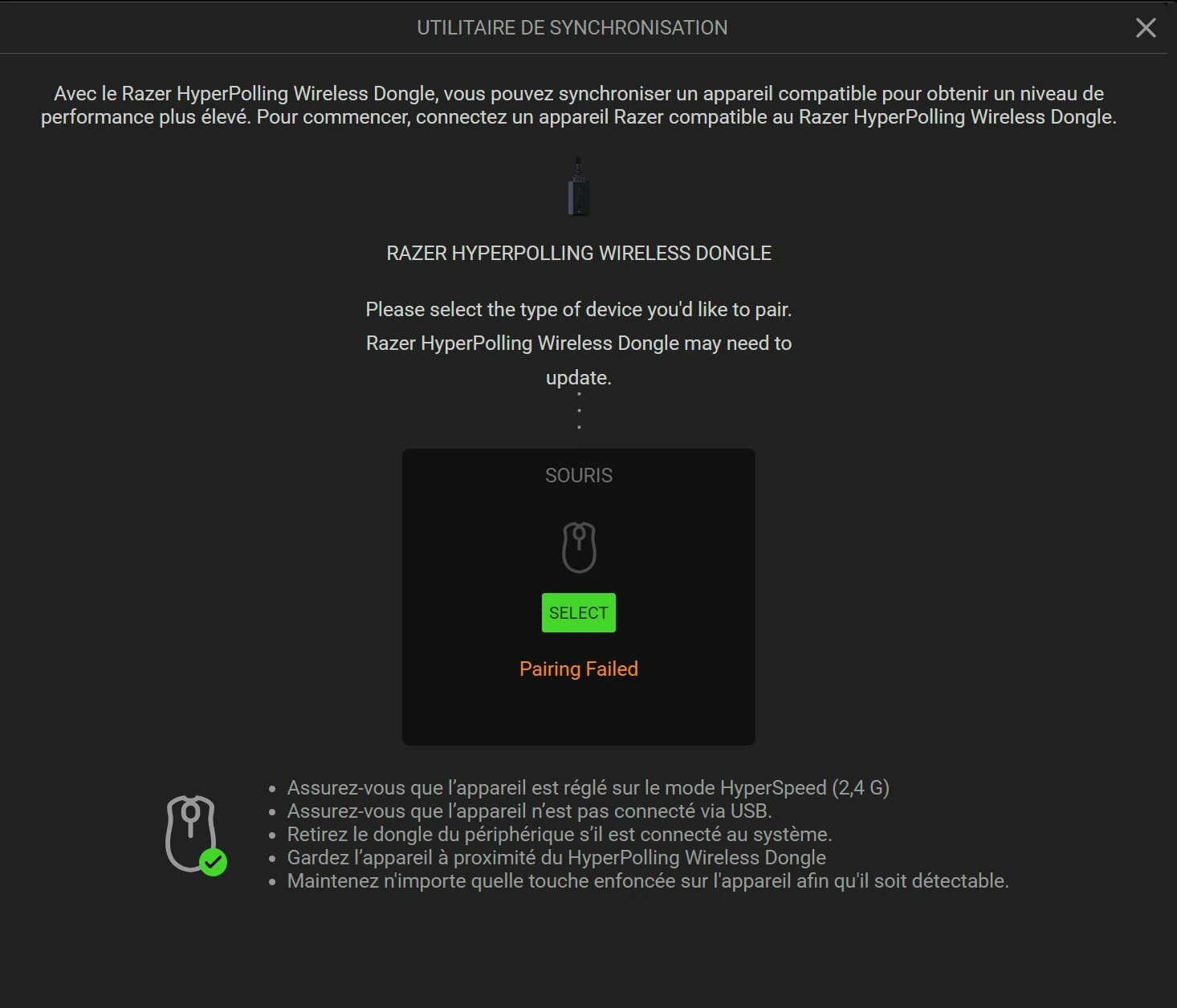
Any screenshot of the error while pairing?

Also ​@Razer.ScarletRouge ​@Razer.Aero ​@Razer.Ten 


  • Author
  • Insider Mini
  • January 18, 2026
Here. But I don’t think it will help.


FiszPL
Vanguard
Forum|alt.badge.img+1
  • VANGUARD
  • January 19, 2026

You can try this scenario - unplug old dongle - connect mouse via USB cable. With 2nd cable - plug the HyperPolling dongle. Go to Synapse → Hyperpolling dongle tab and click "pair". Once you click pair, immediately remove the USB receiver and place mouse near hyper polling dongle and wait 3-5 seconds, then connect the Hyperpolling dongle again.


  • Author
  • Insider Mini
  • January 19, 2026

Thanks for the suggestion, but unfortunately I can’t try this method.
The Viper V3 HyperSpeed does not have any USB port on the mouse itself (no USB-C or micro-USB). It’s powered by a AA battery only and works exclusively via the 2.4 GHz dongle, so there is no way to connect the mouse directly to the PC with a cable.
Because of that, I can’t plug the mouse via USB as described in your scenario — I can only use it wirelessly through a dongle.
If you have another pairing method that works without a wired connection to the mouse, I’m happy to try it.
Thanks anyway for taking the time to help.


FiszPL
Vanguard
Forum|alt.badge.img+1
  • VANGUARD
  • January 19, 2026

Thanks for the suggestion, but unfortunately I can’t try this method.
The Viper V3 HyperSpeed does not have any USB port on the mouse itself (no USB-C or micro-USB). It’s powered by a AA battery only and works exclusively via the 2.4 GHz dongle, so there is no way to connect the mouse directly to the PC with a cable.
Because of that, I can’t plug the mouse via USB as described in your scenario — I can only use it wirelessly through a dongle.
If you have another pairing method that works without a wired connection to the mouse, I’m happy to try it.
Thanks anyway for taking the time to help.

Ah, yes forgot about this…

So just unplug the old dongle, plug hyperpolling → pair it, once you click pairing button disconnect dongle for a while and connect it after few seconds.


  • Insider Mini
  • January 20, 2026

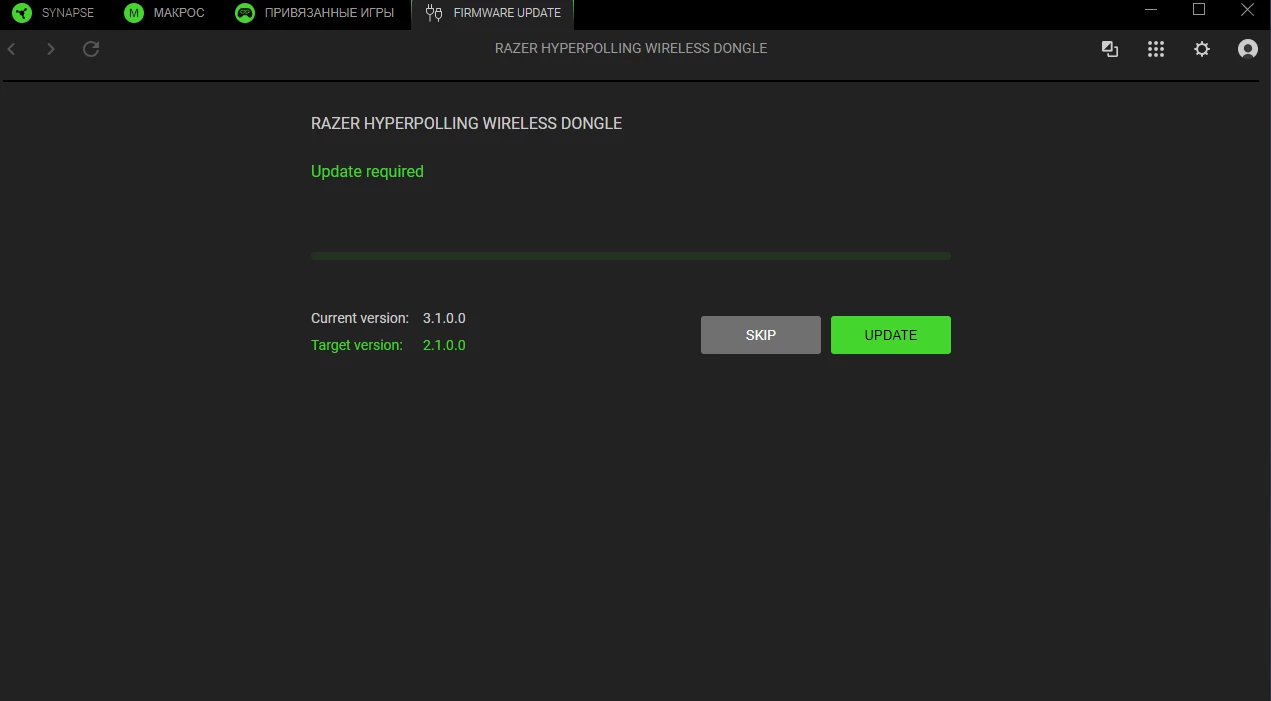
Hello, when I want to choose to pair my mouse with the dongle, it says that I have to downgrade the firmware… So i cannot pair viper v3 hyperspeed with the dongle. Can you correctly update the synapse? So we can all pair our devices... 


  • Author
  • Insider Mini
  • January 23, 2026

Thanks for the suggestion, but unfortunately I can’t try this method.
The Viper V3 HyperSpeed does not have any USB port on the mouse itself (no USB-C or micro-USB). It’s powered by a AA battery only and works exclusively via the 2.4 GHz dongle, so there is no way to connect the mouse directly to the PC with a cable.
Because of that, I can’t plug the mouse via USB as described in your scenario — I can only use it wirelessly through a dongle.
If you have another pairing method that works without a wired connection to the mouse, I’m happy to try it.
Thanks anyway for taking the time to help.

Ah, yes forgot about this…

So just unplug the old dongle, plug hyperpolling → pair it, once you click pairing button disconnect dongle for a while and connect it after few seconds.

I tried the steps you suggested, but unfortunately it still doesn’t work.

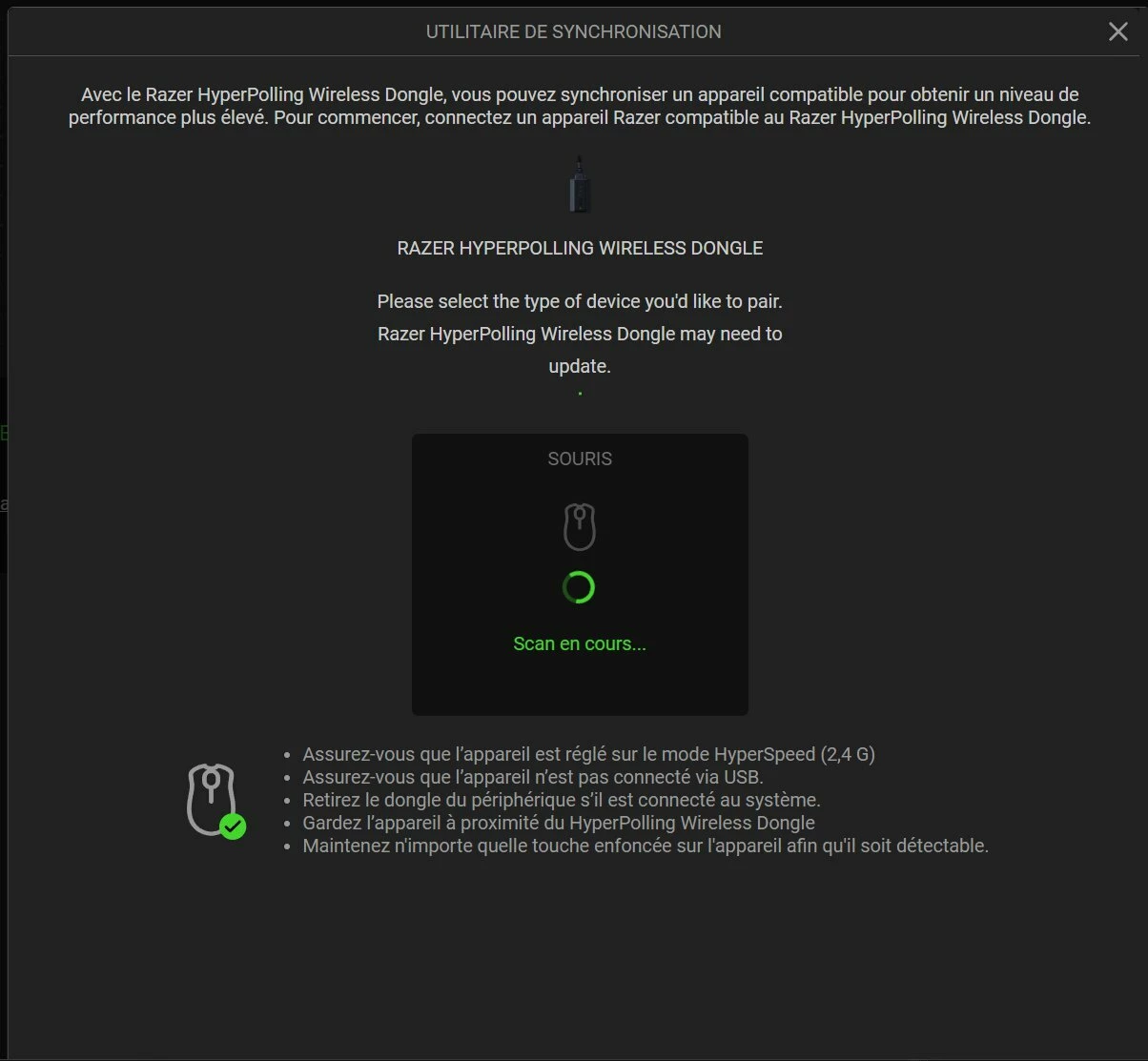
Here’s what happens on my side (see screenshot attached):
The pairing scan just keeps looping indefinitely (“Scanning…”), and the mouse is never detected.

  • Mouse is set to HyperSpeed (2.4 GHz)

  • Mouse is not connected via USB (impossible anyway, no USB port)

  • Old dongle removed

  • HyperPolling dongle plugged in and up to date

  • Mouse kept very close to the dongle

  • Buttons pressed during scan

Despite all that, the scan never completes and no device is found.

At this point, it really looks like either a compatibility limitation or a pairing issue specific to the Viper V3 HyperSpeed with the HyperPolling dongle.

Let me know if there’s anything else to try, but I think I’ve exhausted all pairing methods available.


  • Insider Mini
  • January 24, 2026

I found the answer to this topic. You have to update the mouse itself. The box mouse comes with version 1.0. You need to download the firmware update from razer site. When you will update the mouse pair will be successfull.  


  • Insider Mini
  • January 24, 2026

  • Author
  • Insider Mini
  • January 24, 2026

I found the answer to this topic. You have to update the mouse itself. The box mouse comes with version 1.0. You need to download the firmware update from razer site. When you will update the mouse pair will be successfull.  

Thanks a lot for coming back with the solution — that was exactly the issue 👍

Updating the mouse firmware manually fixed the pairing problem for me as well.

I honestly assumed Synapse would automatically update the mouse firmware, so I didn’t even think to check that first. It feels a bit odd that this isn’t handled automatically, especially since pairing depends on it.

Anyway, thanks again for sharing the fix, it really helped!


  • Insider Mini
  • January 24, 2026

No prob bro!