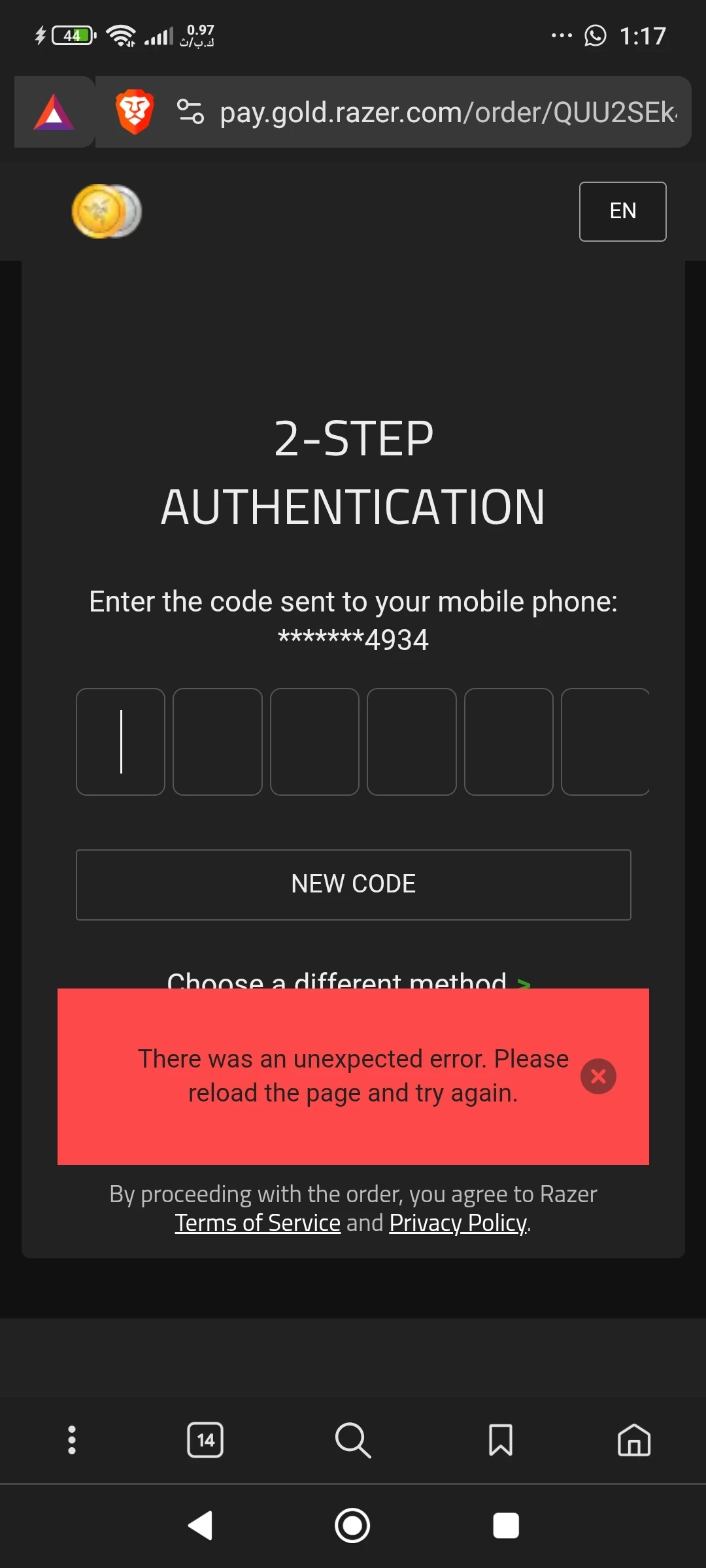
I'm sorry to hear you're experiencing issues with your Razer account OTP. Please follow the steps below and try again after 15 minutes:
1. Please check if your mobile has a good internet connection. If possible, refresh or reset your network. 2. Restart your machine or device. 3. Sign out and Sign in to your Razer Gold Account 4. Clear browsing history, including cache files and cookies 5. Try purchasing using a private browser in the Private or Incognito model.
If the steps didn't work you can submit a ticket or chat with customer service via Live Chat by clicking the green chat button at the bottom right to get this sorted out in real-time and provide the following information to the team to reset your account OTP.
1. Registered email: 2. Razer ID : 3. First Name: 4. Last Name: 5. Birthdate: 6. Mobile phone number: 7. Billing address:
After submitting it, PM me your case number so I can notify the team. Have a great day!