

Help with turning LEDs off on a charging Naga Pro
Hi, I've recently purchased the Razer Naga Pro, and while I enjoy the lighting while I'm using it, I'd rather not have them on while I try to sleep.
I can't find an option to turn them off when I've turned off my computer. I've looked around a fair bit for solutions, the main two repeated being either turning off the USB power while PC is off and Synapse 3's "Switch off lighting: when display is off". Neither work for me, as I need the mouse to charge, and Synapse's settings only work if the mouse is not docked.
Has anyone found a solution for this issue? Thanks.
This topic has been closed for replies.


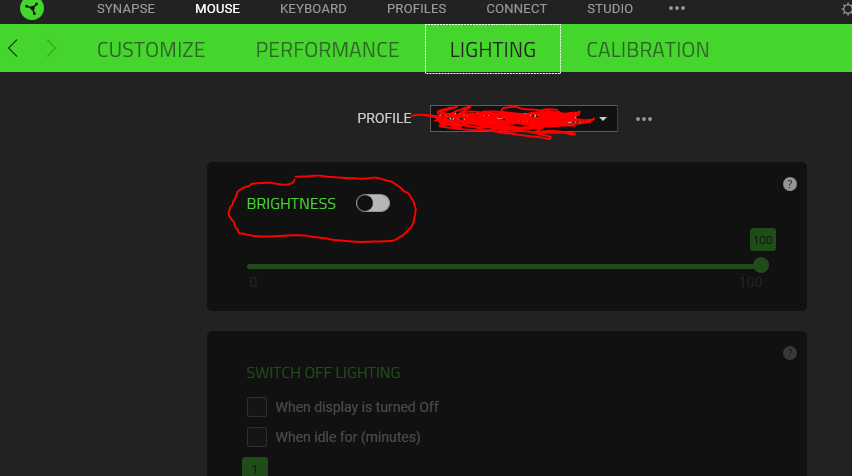 However, when the Razer Synapse is closed or disable, your devices will display its default Chroma lighting which is breathing effect. By the way, how are you turning off your computer? Are you putting the laptop on hibernate/sleep or shutting it down completely? When the device is docked or connected via a wired connection, you can shut your computer down or unplug the mouse and ensure that the mouse slider button is switched off. The same goes for when the device is connected to your computer via wireless, if the computer is turned off, switch the slide button off.
Sign up
Already have an account? Login
Log in with Razer ID to create new threads and earn badges.
LOG INEnter your E-mail address. We'll send you an e-mail with instructions to reset your password.