

Updating from razer synapse | Razer Insider
Skip to main content

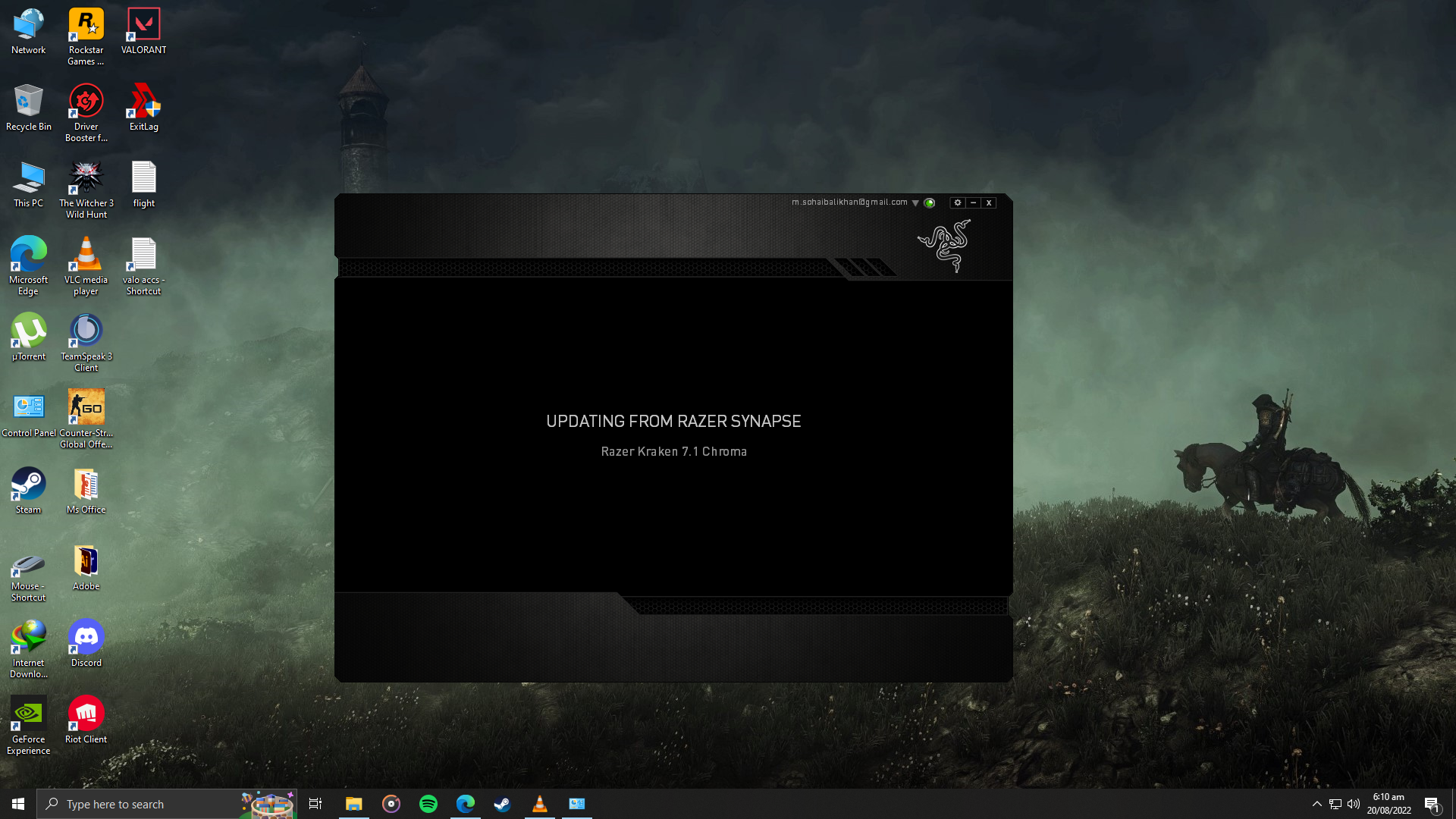
Updating from razer synapse

  • August 20, 2022
  • 3 replies
  • 98 views

need a solution for it tried restarting pc tried ending from taskmanager and reopening software but its still stuck
This topic has been closed for replies.


3 Replies

Razer.Speedcr0ss
  • Razer Support
  • 7870 replies
  • August 21, 2022
soha1b
need a solution for it tried restarting pc tried ending from taskmanager and reopening software but its still stuck
Are you connected to a VPN or company network? Check if the Razer Synapse 2.0 updates when connected to another internet source. Also, check if your anti-virus or firewall is blocking any Razer-related files. Let me know how it went.

  • Author
  • 1 reply
  • August 22, 2022
Razer.Speedcr0ss
Are you connected to a VPN or company network? Check if the Razer Synapse 2.0 updates when connected to another internet source. Also, check if your anti-virus or firewall is blocking any Razer-related files. Let me know how it went.
not connected to any vpn network,also i did allowed razer synapse thru windows firewall when this problem showed but still nothing

Razer.Speedcr0ss
  • Razer Support
  • 7870 replies
  • August 22, 2022
soha1b
not connected to any vpn network,also i did allowed razer synapse thru windows firewall when this problem showed but still nothing
Are you using a personal computer or from your workplace? You can download the Razer Driver Clean-up tool: https://rzr.to/Tf53xj and remove all Razer-related files on your PC. Once done, please restart your unit and reinstall the said application. Let me know if that helps.