

I need help | Razer Insider
Skip to main content
Solved

I need help

  • September 26, 2026
  • 2 replies
  • 28 views

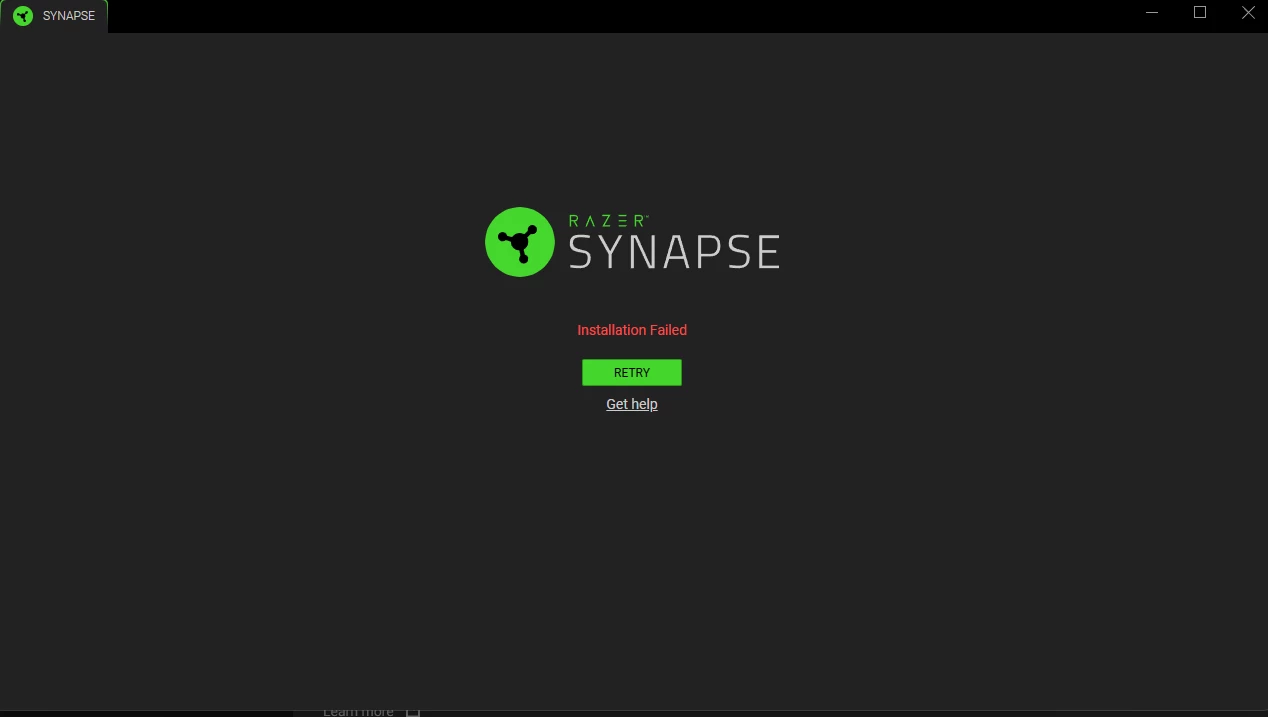
sooo i tried like 15 times re installing it and every possible way but this just keeps coming up and i'm tired now been trying for more than 3 hours and nothing works, if anyone knows a way to fix this please help me, i don't want to get a new mouse.. it happened after i re installed my windows 11 and after that i have no idea why it's not working. any help please ?
 

Best answer by REDNERO79

When you reinstalled Win11, did you have OneDrive syncing?

2 Replies

  • Insider Mini
  • Answer
  • September 30, 2026

When you reinstalled Win11, did you have OneDrive syncing?


  • Author
  • Insider Mini
  • September 30, 2026

When you reinstalled Win11, did you have OneDrive syncing?

Hi Redner, thanks for seeing my post and trying to help, I actually fixed it,

The issue was a TLS connection drop between Windows and Razer's download servers (app-assets.razer.com).

Whenever Razer's installer tried to download wLauncher_v1.0.5.0.exe in chunked requests, the server requested a SSL/TLS renegotiation. Windows' default security layer (Schannel) kept dropping the connection before receiving any actual file data, causing the download to fail at 0 bytes with Error Code 64.

Using Cloudflare WARP (1.1.1.1) bypassed this TLS handshake bug on Windows by routing the traffic through an encrypted tunnel, allowing the installer to fetch all the files properly.


So simply just use cloudfare warp and it'll work. Hope that would help anyone else