nanoleaf and synapse 4 | Razer Insider
Skip to main content
Question

nanoleaf and synapse 4

  • September 2, 2025
  • 6 replies
  • 76 views

Hello! Is synchronisation between Nanoleaf and Synapse 4 currently available? I keep getting an error message. Has anyone else encountered this?

 

6 Replies

soloOchreAMETHYST408

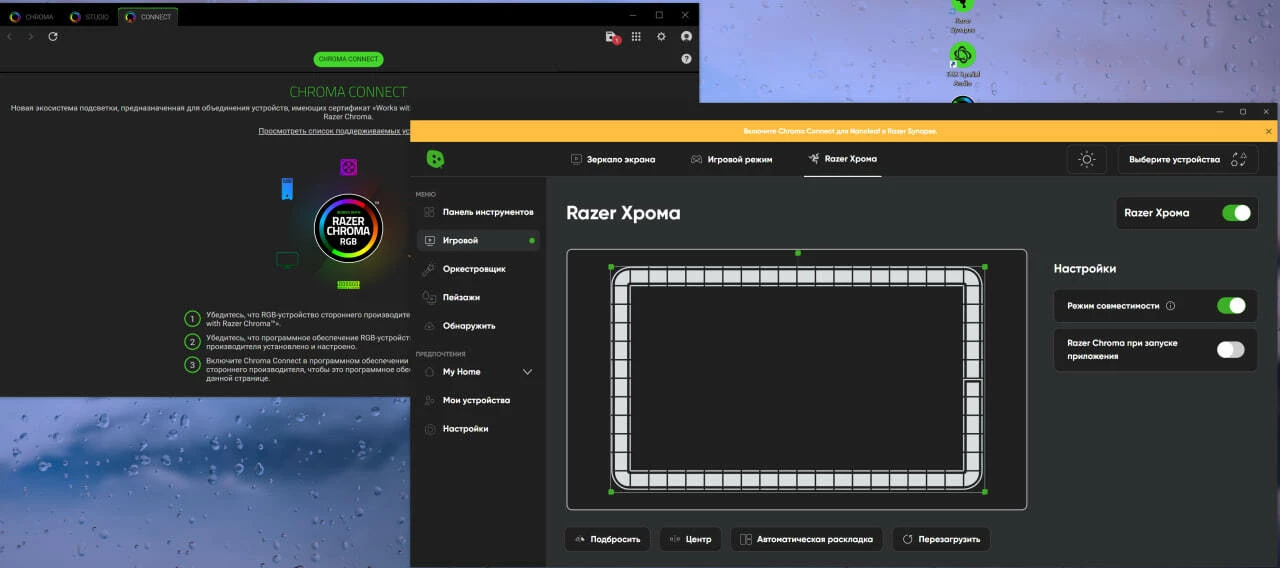
I have been having the same issue.  My Nanoleaf app says “Please enable Chroma Connect for Nanoleaf in Razer Synapse” but Razer Synap says it’s connected.  More, the nanolights actually turn OFF when i turn on chroma cast.


Everything had been working flawlessly for a month or more and just stopped working this week.


Lrbrownii
  • March 1, 2026

Have you guys tried beta? Whats a good product to get me into nanoleaf?


Lrbrownii
  • March 1, 2026

Have you guys tried beta? Whats a good product to get me into nanoleaf?


https://www.razer.com/synapse-4?srsltid=AfmBOoojG_NZc-Oxw9sejCwD2m4e2vdRvp5l-1L0odgGlPXwRGOCEvmd


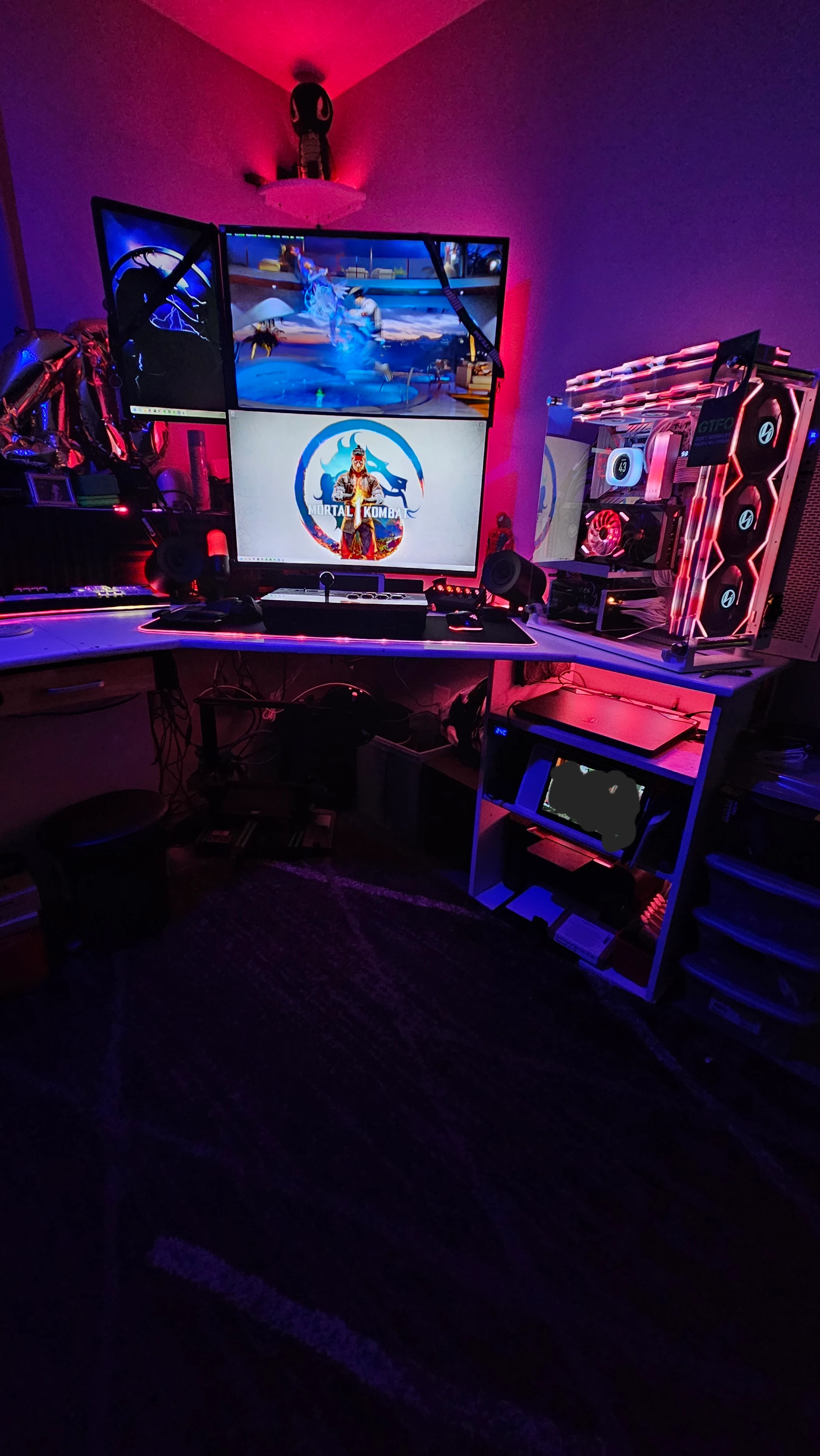
PC actually goes on the wall above where it is. 


Lrbrownii
  • March 1, 2026

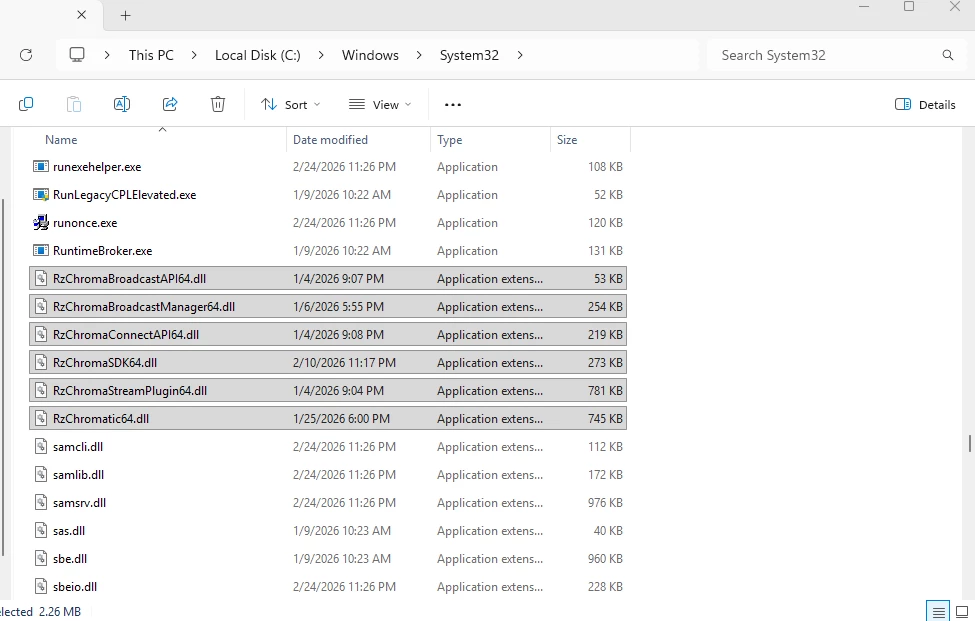
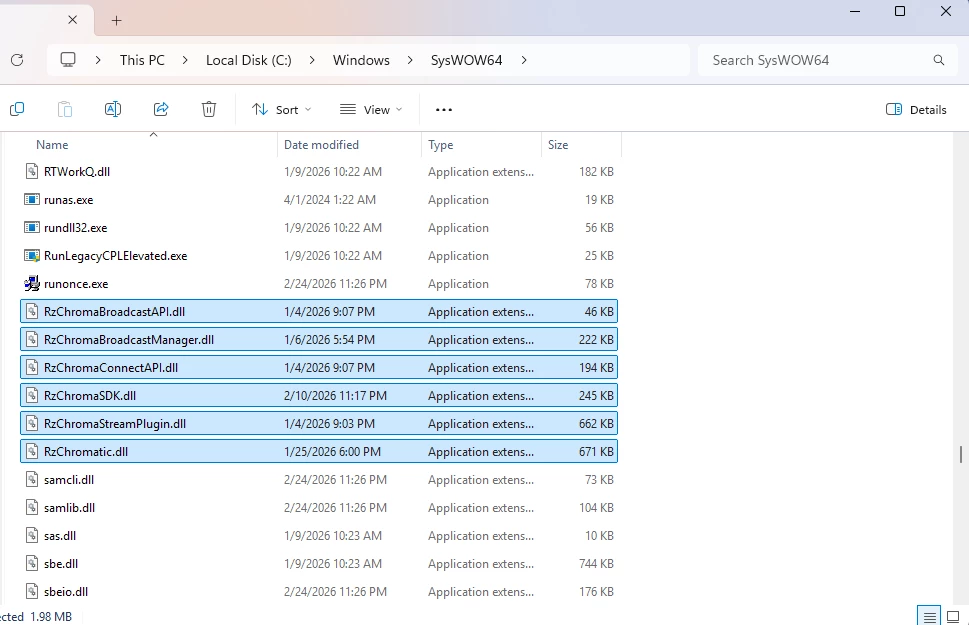
Try uninstall Synapse. Delete all Razer files. Including RZfiles in Windows/System32 and Windows/Syswow64. I have had success resetting chroma apps and chroma Connect. Sometimes these files don't update properly and can cause devices not to be detected properly.


Lrbrownii
  • March 1, 2026

I see logs for these in Progam Files (x86) / Razer/ Chroma Broadcast. No idea how to read them but maybe something stands out? That Razer_chroma_connect_SDK_Uninstaller in this location looks like something to run as admin. When I get this type of error I just delete everything and start over.


Lrbrownii
  • March 1, 2026

Try uninstall Synapse. Delete all Razer files. Including RZfiles in Windows/System32 and Windows/Syswow64. I have had success resetting chroma apps and chroma Connect. Sometimes these files don't update properly and can cause devices not to be detected properly.