please help | Razer Insider
Skip to main content
Question

please help

  • May 15, 2025
  • 3 replies
  • 33 views

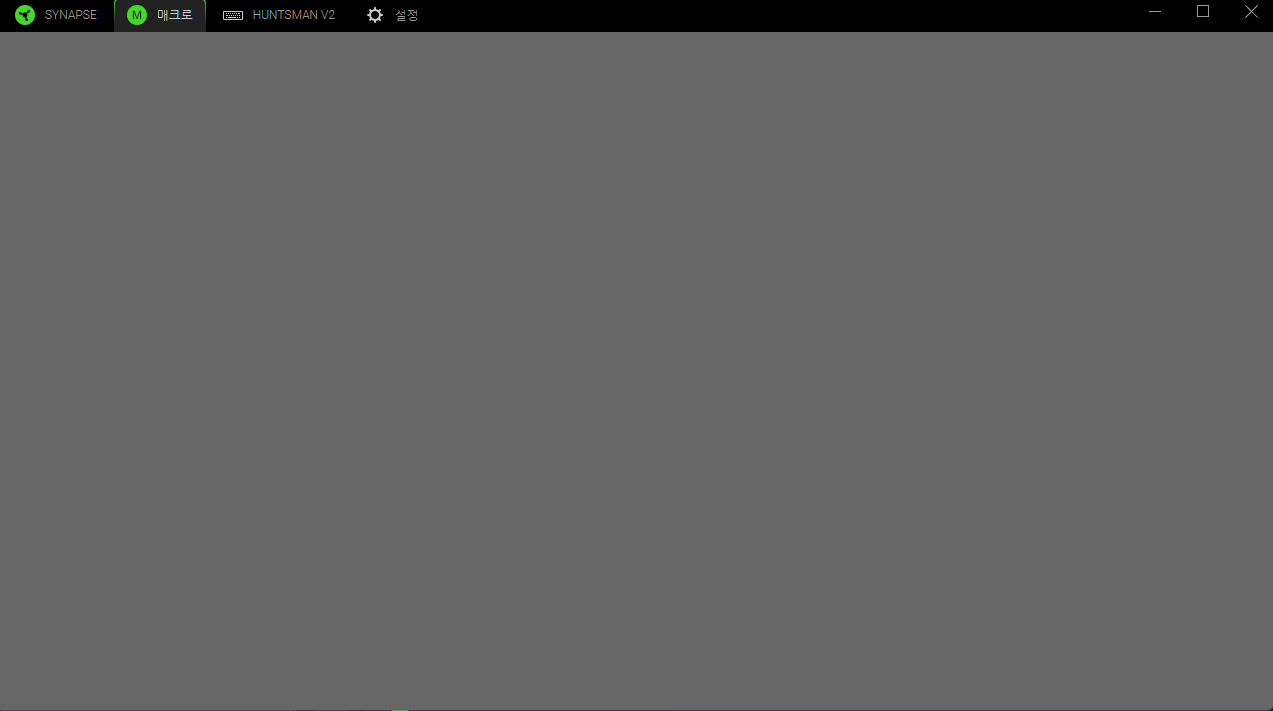
i dont see nothing when i click macro list

This topic has been closed for replies.

3 Replies

FiszPL
Vanguard
Forum|alt.badge.img+1
  • VANGUARD
  • May 15, 2025

Go to Synapse → Devices & Modules and remove Macro. Then install it again.


Go to Synapse → Devices & Modules and remove Macro. Then install it again.

Ive already carried out the method you suggested
but still same happening

heres my Specification
Product name: Huntsman V2

Synapse Version: 4

Computer Specification
RAM: 32G (CORSAIR DDR5)
GPU: i5-13600k
CPU: rtx3070

Windows Specifications
Edition: 11 home
Version: 11
OS Build: 64bit


Razer.Ten
  • Razer Support
  • May 17, 2025

Hey ​@quickVividRedIOLITE579,

Can you perform a clean uninstall and reinstall of your Synapse 4 by following the steps from this article? If the issue continues, please send me a PM with the serial number of your keyboard so I can verify it in our system and use it for your case.



*Thread locked to curb conversation to PM.