Hello,
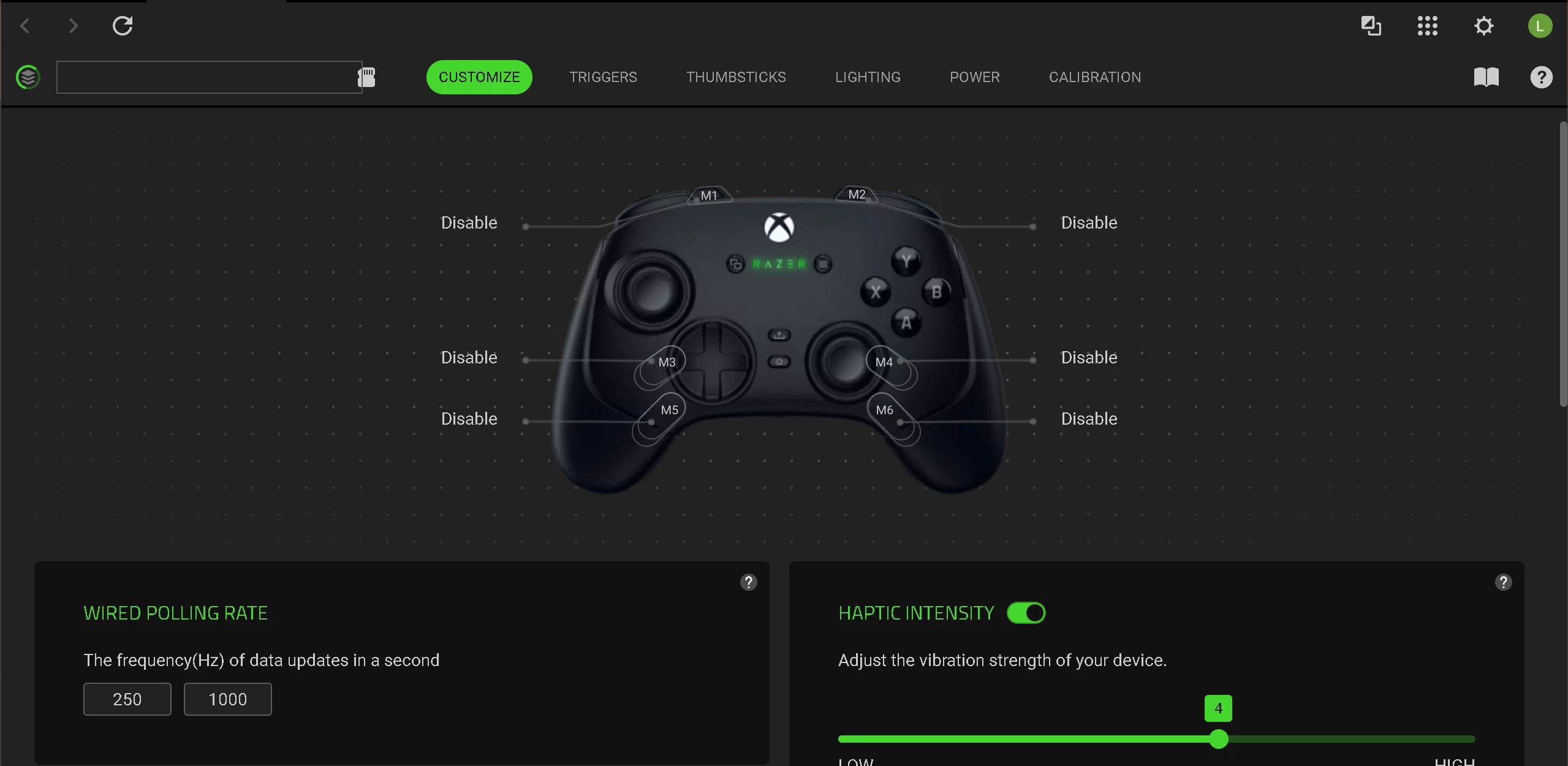
I recently purchased a Razer Wolverine V3 Pro, and I am currently unable to use it properly due to a critical issue with Razer Synapse.
The controller is detected, but Synapse is stuck on "Loading" / "Syncing Profiles", and no changes are applied to the device at all. This makes core features like remapping, RGB, and stick calibration completely unusable.
Key Issues:
- No settings are saved or applied to the controller
- RGB lighting does not change
- Button remapping does not work
- Stick calibration and deadzone adjustments do nothing
- Synapse remains stuck syncing indefinitely
Major Concern:
The required Synapse services are missing entirely from the system:
- Razer Synapse Service (missing)
- Razer Central Service (missing)
Only the following services exist:
- Razer Elevation Service
- Razer Game Manager Service 3
This indicates that Synapse is not installing or registering its core services correctly.
Troubleshooting already completed:
I have already performed extensive troubleshooting, including:
- Multiple clean reinstalls (removing all Razer folders from Program Files, ProgramData, and AppData)
- Installing as Administrator
- Disabling Windows Defender during installation
- Testing different USB ports (direct connection)
- Closing all potential conflicting software
None of these steps resolved the issue.
System:
- Windows 11 Pro (fully updated)
- Wired connection (USB)
- No third-party antivirus
At this point, this appears to be a software failure on Synapse installation or service registration. I need a definitive solution, not general troubleshooting steps that have already been attempted.
Please provide:
- A working method to properly install/register the missing services, OR
- A standalone installer/firmware tool that resolves this issue
This is preventing normal use of the controller.
I expect a concrete resolution.
Thank you.