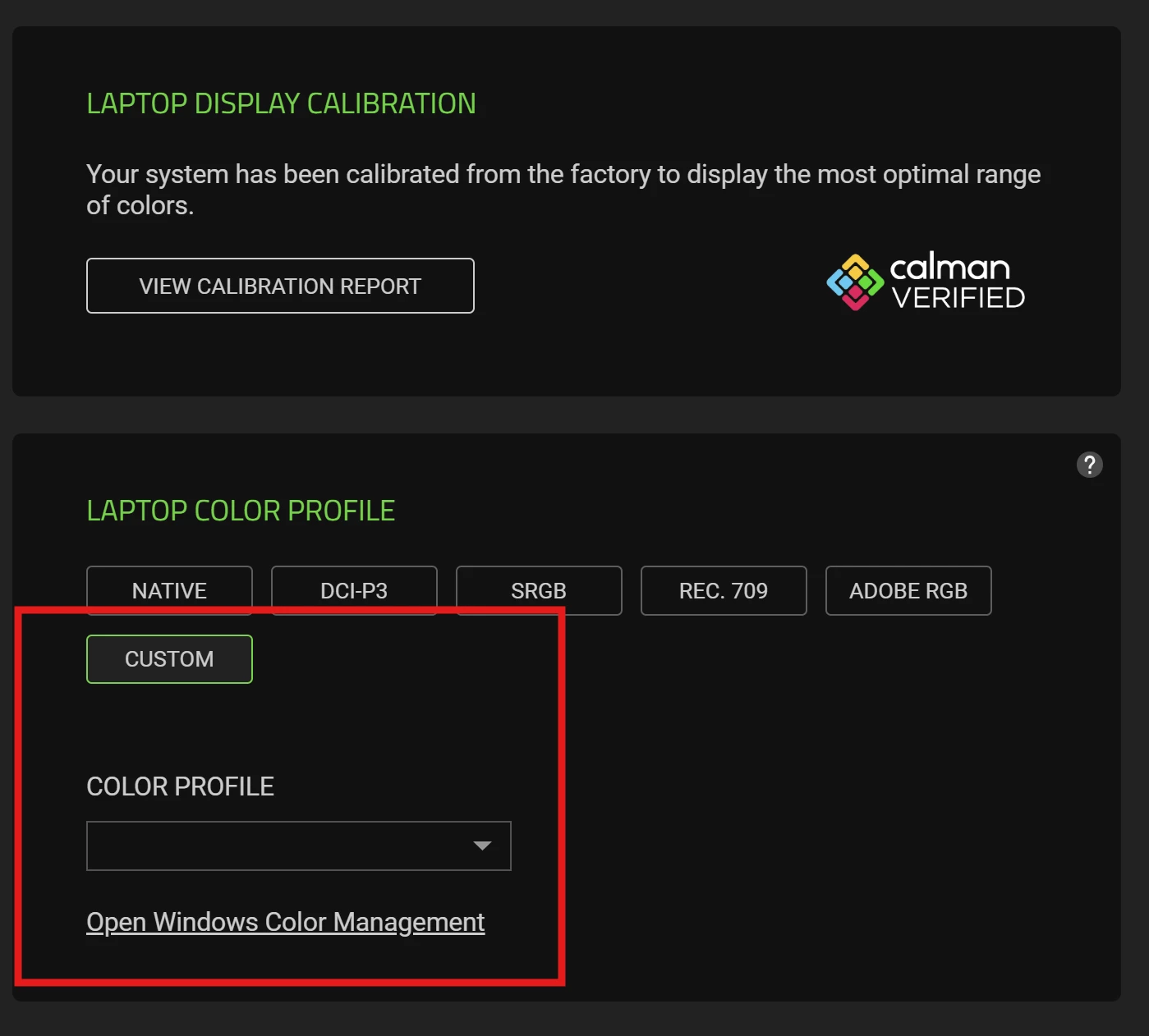
I'm using a Razer Blade 18 2025 laptop. How do I set Razer Synapse 4 to not overwrite the icm color profile I added in Windows 11? I set the color profile via color management in Windows 11, save it as the default profile. After restarting, whenever Synapse 4 starts, it overwrites my profile with the default profile in Synapse 4. It worked fine for me on the previous installation, but I don't know why it's not working for me now? I noticed that I previously had a custom color profile filled in directly in Synapse 4, but now there is an empty field, see the picture. I'm using a graphics card in optimus mode. Can you please help me? Thank you!