Synapse 4 startup problem | Razer Insider
Skip to main content
Question

Synapse 4 startup problem

  • November 25, 2024
  • 14 replies
  • 875 views

Grendalf

Hello all,

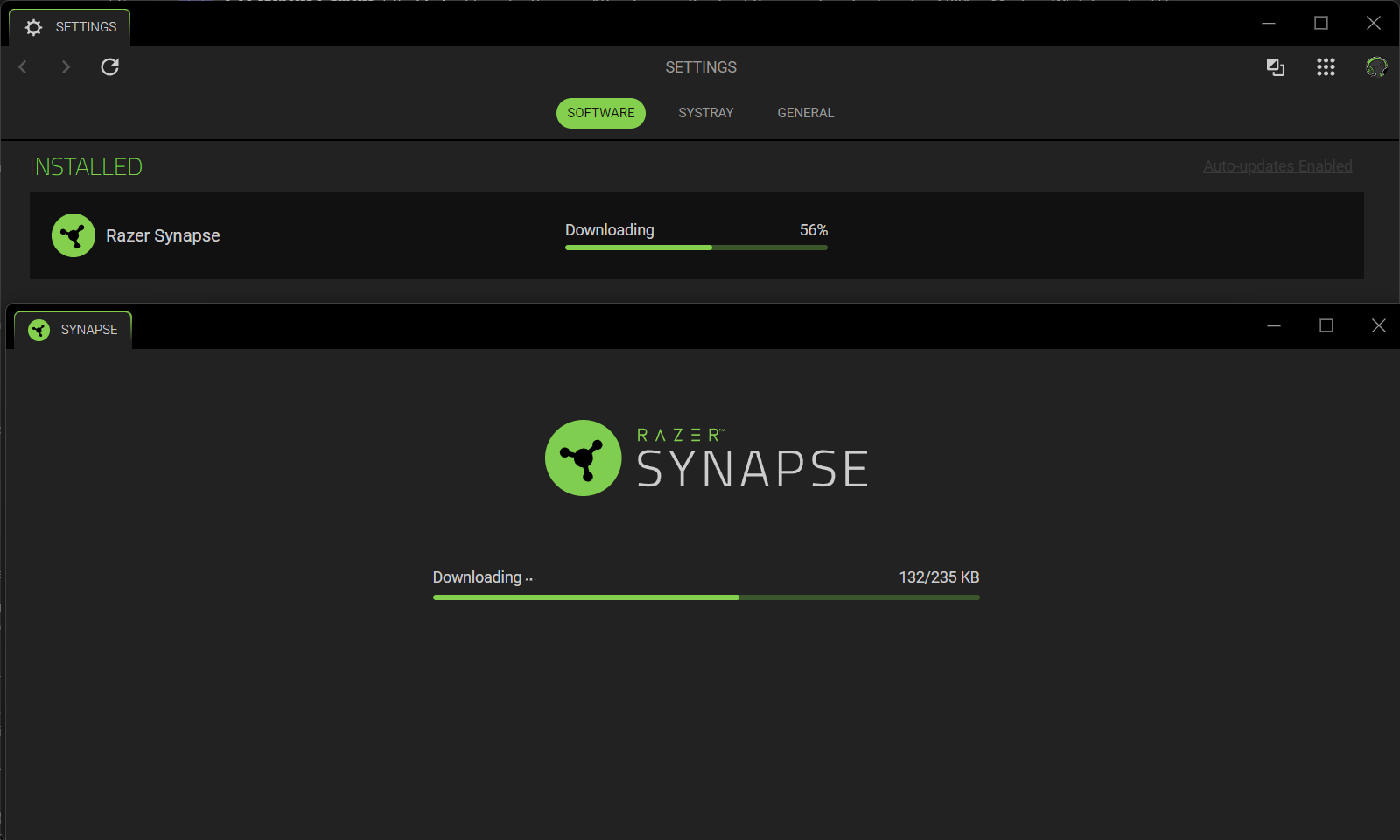
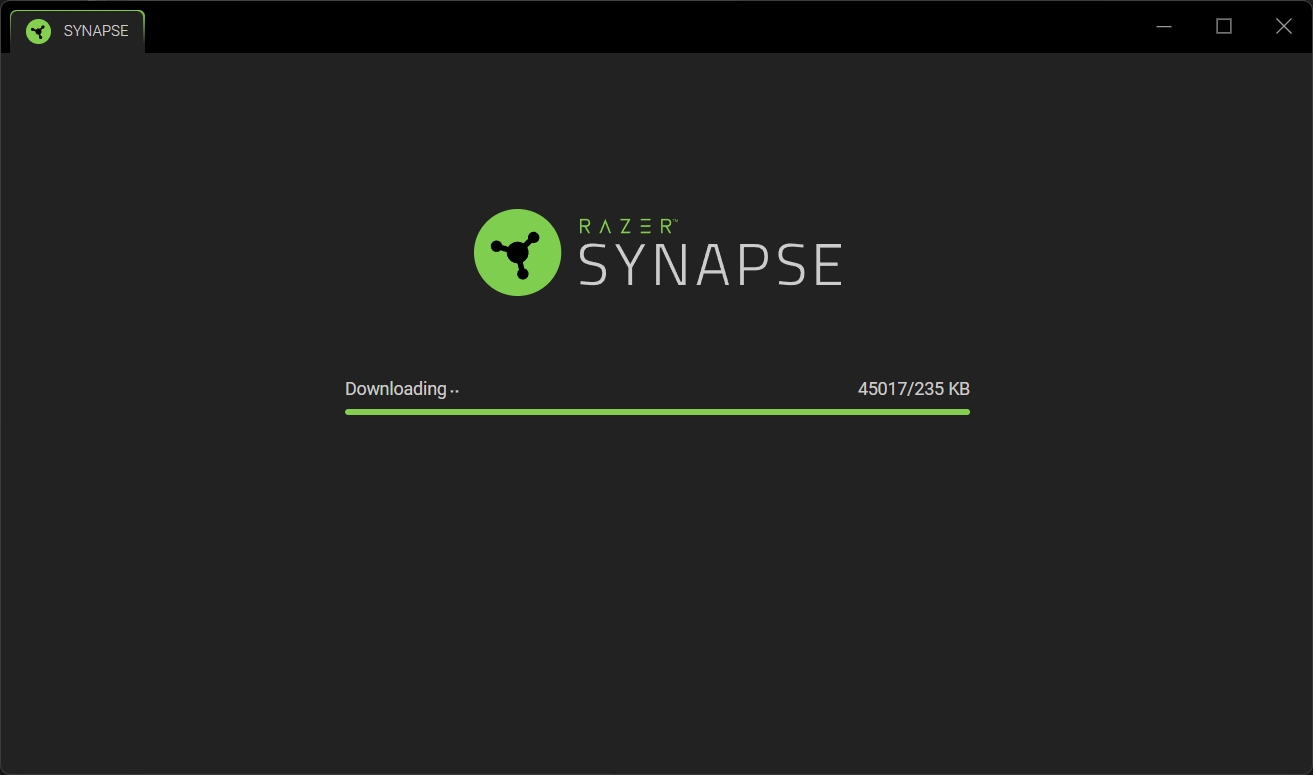
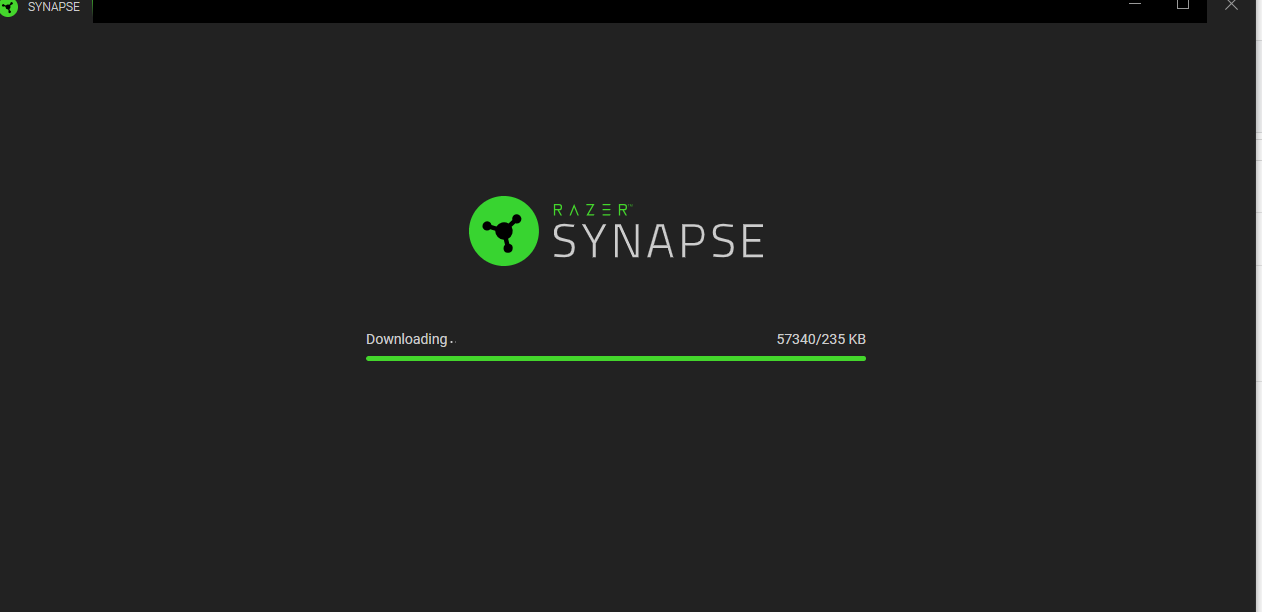
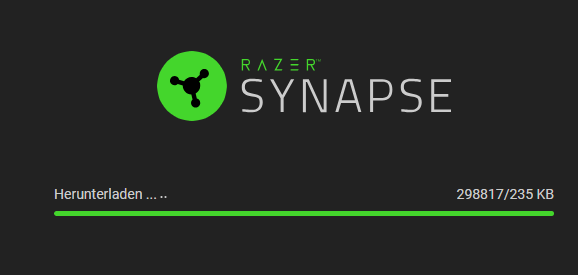
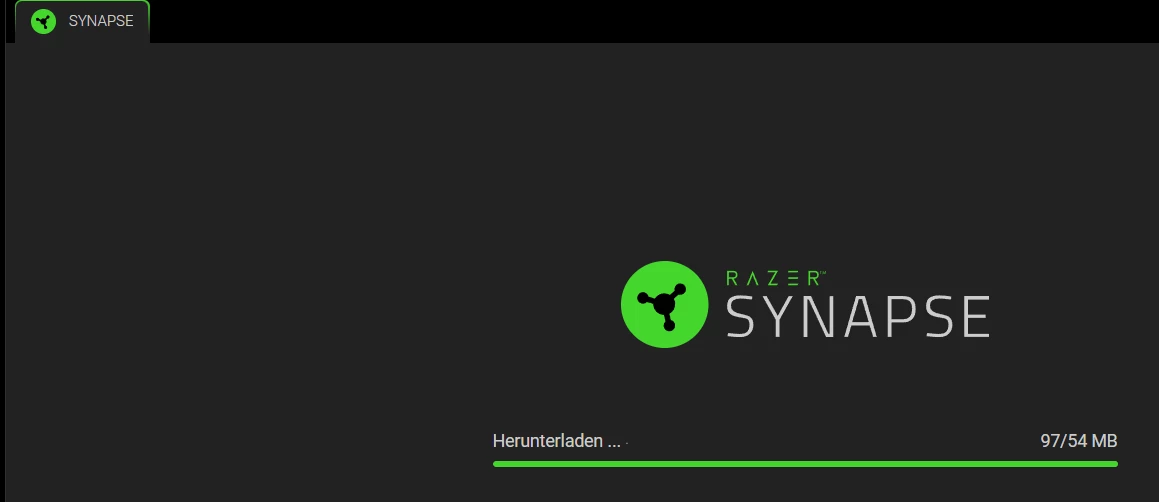
On one of my PC Synapse 4 is not starting up properly.  During the startup phase, it is downloading files but it doesn’t complete.  It downloads files non-stop reaching 50 000 % + and keep rising.


I have all the latest update of Windows 11and without any razer devices connected but it is always bug at this place.


Anyone encounter this and have a workaround?


Thank you!

14 Replies

SweaNisseGaming

please upload screenshoot of this issue or bug


Grendalf
  • Author
  • Insider Mini
  • March 11, 2025

At first, on the first launch after the install it blocks during the initial download.   I close the window and relaunch synapse and it go into an infinite download loop.  


  • Insider Mini
  • April 3, 2025

I have the exactly same problem, it downloads endlessly. And it uses memory the same amount it downloaded. Stopped and install synapse update manually, but it didn’t go away. Is there any sollution?


  • Insider Mini
  • April 3, 2025

I uninstalled completely and installed the latest version. It starts and started to download again 


  • Insider Mini
  • May 1, 2025

what a bunch of morons creating this software for Razer!!
I’ve never had a good experience with any of the Synapse software version!

nothing works OOB.

they all should be fired!


szaky007
  • Insider Mini
  • May 28, 2025

Have the same issue. Even after I try to start Synapse 3 is just starts this razer gaming Software which installes Synapse 4 and after you log in you have the same endless download. 


When is this supposed to end?


szaky007
  • Insider Mini
  • May 28, 2025

I uninstalled completely and installed the latest version. It starts and started to download again 


Hey man how did you solve this issue in the end?


Grendalf
  • Author
  • Insider Mini
  • June 12, 2025

I did have a follow up from the razer support team.  I sent logs, videos , etc.  The software team acknowledge and confirm the bug.

However, they replied to me saying they put it in the list of bugs and couldn’t give a date for the fix or how it was prioritize.  Finally, they asked me to keep updating the software for a potential fix.

I don’t have high expectation for the fix to be honest.

Cheers!


szaky007
  • Insider Mini
  • June 13, 2025

I did have a follow up from the razer support team.  I sent logs, videos , etc.  The software team acknowledge and confirm the bug.

However, they replied to me saying they put it in the list of bugs and couldn’t give a date for the fix or how it was prioritize.  Finally, they asked me to keep updating the software for a potential fix.

I don’t have high expectation for the fix to be honest.

Cheers!

This problem for me was caused by the companies Zscaler that blocked something while the software was installed. After I got the IT team to dissable it I removed the software, installed it again and boom it worked.


Same problem. So in the meanwhile we just can’t use the product? At least let us roll back to 3, which worked.


szaky007
  • Insider Mini
  • July 30, 2025

I had to talk to my companies IT team to turn it off for a short period of time and btw the because the update of the software was blocked again I had to do a new deinstallation and installation to the newest version. Is there any method to dissable the software update?


szaky007
  • Insider Mini
  • August 11, 2025

Dear Razerteam,

Could you guys not update the software so often or let me use an older Synapse 4 version? Because of the company’s security the Synpase update sabotages the software and I am obligated to ask the IT to shut down Zscaler so I can reinstall the fulldownload newest software.  I don’t know how this update works it probably uses some *.exe type file that gets blocked….

Best regards,

Daniel


  • Insider Mini
  • October 8, 2025

Just give us a full offline istallation like it was possible in v3. 
I still face this issue. One notebook works one not. 

I tried regualr 4 i tried beta etc. 
 DNs Flush etc nothing works.  


  • Insider Mini
  • October 8, 2025

Can you somehow start the app with parameters so it does not pull an endless update