Greetings to glorious Razer Support and all fans of Razer laptops!
My laptop config:
Razer Blade 15 Advanced 2019 / 4K OLED 60Hz / i7-9750H / 32GB 2666MHz / RTX 2080 Max-Q / RZ09-0301
Windows 11 25H2 is installed. The power mode is Balanced.
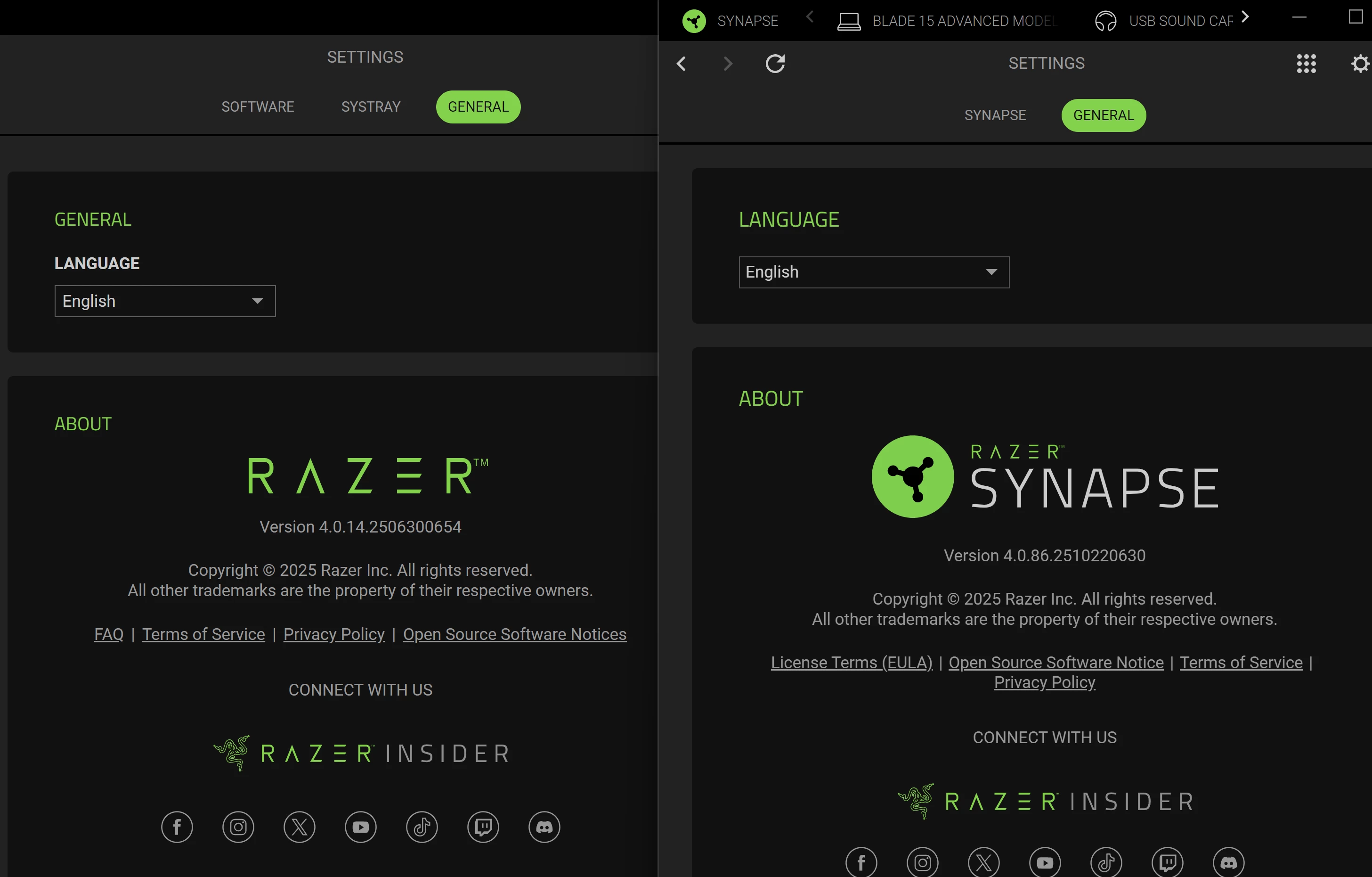
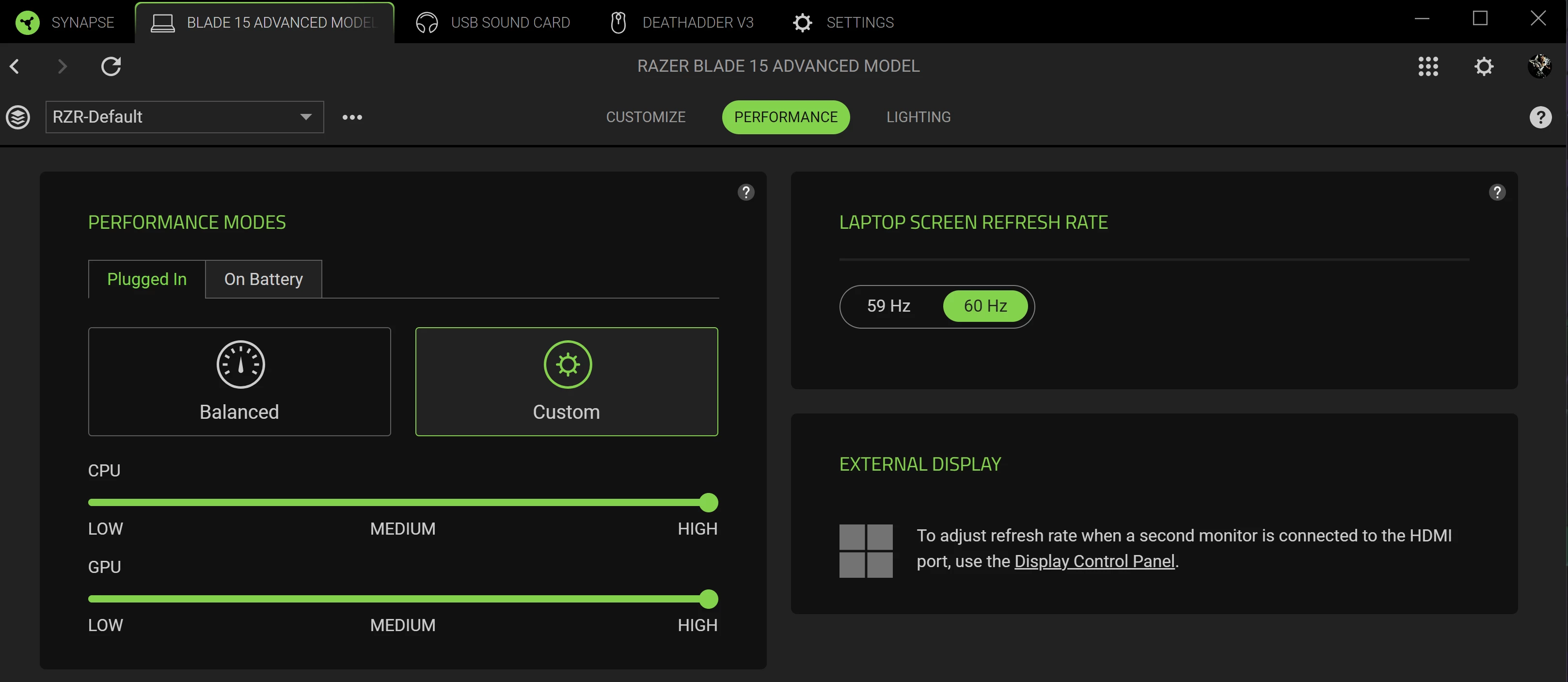
Razer Synapse 4.0.86 runs in the background. In its performance settings, Custom mode is selected and all sliders are turned to maximum.
All firmware updates from the product support page have been installed.
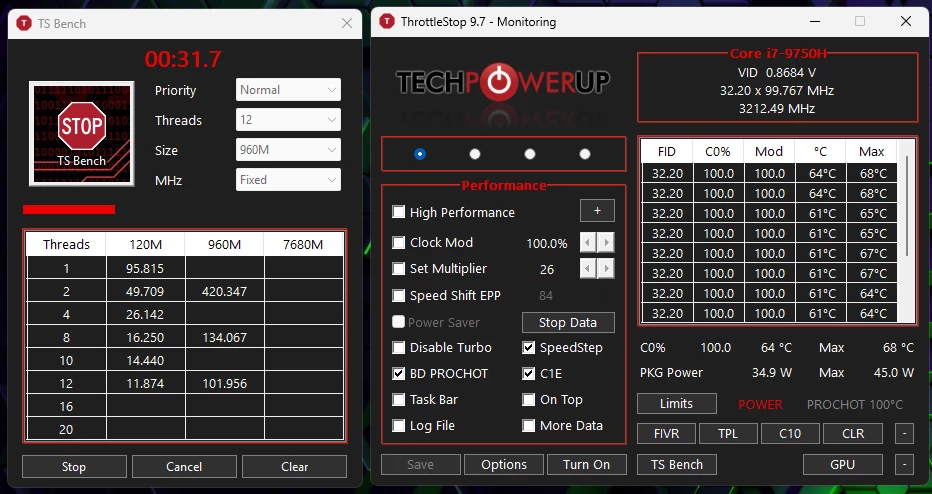
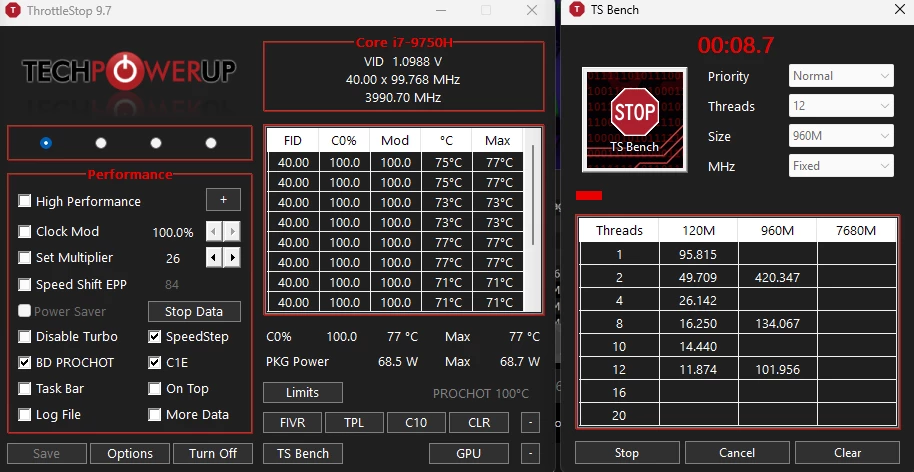
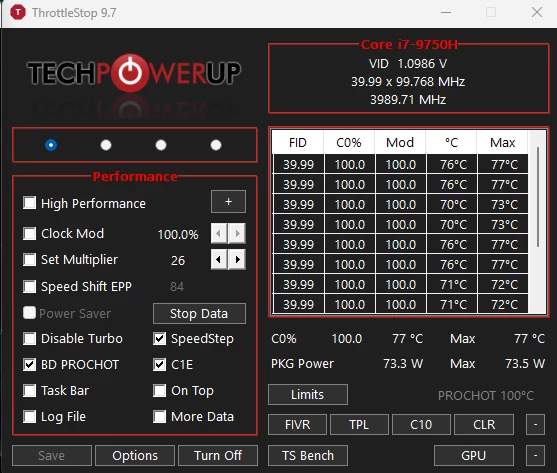
I noticed that after waking from sleep mode, the processor power is limited to 35W until I manually switch between operating modes in Synapse. Could you advise me on how to remove this limitation?
It's very frustrating that after waking up from sleep mode, performance drops and the processor doesn't reach turbo boost frequencies.
It's possible this is a Synapse bug, or Windows requires some settings to be changed, but this situation is extremely inconvenient.
I checked that my laptop's BIOS shows the SpeedStep option enabled, but there's no SpeedShift option. The ThrottleStop software doesn't show the SpeedShift (SST) activity indicator. Although, in idle the processor frequency is reduced. How can I verify that SpeedShift is working correctly?
Is it possible that Razer Synapse (or other vendor software) can control Speed Shift or Speed Step without going through Windows?
Below I have attached screenshots to illustrate the problem I encountered: