










[MONTHLY SILVER] July 2026 30,000 Silver Drawing
-
Recently active
Double click of razer blackwidow v3 mini hyperspeed 65%Here is my:SERIAL NUMBERIO2251F56100912PRODUCT NUMBERRZ03-03890200-R3U1I’ve bought it on amazon and delivered it to Azerbaijan through 3rd party cargo company, because there is no shipment straight to my country.Ordered on October 22, 2023 I’ve tried ddifferent types of connection, turning off the synapse app, differrent usb cable/port.
Hello everyone, I recently purchased a BW v3 mini keyboard and a viper ultimate mouse to game on my couch and noticed that when I have both dongles plugged in the keyboard cant connect. When I only have just the keyboard dongle plugged in, the mouse cant connect to it using the ‘multi device pairing’ feature which sold me on getting these devices in the first place. The keyboard also lags and doesn’t input about 1 in every 10 keystrokes or duplicates the input liiiiike tthiss which is pretty obonxxxxxxxxxxxioous. When I use just the mouse dongle, it works well enough but there is no option for multi device pairing in synapse 3. I’ve tried using the pairing utility app and disconnecting/reconnecting both devices multiple times as well as reinstalling synapse a few times and nothing seems to help. Has anyone had a similar issue and knows of any solutions to it? I’ve searched this forum and found a few people having similar issues, but razer’s response seems to always be to make sure its
My black widow v3 pro suddenly lost bluetooth connection. Now only works with usb cable. I updated driver, tried everything what is in support page, and nothing. My windows10 sees it, but razer app doesn’t. Need help
Does anyone know where I can get replacement key caps for the Razer Turret keyboard (Ships to UK)?I couldn’t find any on the official store or Amazon.
Addressing screen flicker and image issues on Razer Blade 16 and 18 models. Stay tuned for the latest firmware updates and solutions to elevate your gaming and viewing experience. 🎮🖥️ #RazerBladeFix #GamingExperience" d 18 Screen Flicker and Image
Recently I had a problem in cyberpunk 2077, the mouse cursor was duplicated on both monitors. I was told that the problem was with the mouse and that this had happened before with Raser devices. In the device manager, I discovered that the Razer Ornata v2 keyboard is duplicated in the mouse and keyboard section, but it seems to me that it should only be in the keyboard section. How to fix the problem?
I am currently fixing my razer blackwidow elite due to a broken switch. I have gone to remove the deck and a couple of the screws have corroded due to its age and use so I was looking to replace these as removing them will make them unusable again.
Hello, I have a Razer Ornata Chroma v2 keyboard. And the problem is when I click keys, e.g. 2 is 29, c is 3xc, 7 is 73, space is 5v and much more. Please help me fix this error. I already reset the laptop. I will add that the laptop keyboard works as it should. (If someone speaks Polish, it would make it much easier for me to communicate).
Hello, I got 3 questions : How can I remap hypershift default binds ? How can I set profile switch not as togle ? How can I bind a modifier key in synapselike this :J key pressed alone = J Shift + J key = K
My "0" key is not working, especially when I boot up my computer and I have to use it to input my Windows PIN. The rest of the time it works intermitent. Sometimes it works as intended, sometimes it is very laggy. Please help. I reset my keyboard useing the Tab + Caps + Alt combo, but the problem still persists. My keyboard is a Razer Huntsman.
The keyboard is not really charging and is blinking red
Razor huntmans te
Hi,I have problem with my Razer Nostromo keypad. It lights up (but lights are very delayed), then Razer Synapse 2.0 can’t catch it. I have Windows 10 but it doesn’t show any popup/sound message like “We're installing new device” etc. Windows 10 and Razer Synapse 2.0 doesn’t recognize it. My question is what can i do to make my keypad work properly :/
i cant select single buton when i chroma studio hot to do that do you need a app or something i have a ornata v3 x
I'm one handed so I can't use a mouse😢
I’ve bought a BlackWidow V3 almost an year ago and it used to work perfectly. I mainly used it for programming, editing and gaming. Recently I have bought a Basilisk V3.I was developing a website and implemented a double Shift click functionality. I use PowerToys for managing my windows and I can snap windows to custom positions and sizes by pressing shift. I have noticed that when i hold Shift and dragged the window it was detected as a double click by my website. In the beginning I thought that there was an error in my code however that didn’t happen on my computer at work.This little problem became really annoying since when I alt-tab from the IDE where I’m writing code to another window it keeps pressing the last hold key. It also does it when i Ctrl+C or with any other key really. It used to almost never happen in the beginning but now it is becoming unbearable. I have already tried reinstalling Synapse, deleting all the profiles on the Keyboard and the Mouse, and reinstalling Syn
I’m coming from the red linear Huntsman Mini. The red linear has an actuation point of 1.2mm with a reset point of 1mm. On the Huntsman V3 I can change the actuation point, but not the reset point. That would not be a deal-breaker if the reset point would be the same as the actuation point (like every single linear switch). For some completely baffling reason, Razer decided to lock the reset point to 0mm, which means that you have to depress completely. I don’t know if this is a bug, but it has to be. Basically, you will get much worse performance than a linear red switch if you don’t use rapid triggers.
greetings! i come here in hopes that someone might know a fix foor a double typing keyboard. for some reason its only the "o" key that seems too double type. ive cleaned the keyboard, cleaned the switch, made sure the keyboard wasnt low on power, moved the wireless dongle adapter thing to other usb ports and it always seems to doouble type regardless. does anyone here know of a way too fix it? foor the sake of example, ive left all the mistakes and misspellings in here invoolving the "o" key to show how it double types. thank you for your time and i hope you all have a wonderful morning/afternoon/evening/night.
Is UK layout ISO layout on Razer Huntsman V3 Pro Mini? I can find no pictures of the keyboard with ISO layout neither in shop or in google images.If I switch layout in eshop there are still the same images used.
keyboard bought direct from Razer store 7/18 so only 3 ½ months or so time on this board. This was a replacement for Ducky Shine 7, which was really flawless and will have to go back in service. I contacted Support for help or and RMA, My question was, could the switch be replaced without soldering. Rather get an answer They want proof of purchase and their order number and I have already supplied a Serial, so I emailed them their own invoice back, now they are Ghosting me. Is this common for support to ignore a paying customer with a warranty problem. I am not a 16yr old gamer, I do engineering work daily on this keyboard, and 2 5’s entered by defect could cause an engineering failure in my line of work. If I was to rate Razer equipment quality and now support on a scale of 1to 10 that would be a 2 and I would differently not recommend buying their equipment now! I have probably bought 6 to 10 mice and a ITX case from Razer over the years, and I can say every mouse I have bought
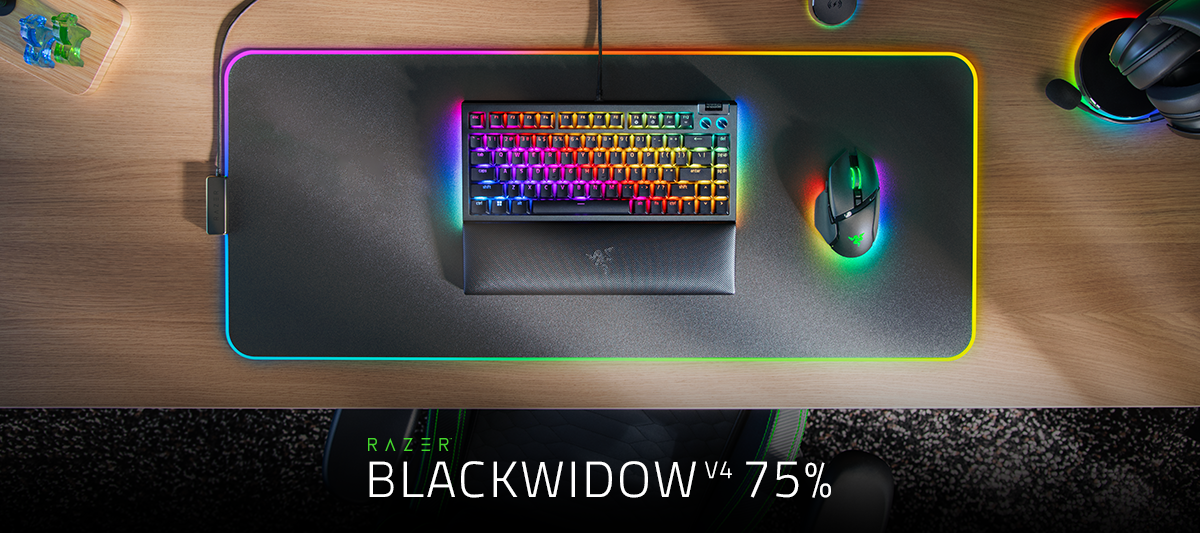
I was wondering if there will be a version of the Razer BlackWidow V4 75% with a UK layout.
Hi i have a new pro ultra type wirless and it is not charging. When i plugged in the usb cable it shows immediately 100% and no indication of charging.after a couple of hrs the battery is still low for both BT and wireless
I have been having issues with my d-pad so I tried to reinstall the device and now synapse doesn't detect it.
When I type V,’ it displays “v5t g” and when | type B it displays “b00:46 30-11-20236yhn” all last row keys are working like this and I press shift key I’m getting similar issue.This was newly purchased three months ago. This malfunction started two days ago , All the recommended updates have been carried out.Really disappointed.
Already have an account? Login
No account yet? Create an account
Enter your E-mail address. We'll send you an e-mail with instructions to reset your password.