New Razer Blackwidow v4 typing repeating issue | Razer Insider
Skip to main content
Question

New Razer Blackwidow v4 typing repeating issue

  • May 24, 2023
  • 160 replies
  • 34741 views

Show first post

160 Replies

FiszPL
Vanguard
Forum|alt.badge.img+1
  • VANGUARD
  • June 18, 2025

Just received my fourth Blackwidow V4 after three previous ones developed serious double typing issues.

Did anyone have these problems on a keyboard which serial number begins with IO24 or IO25?

My three previous keyboards all were IO23 and this new one is as well. I’m not going to be surprised if it starts malfunctioning within months.

I have 2440 on Blackwidow V4 75% Pro no issues so far.


  • Insider Mini
  • July 2, 2025

Just received my fourth Blackwidow V4 after three previous ones developed serious double typing issues.

Did anyone have these problems on a keyboard which serial number begins with IO24 or IO25?

My three previous keyboards all were IO23 and this new one is as well. I’m not going to be surprised if it starts malfunctioning within months.

I have IO2325, and I also have same problem. Especially ‘H’ and ‘L’ letters failing some times. I tried everything you guys said in this subject or somewhere else. No fix. The spamming issue also have no pattern. It happens randomly. Interestingly not happening while I’m writing this. 


  • Insider Mini
  • July 14, 2025

I have IO2411 that I got May 2024. It was the third replacement and just now started spamming “e”s. This one made it a little over a year. The other 2 only lasted a couple months.


I have IO2411 that I got May 2024. It was the third replacement and just now started spamming “e”s. This one made it a little over a year. The other 2 only lasted a couple months.

Damn it, I guess there’s truly no hope for this keyboard model then.

I had my F11 key do multiple double types only two or three days after unboxing but it seems to have fixed itself and no other issues since.


  • Insider Mini
  • July 22, 2025

I have given up on it. Got a Corsair instead. No more Razer anything for me.


  • Insider Mini
  • July 22, 2025

I absolutely loved the feel of this keyboard when I got to try it on display at MicroCenter, but there's no way I'm taking a chance with all the issues it's having.


For people who've switched due to the issues, do you have any recommendations of keyboards with a similar chassis and switch feel? I might end up getting this keyboard anyways with a warranty and keep replacing it when it goes bad because I haven't found anything close yet.


  • Insider Mini
  • July 22, 2025

I absolutely loved the feel of this keyboard when I got to try it on display at MicroCenter, but there's no way I'm taking a chance with all the issues it's having.


For people who've switched due to the issues, do you have any recommendations of keyboards with a similar chassis and switch feel? I might end up getting this keyboard anyways with a warranty and keep replacing it when it goes bad because I haven't found anything close yet.

https://www.corsair.com/us/en/p/keyboards/ch-912a01a-na/k100-rgb-optical-mechanical-gaming-keyboard-corsair-opx-switch-black-ch-912a01a-na


This it the one I got, (Corsair K100 RGB) the feel is very similar to the razer KB. I even switched to a Corsair mouse. Three failures is enough for me. Even if its still under warranty, the hassle of dealing with them just to get the RMA, ship it back etc. I am done with it


  • Insider Mini
  • August 5, 2025

I also had the problem which surfaced with a few weeks old Razer Blackwidow V4. I'm a programmer, so typing accuracy is critical, but I'm sure my code still contains some strange variable names. First it was the "u" key, then also the "e" key, then also the "{" key, but it became intolerable when the left Ctrl key also started and my cursor would jump to the end of the file when I just pressed the End key (Ctrl+End).

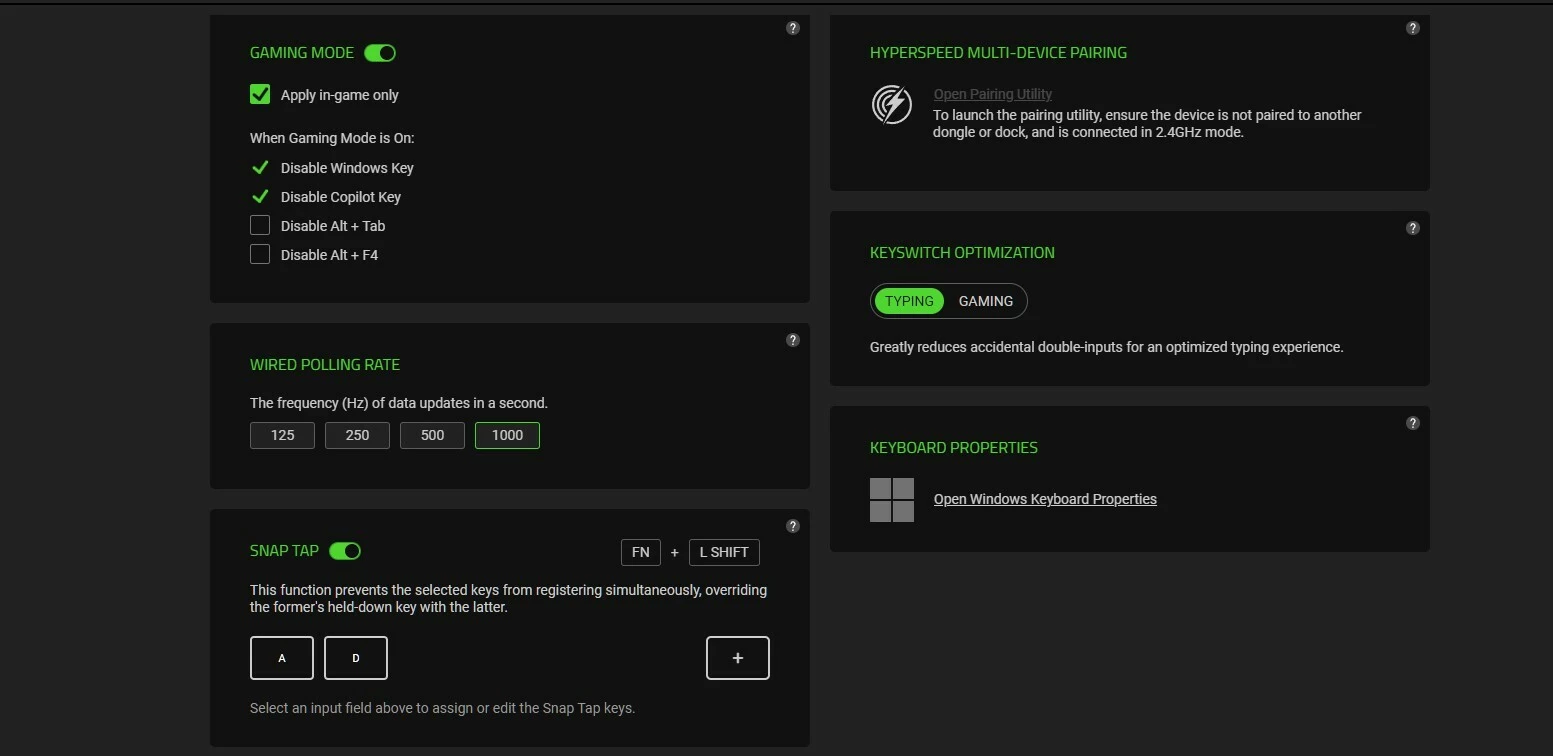
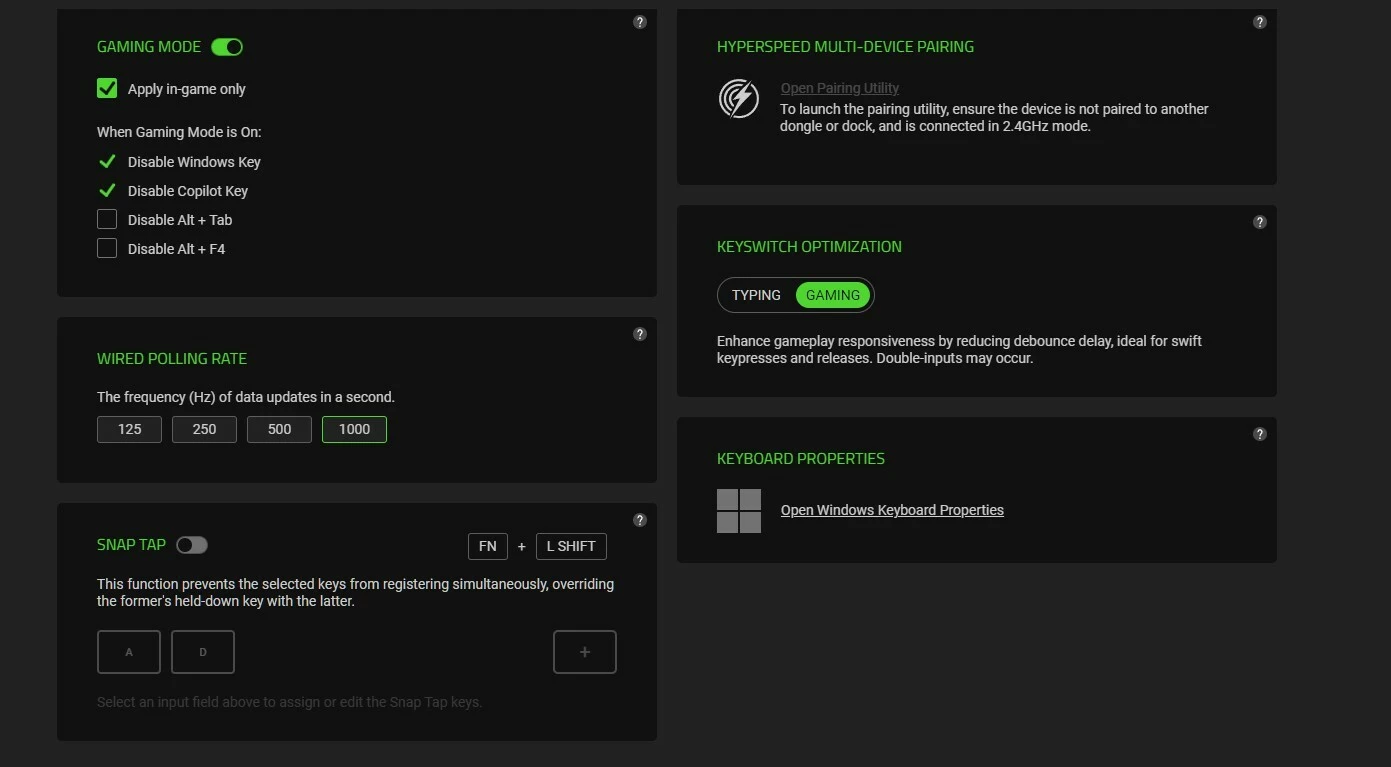
I read all the posts, updated the firmware changed the polling rate - nothing helped. I was considering using my soldering iron and "rearranging the deckchairs" (swapping the bad keys for less-used keys), but I read that the problem would just start with other keys, so that wasn't a permanent solution.

It's been three weeks now since I fixed it, and haven't had a single incorrect/double keypress since then. Here's what I did:

First I took off all the keycaps (and put them in warm, soapy water to soak).

Then I used a toothbrush and methyated spirits to scrub over the surface and between all the key switches - just to remove as much human-grime as possible. Then I blew it thoroughly with compressed air and put it in the sun.

After an hour or so, I took an aerosol can of electrical cleaner (one with a thin, long red nozzle pipe that sprays some kind of butane-like solvent that turns grease to dust). I went to each switch and sprayed it in copiously around and down the key shaft until you could see the fluid inside the clear case. Then I tapped the key repeatedly. Did that for every key switch.

I then cleaned all the caps with a damp rag and replaced them. I plugged it back in and it went berserk - keys not working, keys triple-typing other keys, just an unusable mess. Perhaps it was because some water from the keycaps leaked in when I replaced them.

I put it aside, and the next morning put it out in the sun for the whole day. Brought it in in the evening, and HOORAY!, I went through each key and carefully tapped each one five times (with a text editor open) and not a single problem: aaaaa, bbbbb, ccccc, ddddd - perfect - and has been ever since.

I saw someone post that the problem is caused by some lubricant that Razer uses and I believe that to be the case - and it can be cleaned.

Anyway, I love my keyboard again. It was an expensive beast that I had terrible regrets buying, but now I couldn't be happier.


  • Insider Mini
  • August 5, 2025

I also had the problem which surfaced with a few weeks old Razer Blackwidow V4. I'm a programmer, so typing accuracy is critical, but I'm sure my code still contains some strange variable names. First it was the "u" key, then also the "e" key, then also the "{" key, but it became intolerable when the left Ctrl key also started and my cursor would jump to the end of the file when I just pressed the End key (Ctrl+End).

I read all the posts, updated the firmware changed the polling rate - nothing helped. I was considering using my soldering iron and "rearranging the deckchairs" (swapping the bad keys for less-used keys), but I read that the problem would just start with other keys, so that wasn't a permanent solution.

It's been three weeks now since I fixed it, and haven't had a single incorrect/double keypress since then. Here's what I did:

First I took off all the keycaps (and put them in warm, soapy water to soak).

Then I used a toothbrush and methyated spirits to scrub over the surface and between all the key switches - just to remove as much human-grime as possible. Then I blew it thoroughly with compressed air and put it in the sun.

After an hour or so, I took an aerosol can of electrical cleaner (one with a thin, long red nozzle pipe that sprays some kind of butane-like solvent that turns grease to dust). I went to each switch and sprayed it in copiously around and down the key shaft until you could see the fluid inside the clear case. Then I tapped the key repeatedly. Did that for every key switch.

I then cleaned all the caps with a damp rag and replaced them. I plugged it back in and it went berserk - keys not working, keys triple-typing other keys, just an unusable mess. Perhaps it was because some water from the keycaps leaked in when I replaced them.

I put it aside, and the next morning put it out in the sun for the whole day. Brought it in in the evening, and HOORAY!, I went through each key and carefully tapped each one five times (with a text editor open) and not a single problem: aaaaa, bbbbb, ccccc, ddddd - perfect - and has been ever since.

I saw someone post that the problem is caused by some lubricant that Razer uses and I believe that to be the case - and it can be cleaned.

Anyway, I love my keyboard again. It was an expensive beast that I had terrible regrets buying, but now I couldn't be happier.

Wow, this post might singlehandedly convince me to buy this keyboard. Thank you so much for sharing, I'm definitely copying this down for future reference. Cheers!


Today, my 4th Blackwidow V4 broke after three months of use. The 22 key (above w) is suddenly doing double types very consistently.