
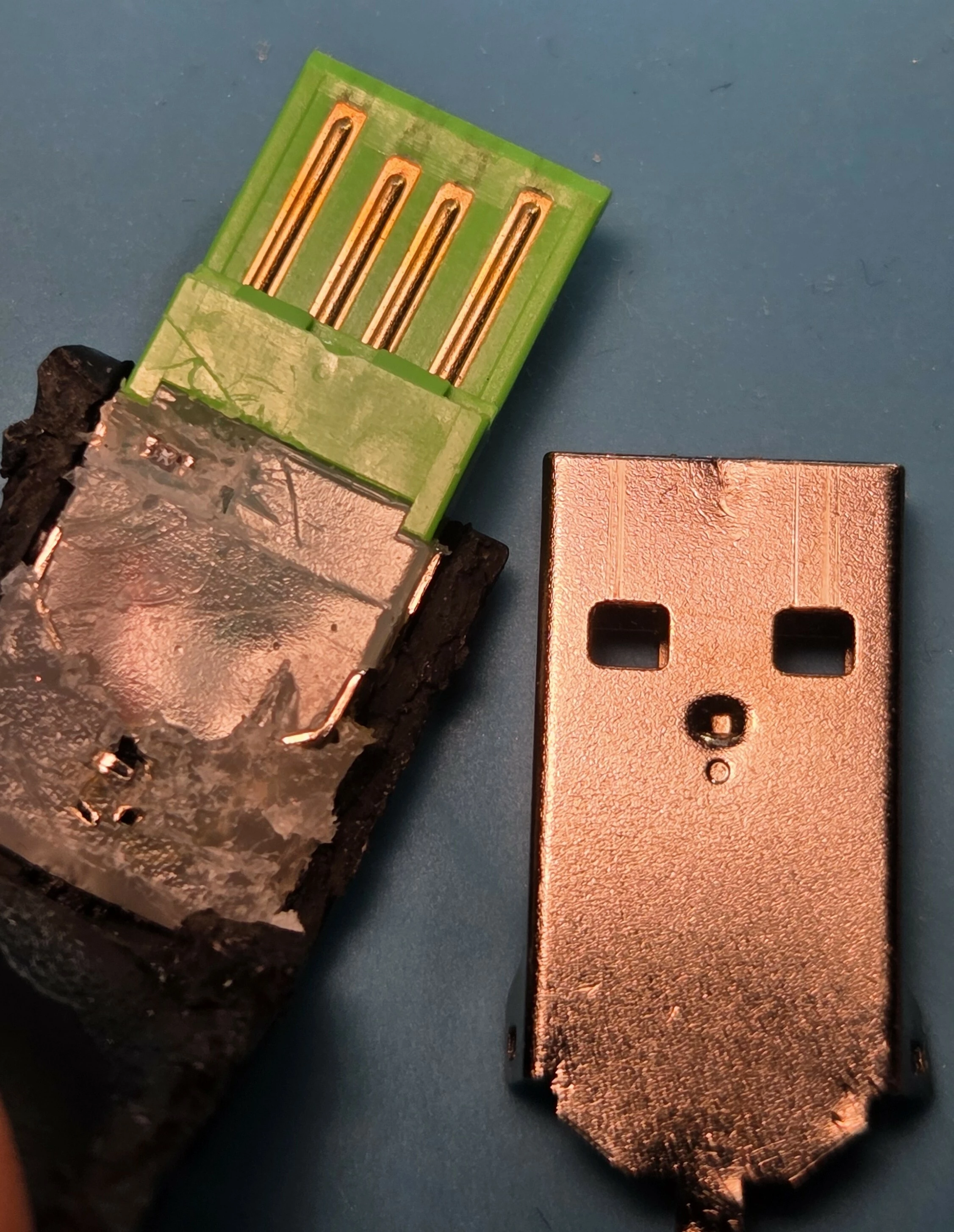
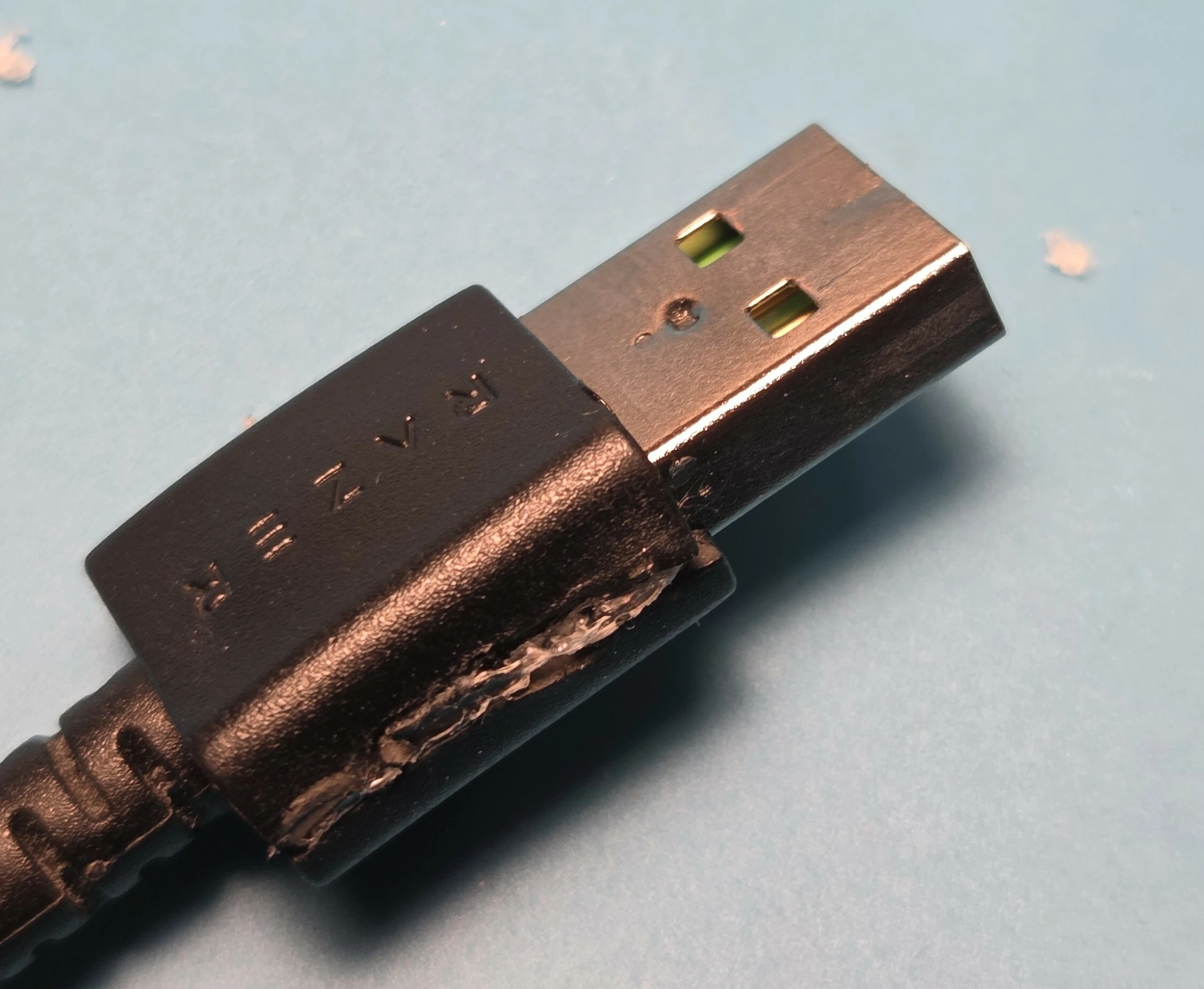
I have a lightly used Razer Basilisk V3 which I’ve been using for less than a year, and have never had a problem with until today. I’ve tested it on 3 different windows computers, and all of them will have the mouse continuously connect and disconnect, making the mouse unusable. Sometimes when being plugged in, the device will flash red, and make the clicking sound it makes when turning the tactile scroll on and off. Only uninstalling Razer Synapse (should’ve gotten rid of that malware a long time ago) helped the mouse connect, and only briefly. Uninstalling the drivers got the mouse to function, and I updated the firmware on the mouse. The only thing wrong with it after that was trying to use the smart scroll, when the tactile scroll switch would trigger the mouse would power off and on again, and the tactility of the scroll wheel was noticeably softer. I reinstalled synapse to try and fix this, and immediately as soon as the software launched, the mouse stopped working, and despite repeating what I had done previously, it has not worked since.
There is enough evidence on these forums to suggest this is a chronic issue that is driver/software/firmware related, and affecting many users. I will be ensuring I warn as many people as I can not to buy any razer products, as the response from the developers and support staff over this ongoing issue has been nothing but insulting to the customers. These are expensive ‘luxury’ gaming mice, and these issues are fixable.
Replacing the mouse with a different model will only lead to the same issues further down the road.

Razer Basilisk V3 unable to maintain stable connection.
Sign up
Already have an account? Login
Log in with Razer ID to create new threads and earn badges.
LOG INEnter your E-mail address. We'll send you an e-mail with instructions to reset your password.