Recently upgraded from Razer Surround 7.1 to THX Spatial Audio
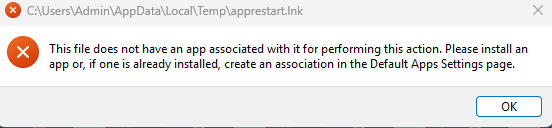
during my install [to the main C:drive] i received a (default apps error) the install is able to finish and UI works properly everything else works i able to get the 3D audio to work.
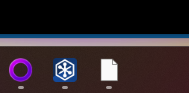
after resetting my computer THX will not start properly, does not start on windows start and when i click on the Desktop icon; it seems to load and appear on my task bar but UI will not load and I'm not sure if the 3D sound is enabling. if i reinstall THX it will work proper i will receive the same app error and will lose functionality next after reset.
(install error)
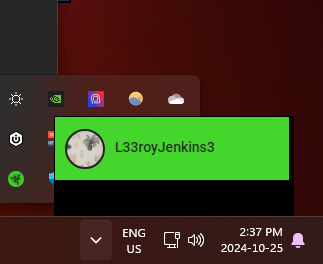
UI above taskbar
main Razer window will not open