My headphones are showing as Off in Synapse | Razer Insider
Skip to main content
Question

My headphones are showing as Off in Synapse

  • December 15, 2024
  • 15 replies
  • 4151 views

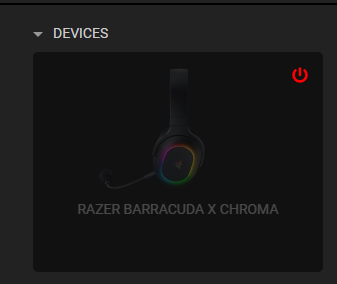
I recently bought the Barracuda headset , when I open synapse the device is still showing as OFF even though the device is already ON. I am able to use them with music , videos , games, etc. Are they compatible with Synapse 4.0 or they don’t need to be modified there?

This is my first time using razer headphones , please ignore my ignorance 

15 Replies

  • Insider Mini
  • January 17, 2025

Following this… very frustrating, I have the same problem. going on 3 hours of trying to figure this out and there is no help on the web… imagine that. :) 


Vboberino14
  • Insider Mini
  • February 2, 2025

Same here I bought the barracuda pros and I have the same issue


  • Insider Mini
  • February 4, 2025

I figured it out! You have to double click the pairing button. Don't have them in front of me at the moment. But I started clicking and holding the different buttons, nothing. Then I started double clicking and it worked. 


  • Insider Mini
  • February 4, 2025

I figured it out! You have to double click the pairing button. Don't have them in front of me at the moment. But I started clicking and holding the different buttons, nothing. Then I started double clicking and it worked. 

I am having the same issue and double pressing either button doesn’t fix anything, the headset also has surround sound or something similar on ever since I downloaded synapse, could you explain a little more about what worked?


  • Insider Mini
  • February 4, 2025

Is it showing up in synapse?


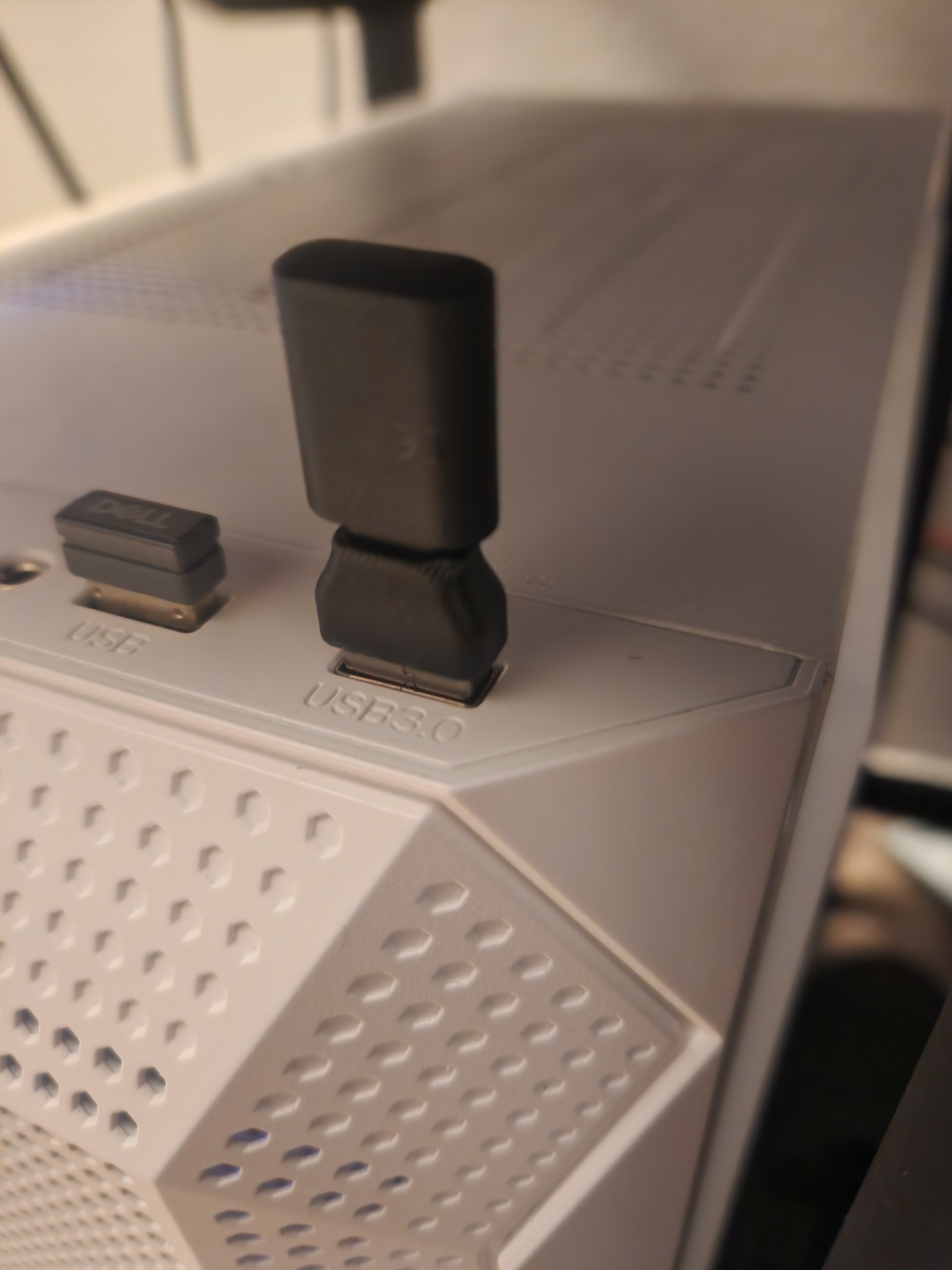
I also connect the 2 adapter things that came with the head set together and plugged it into my USB port. Try this. I tried a series of things. And can't pin point what exactly I did. If this doesn't work ping back. I spent around 4 hours messing with it. I'll try my best to help.


Not sure what the surround sound is to be honest.

I hope this helps. It's a great headset now that it's working. Just a little tricky to get there


  • Insider Mini
  • February 4, 2025

yes it is showing up in synapse, it looks just like the picture above but its just a regular barracuda, the headset is my friends that they are letting me use so I only have the headset itself and the dongle, I am using a 3rd party usb-c to usb-a adapter that has worked for everything in the past. I have also cleaned out the ports on the dongle, adapter and pc port with compressed air


Natasha-MLB
  • Insider Mini
  • February 5, 2025

I recently bought the Barracuda headset , when I open synapse the device is still showing as OFF even though the device is already ON. I am able to use them with music , videos , games, etc. Are they compatible with Synapse 4.0 or they don’t need to be modified there?

This is my first time using razer headphones , please ignore my ignorance 

Contact Support 


https://mysupport.razer.com/app/warranty-support


has anyone gotten a solution at of this ? i literrally bought the barracuda pro from a friend that had them sealed in a box. When i try to put the warranty it says its out of coverage. :C


  • Insider Mini
  • February 21, 2025

Double tapping the pairing button worked for me after much frustration. 


  • Insider Mini
  • May 8, 2025

Same problem here

I updated the firmware of the headset via razer’s support website

now i can see the headset as ON on Synapse

Hope it could work for you


  • Insider Mini
  • June 8, 2025

Mine disconnects from time to time and how I get mine to connect to synapse is by unplugging the dongle and plugging it back and switch between bt and hyper speed wireless and it connects. Hope this works for others because it worked for me:) 


bitAcidGreenbuzz791

Mine disconnects from time to time and how I get mine to connect to synapse is by unplugging the dongle and plugging it back and switch between bt and hyper speed wireless and it connects. Hope this works for others because it worked for me:) 


Tengo exactamente el mismo probleba en mis razer kraken v4 y son nuevos. De verdad no puedo creerlo.


bitAcidGreenbuzz791

Mine disconnects from time to time and how I get mine to connect to synapse is by unplugging the dongle and plugging it back and switch between bt and hyper speed wireless and it connects. Hope this works for others because it worked for me:) 

I have the same problem, they disconnect from the 2.4 system and they are new, I can't believe it.


AmaniNaUpendo
  • Insider Mini
  • August 6, 2025

For whomever is still having this issue, the following is what worked for me for my Blackshark V2 Pro. I just had this problem of Synapse displaying my device as Off, while it was on.

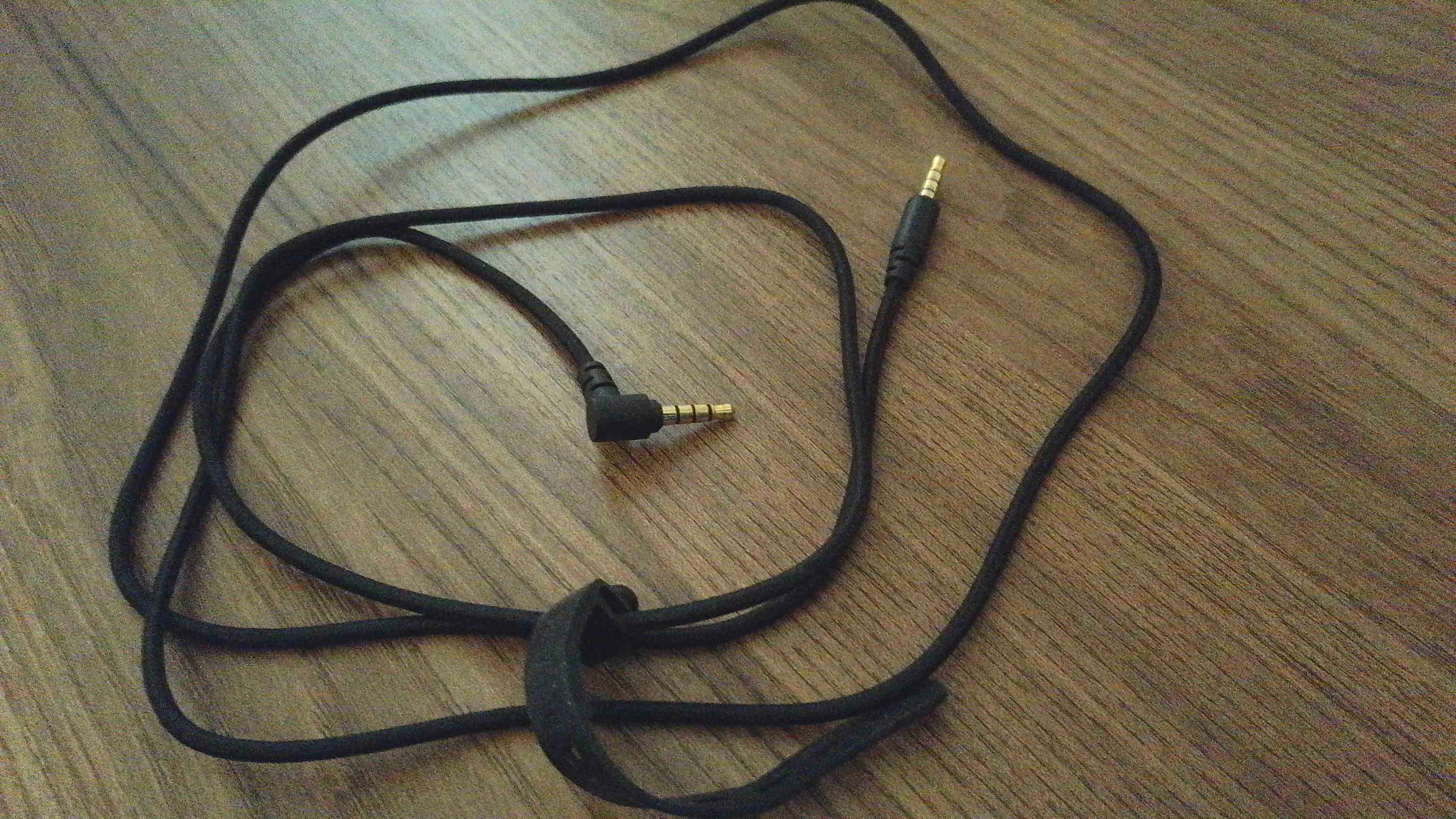
  1. Grab the wire (headphone jack), plug it to your pc, then to your headset while it’s on for wireless mode – that means, it’s turned on / the blue light is on.
  2. At that point, the blue light will turn off and you should be able to hear audio – do not remove the USB dongle. If you do not hear anything, make sure to select the correct device in sound settings (Windows). If you hear audio, means the headset works. =)
  3. Then, remove the Headphone jack. The headphones should be off.
  4. Turn them on by holding the On/Off button.
  5. They should show up in Synapse now.

It seems that for whatever reason, there’s a desync and plugging in the headphone with the headphone jack, while the ‘Wireless mode’ is on (blue light on the headphones), resets it.

- What I mean by ‘Headphone jack’ 👇🏻


If this doesn’t work right away, make sure to follow these instructions and then give the above another try:

Following the steps above will make you uninstall Synapse and reinstall it again. It will install Synapse 4, but works either way. Also, it will install drivers for your headset from scratch.


Following the instructions on those ‘How to...’ didn’t solve the problem for me. After I did that, my device was not even showing up on Synapse. Only after doing the steps I outlined above, the device showed up on Synapse. BUT, I can’t say for sure that the steps on the ‘How to...’ didn’t do anything. Maybe they did.

So, I’d suggest to do them anyways, is just a couple of minutes more and you make sure you have a clean install.


Hope that helps! 🙏🏻


Yorozaki
  • Insider Mini
  • August 20, 2025

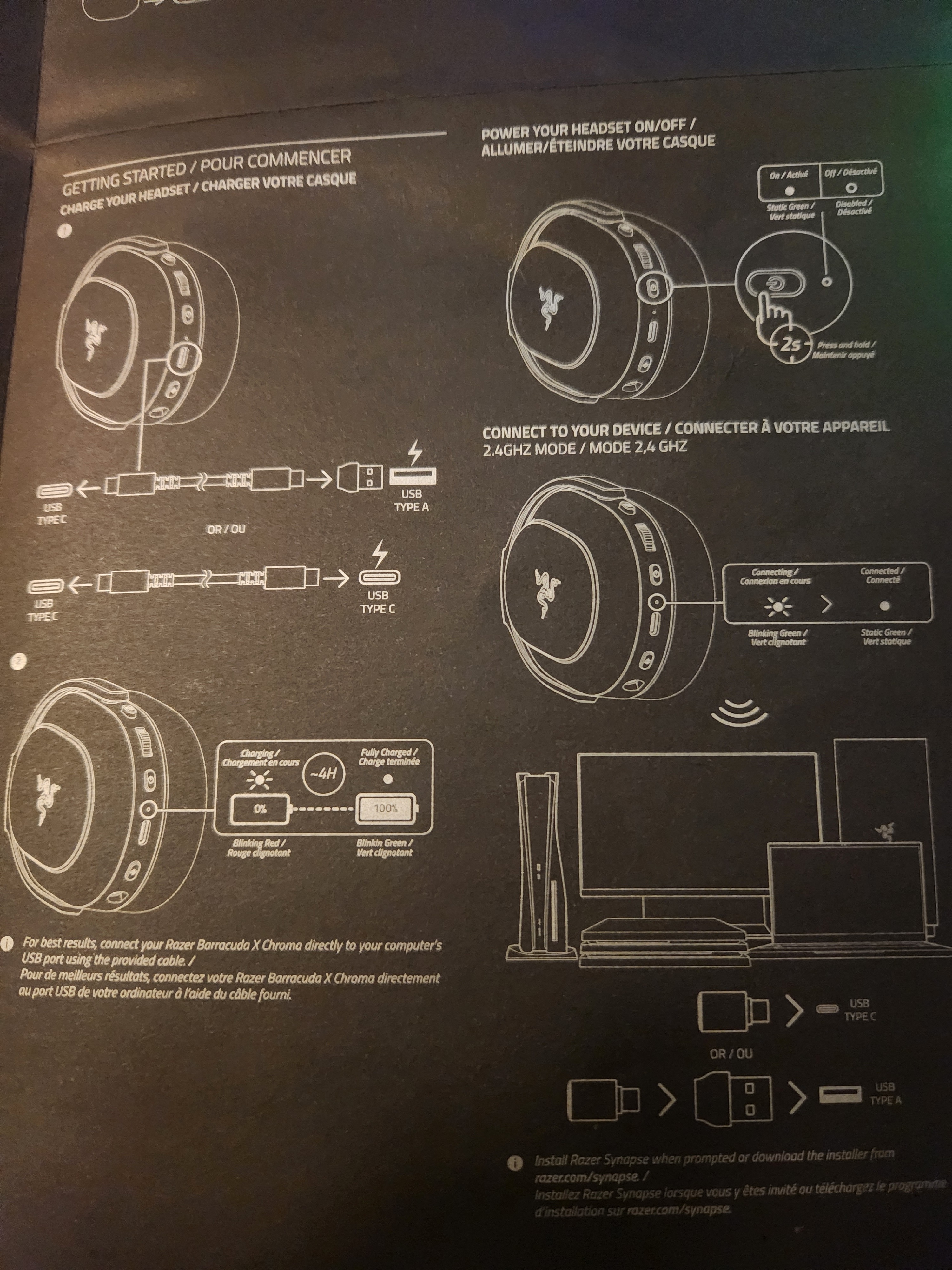
I had the same issue with my Barracuda X Chroma; I could connect it via Bluetooth. But when I try connecting it through the 2.4 Hz dongle, Synapse 4 shows that the device is switched off, and I don't get any sound. I pressed the mode switch button twice, not the power button, and then it worked for me. Pressing the mode switch button once toggles between different sound profiles, and pressing it twice toggles between connection modes. Hope that helps.