rgb not loading on system startup-software set to start with windows | Razer Insider
Skip to main content
Question

rgb not loading on system startup-software set to start with windows

  • August 8, 2025
  • 39 replies
  • 1513 views

XRaiderV17

Software info:
Windows 11 Home 24H2 build 26100.4652
Razer Synapse 4: V4.0.562 build 4.0.86.2508050339
Razer Chroma: V4.0.562 build 4.0.63.2508050337

Razer hardware:

Firefly V2 Mouse Mat
Black Widow v3
Naga v2 Pro

The details:

Today's update to synapse 4 brought a NEW problem.

My rgb doesn't load at system startup.

The Synapse 4 and Chroma software ARE running as per settings to run at system startup, and verified with a quick glance at the processes tab in Windows Task Manager.

The rgb only loads..when I open ANY Razer software, be it Synapse or Chroma.

I have uninstalled and reinstalled the COMPLETE software suite and endured the resultant fiasco of getting everything set back up rgb and scroll wheel tension wise.


..what in the name of that warm place where bad people go have they done to synapse 4?

I’ve already confirmed its not just me, theres an entire Reddit sub full of angry users over there who’d vouch for me.

 

39 Replies

  • Insider Mini
  • August 8, 2025

same problem synapse open only manual not on startup


Stalkerlp
  • Insider Mini
  • August 8, 2025

same here start yesterday synapse new update after.


Ingo00086
  • Insider Mini
  • August 8, 2025

Ich hab das gleiche Problem mit Razer Synapse und Chroma 4.0.562.

Mit der Version Razer Synapse und Chroma 4.0.560 ging alles noch. Leider kann ich das Update nicht verhindern, was einer der Gründe ist, warum ich so sauer bin. Es lief alles wunderbar.


XRaiderV17
  • Author
  • Insider Mini
  • August 8, 2025

Ich hab das gleiche Problem mit Razer Synapse und Chroma 4.0.562.

Mit der Version Razer Synapse und Chroma 4.0.560 ging alles noch. Leider kann ich das Update nicht verhindern, was einer der Gründe ist, warum ich so sauer bin. Es lief alles wunderbar.

google translate: 

I have the same problem with Razer Synapse and Chroma 4.0.562.With Razer Synapse and Chroma 4.0.560, everything worked fine. Unfortunately, I can't prevent the update, which is one of the reasons I'm so upset. Everything was working fine.

Ingo00086
  • Insider Mini
  • August 8, 2025

Ich habe einen Workarround gefunden, der bisher half und kein Update von 4.0.560 auf 4.0.562 macht:

in der erweiterten Firewall folgende Regeln eingestellt (Ausgehende Regeln -> Verbindung blockieren):
C:\Program Files (x86)\Razer\Razer Services\GMS3\GameManagerService3.exe
C:\Program Files (x86)\Razer Chroma SDK\bin\RzSDKServer.exe
C:\Program Files (x86)\Razer Chroma SDK\bin\RzChromaStreamServer.exe
C:\Program Files\Razer\RazerAppEngine\app-4.0.560\RazerAppEngine.exe
C:\Program Files\Razer\RazerAppEngine\app-4.0.560\CommonDLL\RzEngineMon.exe

Bisher bleibe ich bei der Version und ich habe bisher keine Probleme festgestellt:
meine Hotkey gehen noch, die Beleuchtung funktioniert weiterhin (das war der Grund, warum ich das Update nicht wollte). Einfach die Regeln mit den oben genannten Exen hinzufügen und Neustarten des PCs.


XRaiderV17
  • Author
  • Insider Mini
  • August 8, 2025

Ich habe einen Workarround gefunden, der bisher half und kein Update von 4.0.560 auf 4.0.562 macht:

in der erweiterten Firewall folgende Regeln eingestellt (Ausgehende Regeln -> Verbindung blockieren):
C:\Program Files (x86)\Razer\Razer Services\GMS3\GameManagerService3.exe
C:\Program Files (x86)\Razer Chroma SDK\bin\RzSDKServer.exe
C:\Program Files (x86)\Razer Chroma SDK\bin\RzChromaStreamServer.exe
C:\Program Files\Razer\RazerAppEngine\app-4.0.560\RazerAppEngine.exe
C:\Program Files\Razer\RazerAppEngine\app-4.0.560\CommonDLL\RzEngineMon.exe

Bisher bleibe ich bei der Version und ich habe bisher keine Probleme festgestellt:
meine Hotkey gehen noch, die Beleuchtung funktioniert weiterhin (das war der Grund, warum ich das Update nicht wollte). Einfach die Regeln mit den oben genannten Exen hinzufügen und Neustarten des PCs.

 
google translate:I found a workaround that has helped so far and doesn't require an update from 4.0.560 to 4.0.562:Set the following rules in the advanced firewall (Outgoing Rules -> Block Connection):C:\Program Files (x86)\Razer\Razer Services\GMS3\GameManagerService3.exeC:\Program Files (x86)\Razer Chroma SDK\bin\RzSDKServer.exeC:\Program Files (x86)\Razer Chroma SDK\bin\RzChromaStreamServer.exeC:\Program Files\Razer\RazerAppEngine\app-4.0.560\RazerAppEngine.exeC:\Program Files\Razer\RazerAppEngine\app-4.0.560\CommonDLL\RzEngineMon.exeSo far, I'm sticking with this version and haven't encountered any problems:My hotkeys still work, and the backlight still works. (That was the reason I didn't want the update.) Simply add the rules using the above-mentioned executables and restart the PC.

XRaiderV17
  • Author
  • Insider Mini
  • August 9, 2025

I upgraded INTO this problem with the new version myself.


XRaiderV17
  • Author
  • Insider Mini
  • August 9, 2025
Ich bin mit der neuen Version selbst auf dieses Problem gestoßen.

  • Insider Mini
  • August 9, 2025

Same problem:
Synapse: 4.0.86.2508050339
Chroma: 4.0.63.2508050337


greenvtecdragon

Same problem with last Update


  • Insider Mini
  • August 9, 2025

저도 윈도우 부팅시 저장된 rgb가 나오질 않습니다


Noah1964
  • Insider Mini
  • August 9, 2025

Same here, I guess its something to do with the update? 


Noah1964
  • Insider Mini
  • August 9, 2025

Tried reinstalling 3 times and still same issue, I cannot find a fix . Would like to have it run automatically, kinda an inconvenience having to open it manually just to get my peripherals off an unsyned version of spectrum cycling 


  • Insider Mini
  • August 9, 2025

Yeah, me too. Is there a way to get the old version and block updates?


  • Insider Mini
  • August 9, 2025

This issue is affecting everyone.


Mattzzka
  • Insider Mini
  • August 11, 2025

Hey guys


I am writing you to let you know it seems it fix on the same number version, I installed again after a message on razer insider by XatheX which I would like to test it again if the problem is still persisting or not and my device is appearing as intended at the bootup (restart or full boot).


May you try to install again if the problem still persisting, please ?


The full process is :


  1. Logout and close the Razer Synapse 4.

  2. Uninstall ALL Razer programs and apps, then restart your computer.

  3. Delete all Razer folders you can find in C:\Program Files(x86) and C:\Program Data. The Program Data folder is set to be hidden by default so you might need to change the folder option first.

  4. Download the manual installer for Razer Synapse 4

  5. Reinstall Razer Synapse 4,


  • Insider Mini
  • August 11, 2025

Hey guys


I am writing you to let you know it seems it fix on the same number version, I installed again after a message on razer insider by XatheX which I would like to test it again if the problem is still persisting or not and my device is appearing as intended at the bootup (restart or full boot).


May you try to install again if the problem still persisting, please ?


The full process is :


  1. Logout and close the Razer Synapse 4.

  2. Uninstall ALL Razer programs and apps, then restart your computer.

  3. Delete all Razer folders you can find in C:\Program Files(x86) and C:\Program Data. The Program Data folder is set to be hidden by default so you might need to change the folder option first.

  4. Download the manual installer for Razer Synapse 4

  5. Reinstall Razer Synapse 4,

thanks the work for me


  • Insider Mini
  • August 11, 2025

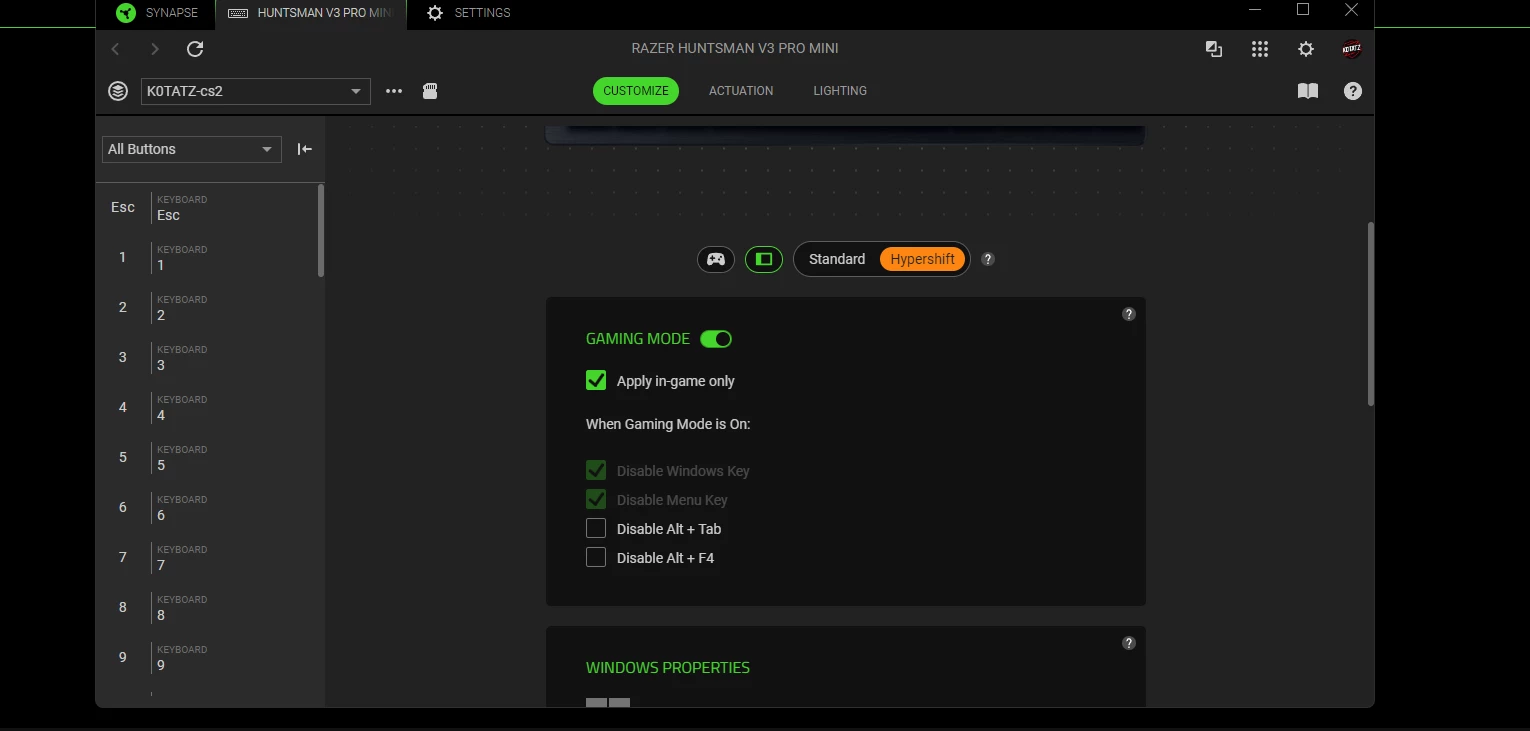
but hypershift dint work now


Mattzzka
  • Insider Mini
  • August 11, 2025

but hypershift dint work now


You mean hypershift mode right ? on which device, please ?


May you try to reset the device as factory ?


XRaiderV17
  • Author
  • Insider Mini
  • August 11, 2025

Hey guys


I am writing you to let you know it seems it fix on the same number version, I installed again after a message on razer insider by XatheX which I would like to test it again if the problem is still persisting or not and my device is appearing as intended at the bootup (restart or full boot).


May you try to install again if the problem still persisting, please ?


The full process is :


  1. Logout and close the Razer Synapse 4.

  2. Uninstall ALL Razer programs and apps, then restart your computer.

  3. Delete all Razer folders you can find in C:\Program Files(x86) and C:\Program Data. The Program Data folder is set to be hidden by default so you might need to change the folder option first.

  4. Download the manual installer for Razer Synapse 4

  5. Reinstall Razer Synapse 4,

literally just tried this..it did NOT work for me.


  • Insider Mini
  • August 11, 2025

Hey guys


I am writing you to let you know it seems it fix on the same number version, I installed again after a message on razer insider by XatheX which I would like to test it again if the problem is still persisting or not and my device is appearing as intended at the bootup (restart or full boot).


May you try to install again if the problem still persisting, please ?


The full process is :


  1. Logout and close the Razer Synapse 4.

  2. Uninstall ALL Razer programs and apps, then restart your computer.

  3. Delete all Razer folders you can find in C:\Program Files(x86) and C:\Program Data. The Program Data folder is set to be hidden by default so you might need to change the folder option first.

  4. Download the manual installer for Razer Synapse 4

  5. Reinstall Razer Synapse 4,

literally just tried this..it did NOT work for me.

me i use revo unistaller i log out i unistall all by revo after i go to program files and x86 delete the razer files and after i go to the hidden folder program data i delete razer folder restart i download it and install and works 


  • Insider Mini
  • August 11, 2025

but hypershift dint work now


You mean hypershift mode right ? on which device, please ?


May you try to reset the device as factory ?

yes i reset it after when i press refresh swipe to standard and the dont show me the f1f2f3


Mattzzka
  • Insider Mini
  • August 11, 2025

but hypershift dint work now


You mean hypershift mode right ? on which device, please ?


May you try to reset the device as factory ?

yes i reset it after when i press refresh swipe to standard and the dont show me the f1f2f3


Sorry to hear it, unfortunately I don’t use Razer keyboard, 


That's my Razer device.


Mattzzka
  • Insider Mini
  • August 11, 2025

Hey guys


I am writing you to let you know it seems it fix on the same number version, I installed again after a message on razer insider by XatheX which I would like to test it again if the problem is still persisting or not and my device is appearing as intended at the bootup (restart or full boot).


May you try to install again if the problem still persisting, please ?


The full process is :


  1. Logout and close the Razer Synapse 4.

  2. Uninstall ALL Razer programs and apps, then restart your computer.

  3. Delete all Razer folders you can find in C:\Program Files(x86) and C:\Program Data. The Program Data folder is set to be hidden by default so you might need to change the folder option first.

  4. Download the manual installer for Razer Synapse 4

  5. Reinstall Razer Synapse 4,

literally just tried this..it did NOT work for me.


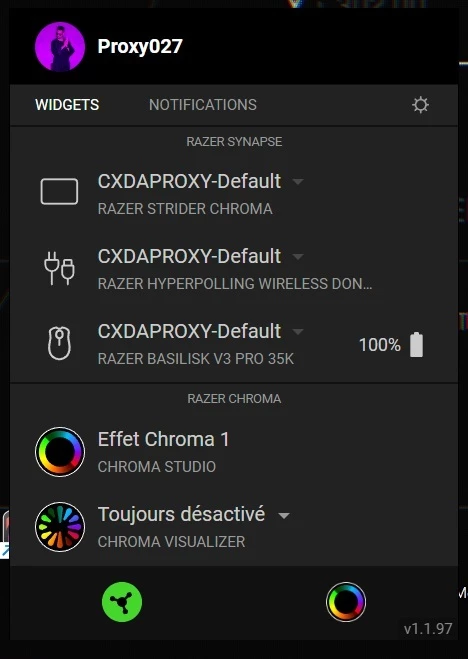
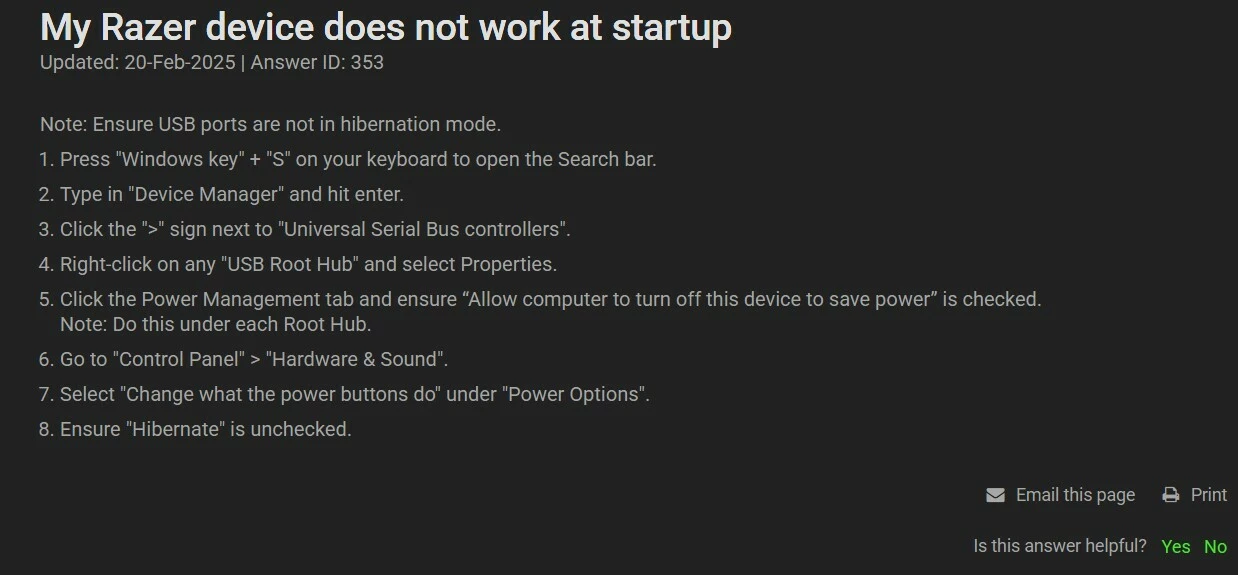
Did you do that on the picture down below ?


XRaiderV17
  • Author
  • Insider Mini
  • August 11, 2025

no to the second image, only because I booted up this morning and suddenly my RGB is working properly again.


..did they stealth hotfix it or something under the current version and build or something?