












[MONTHLY SILVER] July 2026 30,000 Silver Drawing
-
Recently active
I want to add my pictures to the rotation in axon wallpaper buy I can't figure out how to do it.
Hey Axon Voyagers! We’re turning the spotlight to Monstercat’s dynamic music wallpapers on Razer Axon! Check them out for a chance to win a Razer Leviathan V2 X Speaker or a Razer BlackShark V2 HyperSpeed - White Headset!Here’s how to enter: Head over to Razer Axon - High Quality Custom Wallpapers | Razer United States and explore the Monstercat wallpaper collection. Take a screenshot of your favorite wallpaper from the collection or snap a picture of your setup featuring the wallpaper! Post your image in Razer Discord server #axon-submissions channel to enter. P.S.: Submit a different Monstercat wallpaper each day to boost your chances of winning!*Giveaway ends 19 December 2024 at 23:59, GLHF! *Limit one entry per day.
Hello,I was using the razor software for a while and very about it. Bu today i see that my wallpaper has very common freezes. I generally use Razer Abstarcs dynamic wallpapers and never had a problem. But nowadays, there is a big delay between the dynamic wallpaper cycles. I mean that when the dynamic wallpaper played for full length, there is a very noticable freeze while restarting the cycle. It was smooth before.I tried every fix possible. Made clean re-install of app, changed the assigned GPU to app, changed disk location of wallpapers, installed wallpapers at every resolution, updated every driver and windows update etc. I think there may be a problem because it is unusable right now. I was very happy with my dynamic wallpapers :( Can anyone help me about this issue?
Hello, I am having a problem with Razer Axon. am currently using Synapse 4, and the Chroma RGB app, and I also have Razer Cortex. I don’t know if Cortex could be involved but every detail matters. I’ve looked on Reddit pages, Razer Insider, YouTube, I don’t seem to have the settings options for those solutions. Im wondering if someone could help me. Thank you!
Whenever I don’t view my background for long enough/the monitor is left alone, my desktop icons disappear and so does my animated background and are replaced with two solid gray boxes in the corner of my monitor. I also can’t right-click and refresh, and refresh shortcuts don’t seem to affect it, but the linked Chroma effects still work.This only started after I installed Axon and if it helps any, I’m using an Asus monitor (no idea what model.)
What's Razer Axon? Razer Axon is brand-new Razer software that brings various types of cool wallpapers to gamers, especially dynamic wallpapers with an accompanying chroma effect. A library of official Razer featured and premium wallpapers. Enhanced Chroma RGB effect. Excellent performance and efficient resource usage compared with competitors; lighter and more intelligent. Supports multiple displays. Install the Razer Axon from Axon website Razer Axon - Premium, High Quality Wallpapers Install Razer Axon from Razer Central Open Razer Central. Click "APPS." Find RAZER AXON under NEW APPS (OPTIONAL) then click "INSTALL." Install Razer Axon from Razer Cortex Visit the Razer Cortex download page. Click "DOWNLOAD NOW." Run the Installer Check the "RAZER AXON" checkbox. Click "INSTALL" to begin the installation process. This will take a few minutes to complete. Select "Launch RAZER AXON" then click "GET STARTED." Sign in with your RAZER ID.
So, I have seemed to run into a pretty interesting bug with the latest version of Windows 24H2 (Build 26100.2605) and the latest version of Razer Axon.It seemed as if at first, the animated backgrounds just didn’t work but it seems the issue is a bit more entertaining? Static backgrounds seem to work just fine… But the animated ones actually play behind the static backgrounds? The reason I managed to find this out and figure out this isn’t just the background not working in general is since I restarted after attempting a repair on Axon, it defaulted back to the windows background (which is a dynamically stretching background as is).This lead to me seeing the middle of the windows background, with the sides being the animated one. If any staff have a fix, please do let me know 🤣🤣Going to try a few more fixes in the mean time and give progress updates, see image attached.
I am using razer Axon on a custom Pc and it will not play any dynamic wallpaper.just static ones.
I have bought Razer Gold for 20 USD but my code cannot be used. Can my code be updated again to get a new one? I have never used the code, thank you, Razer Gold admin.
Hello, you sent an activation code for my headphones to my email. And the code turned out to be incorrect
We’re spotlighting the incredible music wallpapers by Matti Paalanen’s Celestial Aeon Project on Razer Axon, and giving you a chance to win a brand-new Razer Barracuda X Chroma headset!Here’s how to enter:🎶 Head over to Razer Axon - High Quality Custom Wallpapers | Razer United States and explore the Celestial Aeon Project wallpaper collection.🎶 Take a screenshot of your favorite MATTI’s wallpaper from the collection, OR even better, snap a picture of your setup featuring the wallpaper!🎶Post your image in Razer Discord #axon-submissions channel to enter.⏰ Giveaway ends 21 November 2024 15:59 (SGT),GLHF!
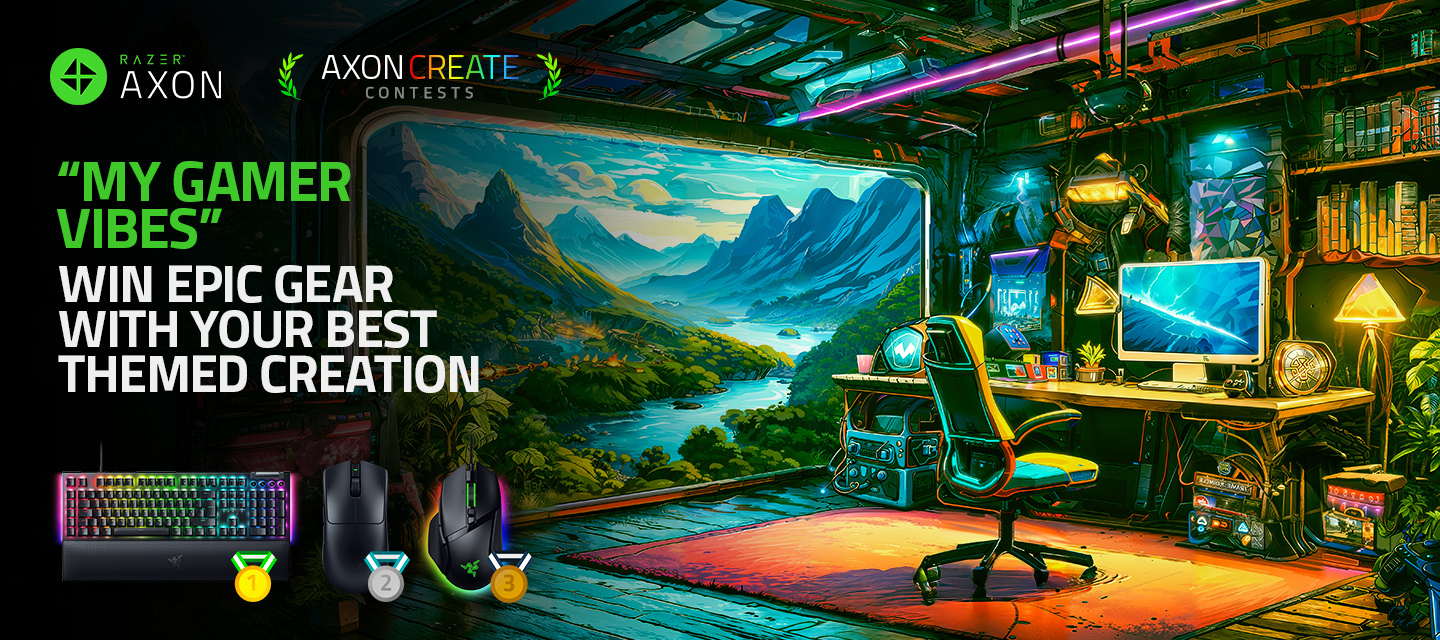
Submission Period: September 27th to October 25th (SGT) Theme: Pattern Party Spectacular Prizes Await: Grand Prize: Razer Blade 18 (QHD+ 300Hz mini-LED/Intel Core i9-14900HX/32GB DDR5/NVIDIA GeForce RTX 4080/1TB SSD) — Elevate your gaming to elite levels with the ultimate setup, including a custom Full Body Wrap featuring your winning wallpaper design! - MSRP:$3699.99 First Place: Razer BlackShark V2 Pro – Black – MSRP: $199.99 Second Place: Razer Viper V3 Pro – Black – MSRP: $159.99 Third Place: Razer Basilisk V3 – MSRP: $159.99 How to Enter:Showcase your best pattern designs using the Razer Axon app. Head to the COMMUNITY tab and select CONTESTS to submit your entry. Content Guidelines (Please avoid the following): Nudity, sexual content, and explicit themes Gore, violence, and horror elements Discrimination or hate speech involving politics, religion, or social issues Depictions of illegal activities, drugs, or spam Bullying, harassment, or use of profanity Note: We
Such a cool dynamic wallpaper application for my PC ! I am shame of myself to get to know this application till this date !Appreciate for what this app can done, and hope to get more epic wallpaper from the community ! 😍
Приобрел наушники KRAKEN v3 X зарегестрировался на RAZER ID после решил зарегестрировать продукцию, но увы не могу, пишет что проверте правильность цыфр…. типо неопознаный серийный номер, проверте еще раз аохожие символы. проверял десяток разЮ менял 0-O… как быть в этой ситуации?
Transform your desktop with the perfect blend of stunning visuals and your favorite beats. Our new Music Wallpapers take your Razer Axon experience to the next level, syncing immersive artwork with the vibe of your gaming or creative sessions.🔊 What’s in store? Stunning wallpapers paired with custom music tracks Visual and audio harmony that enhances your work, play, and chill sessions A seamless experience for gamers, creators, and music enthusiasts 🎵 Elevate your desktop. Immerse yourself in music. Experience the rhythm with Razer Axon.
Submission Period: September 11th to September 18th (PDT)Theme: Cyber Monkey KingExciting Prizes Include:Black Myth: Wukong (Deluxe Edition) – MSRP: $69.99 Razer Orochi V2– MSRP: $69.99 Razer BlackShark V2X– MSRP: $59.99 A substantial amount of Razer SilverTo enter: Use Razer Axon to craft and submit your design. Simply go to the “COMMUNITY” tab and select the “CONTESTS” page to enter. The following content is restricted from entry:Nudity and sexual content Gore, violence, and horror Discrimination Politics, religion, and hate speech Drugs and illegal acts Spam Bullying, harassment, and profanityNote: Inappropriate content will be promptly removed within Razer Axon. Let the power of the Cyber Monkey King inspire your creations and take your designs to the next level. Good luck! https://rzr.to/wukongcontest
Hey Insiders!It’s time to get creative with August’s Axon Contest.Submission Period: August 8th to August 15th (SGT)Theme: Paris Fashion TechExciting Prizes Include:Razer Viper V3 Pro - White – MSRP: $159.99 Razer Huntsman Mini - Clicky Optical Switch - US - Black – MSRP: $119.99 Razer Kraken V3 – MSRP: $99.99 Razer Viper V3 Pro - White A substantial amount of Razer SilverEntry Instructions:Use Razer Axon to craft and submit your design. Simply go to the “COMMUNITY” tab and select the “CONTESTS” page to enter. Restrictions (We will not accept the contents listed below):Nudity and sexual content Gore, violence, and horror Discrimination Politics, religion, and hate speech Drugs and illegal acts Spam Bullying, harassment, and profanityNote: Inappropriate content will be promptly removed within Razer Axon. Let the spirit of Paris guide your designs into the future of fashion and technology. Bonne!Visit: https://rzr.to/Axoncontestaugust for more info.
Hey,I won 4th place in the latest axon contest, which had a prize of 20,000 silver. It said to press on your pfp to redeem, but there was no option, and the silver is not in my wallet, please help.
I want to use and share some of the backgrounds on PCs where I can’t install apps/software (work and college). But, it seems like Razer has for some reason made it VERY difficult to download any of the images, having to resort to screenshots of the backgrounds, which is a huge pain (and most likely a reduction in quality too). If someone can tell me how to download the images as files to share (and promote Razer), that would be great.
Red green and white camo
I want to delete the Axon wallpaper from my laptop but I am unable to find where the image downloaded on my PC. Any step by step guides to find & remove it please
hello so umm I have a problem with my razer huntsman (the one with a num pad) I’ve had this keyboard since almost 4years and never had any problems until nowAt first I noticed the led lights. At a random day the lights weren’t working no more. Only three keys had the led lights, rest of the keyboard didn’t have any.(I attached a pic)(before someone says have you looked into razer synapse, yes I have. Everything on there showed like it usually did. Even the light-modes were the same I’ve always had.)However after a while I noticed the delay when typing.I type pretty fast and some keys wouldn’t even type the letter, even clicked twice on it.Even Spacebar and the Enter key had a delay, actually let me say, all of the keys.I looked up how to reset my keyboard and did the key combination thing with spacebar, caps and esc and unplugged n plugged it back in. well guess that was the final stage of my keyboard.The few lights from a few keys are no longer on, nothing works, can’t even type no mo
Hi,I have a Samsung TV and an AOC monitor. Despite this Razer Axon app, I cannot have the background played on the respective screens. Do I need a Razer monitor for this or have I just done something wrong?GreetingThy_TV
How do i keep my wallpaper synced lighting on my keyboard on while in a different window?
Already have an account? Login
No account yet? Create an account
Enter your E-mail address. We'll send you an e-mail with instructions to reset your password.