
















[MONTHLY SILVER] July 2026 30,000 Silver Drawing
-
Recently active
So this laptop has been used for 4 years now, great design and performance, really liked it. Recently, however, I noticed intense heat while gaming and the fans were spinning like a jet engine. I did some cleaning (blowing the dust out of the fan and vent), tried using Balanced Mode instead of Gaming Mode, but no use. The average temp when idle is around 53 degrees Celsius and 100 after 30 minutes on heavy load. Now is it okay for the laptop to continue working like that? I'm thinking about repasting (Any paste recommendation is appreciated). I would love to hear your advice before changing the thermal paste. Thank you.
Model RZ09-03286W22Hope you can help :) Using Windows 11, my Blade 15 Base (2020)’s webcam is not working.It’s listed in Device Manager as a USB camera seemingly:I’ve tried:Installing all Windows Updates including optional.Updating Razer BIOS and firmware using these links: Razer Blade 15” Base (2020) | RZ09-0328x Support & FAQsthese instructions: The built-in camera on my Razer Blade is not detectedUninstalling that USB Camera device via Device Manager then using Device Manager to scan for hardware → it gets back to the same point as above. Asking Device Manager to update the driver at this point, it says it can’t find a better driver.What else can be done? Do you have a link to a more up to date BIOS/firmware version I can try to install; I saw someone on a forum say that 1.07 resolved the issue on their Blade from 2018.
I have recently been looking into monitors for school work, but don’t know what my laptop is capable of supporting. I have a 4k OLED screen on my laptop and ideally would like a 4k OLED monitor. Would my laptop be able to support that? I wouldn’t be using it for anything other than VS code and other class work.
i just get in my new pc and connect my razer devices, notice that i have no marcro in synapse and even my mouse profile with marcro set can’t be useingwhat am i supposed to do can you help me with the problem please
Razer blade 15 mid 2021 19 11900h rtx 3080 32 gb ram 4k oledI was using my laptop as normal when I had a blue screen bsod. The blue screen was stuck at 0% and stayed that way until the laptop ran out of battery. Once the laptop started it booted straight to bios. When I exited bios it restarted and booted back to bios again. I tried booting it in recovery mode and nothing happened. It would say it the top left "entering recovery mode" and then it would just boot back to bios. I have looked at forums and haven't been able to find anything to fix this issue. Please let me know if anyone has had this problem or knows how to fix this.
Hello,I own a Razer Blade Advanced 2019 model with RTX 2080 MAX-Q - System SKU RZ09-02888E92. Since its purchase in 2019, I have experienced no performance issues. I've upgraded it with a new 16GB memory module and replaced the SSD with a Samsung SSD 980 PRO 1TB.Everything has been working flawlessly, as expected.However, I primarily use the notebook for playing Counter Strike: Global Offensive, and recently I've switched to playing Counter Strike 2. While playing CS:GO, I was able to use high video quality settings without any issues. But now, in CS2, my FPS does not exceed 160, even when I adjust the settings to the minimum for competitive mode.I have upgraded from Windows 10 to Windows 11, which resulted in a slight improvement. I have also ensured that all drivers are up to date.BIOS Version/Date Razer 1.05, 16/05/2019 I would appreciate any assistance or recommendations on how to enhance the performance. I would expect that a notebook's RTX 2080 should outperform, for example,
My device : Razer Blade Pro 17 2019 (240hz FHD)I was trying to find the Dedicated GPU only mode,and i couldn't find itAs the website shows that this specific model (Rz09-0314x) has Dedicated GPU only mode,but i couldn't find it in neither Synapse and NV control panel nor bios.Any answer will be appreciate.
Add as many details as possible, by providing details you’ll make it easier for others to reply
so i tried to fix this problem it doesnt seem to be fixed i tried deleting the app and installing it again all over but it didnt work please drop me a reply if u know the fix for the 7.1 software.
I have Razer Blade 15 2019 base with a broken screen. The laptop works fine with external monitor. But I am unable to access the Bios menu as it is not displayed to the External monitor via HDMI and this is really frustrating being a dual boot user. Methods tried and did not work: Removed the display connector from motherboard Lid closed asap power button pressed Does anyone find a solution for this ?
My Razer Blade 18 laptop came with a 330W Power Brick. It has 2 female USB-C input ports. One Anker Prime Power Bank is 20,000mAh total 200W output such that it has 2 USB-C female ports rated at 100W output each. I intend to connect 2 100W USB-C cables from the power bank to charge my laptop via its two ports. And the 330W Power Brick.This will theoretically result in 530W of input before some loss of energy due to non-100% inefficiencies. Query #1: Does the Razer Blade actually support this total power input in this configuration? (I've read that the USB-C ports on the laptop each are max 100W.) Query #2: Will it severely damage the laptop?Now assume I left the power brick at home and I'm on the go with one Anker Prime aforementioned. Charging the laptop at 200W, Query #3: Does the laptop’s battery accept input power from its two separate USB-C input ports SUCH that the electricity is from the same output source (one Anker Prime powerbank)?Thank you for your time.
Dears, I have a problem with battery charging on my 2024 Razer Blade 18.After discharging the battery (say to 15%) and connecting the charger, battery would not start charging and remain at %15 indefinitely (observed it for a whole day), until I do the following:change battery optimizer settings back and forth (normally it’s set to limit the charging to 50%) enable and disable one-time full charging reconnect the chargerUnfortunately I’m unable to tell in what order this needs to be done to guarantee success.But so far I was able to somehow trigger the charging eventually by repeating the above. I’d appreciate if anyone could give me an advice on this. Obviously, this looks like a problem with firmware. Thank you
ola Tentei redefinir senha mais não consegui então tentei outras vezes mais acabei sendo banido
Hello,I recently purchased a new Razer Blade 14 in the London Razer store, however, when unplugged the battery life is only 2-3 hours. For a International University student that travels a lot and have long lessons, this is way to short. Additionally, the person in-store guaranteed me a battery life of approximatively 9 hours.I have tried to increase the battery life using the recommendation on this article, however I have not witnessed any change. Please help me out at this is very important for meBest wishes,Alexandre Walter
So the 2023 Blade 14 and 16 can run 64gb 5600mhz memory but my Blade 18 will only run the 64gb at 5200mhz. Currently I’m limited to the 32gb if I want 5600mhz. Is Razer working on a update to fix this?
What undervolts have you achieved with this CPU? I am messing around to try and find a good stable setting. Seems much more sensitive than the previous i9.
Hi, ive had my Blade 14 since 2017. It has the OEM samsung 256gb ssd. Upgraded to the Crucial PCIe 3.0 M.2 ssd recommended by lots of users. If the laptop has the old Samsung 256gb ssd or no SSD installed the laptop will turn on. I need help as to why with any new ssd i install it wont turn on.
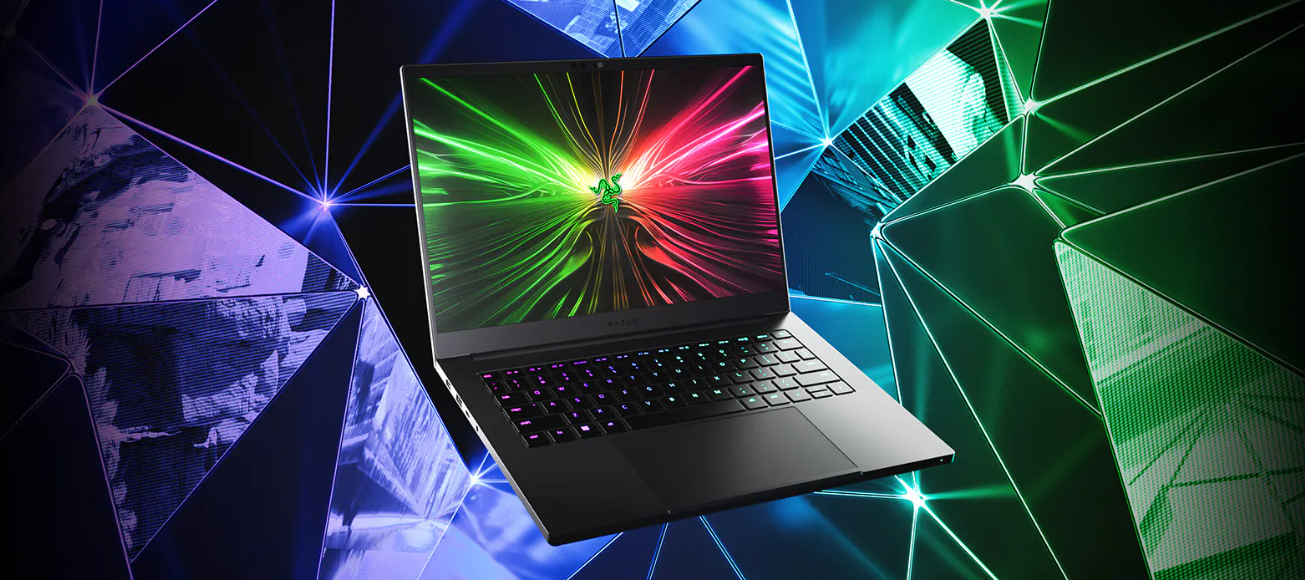
Meet the new Razer Blade 14 from Razer CES 2024 - our most portable gaming laptop featuring the latest AMD Ryzen 9 processor and NVIDIA GeForce RTX 40-Series graphics. Experience performance that’s made to move: https://rzr.to/razer-blade-14
I need heatsink for rz09-0423
Where can i get it?
Hello,I purchased a laptop in 2016.I need to reset my laptop, but there is no link to the recovery image on the website.Is it possible to obtain a recovery stick?
Hi.i bought a laptop in 2016.i need to reset my laptop, but there’s no link to the recovery image on the website.Can i get a recovery stick?
Hi there,I have the Blade 17 2022 model. Trying to connect to 4k 144hz external monitor. But I cannot set the refresh rate to 144hz, but only to 60hz. Seems like this is a common problem. In one of the previous post: https://insider.razer.com/razer-support-45/razer-blade-17-2022-external-display-not-working-after-driver-update-37921?postid=155804#post155804 the answer said they are working on solve this problem. Is there any update? I am still having this problem. This is really disappointing, especially when Razer is trying to set up a high-end brand image
Hello everyone, im trying to repair my dead laptop. but im stuck… im stuck on the missing mainboard components around PCH bga. ive replace the burned PCH for new one, but still need some resistors and something i cant identify. ill try to mark those spots on photos.motherboard is - CH560_MB MP V4.0 20210114CPU - SRJ8FPCH - SRJAU
I have reinstall the pc, same for drivers. no output for second screen from usb C and HDMI .Any Ideas?
Already have an account? Login
No account yet? Create an account
Enter your E-mail address. We'll send you an e-mail with instructions to reset your password.