

















[MONTHLY SILVER] July 2026 30,000 Silver Drawing
-
Recently active
Pair the power of your next-gen system with the performance of the Razer Wolverine V2 Pro - officially licensed by PlayStation. Featuring Razer HyperSpeed Wireless and our signature Razer Mecha-Tactile Action Buttons, unleash high-performance, low-latency play on PS5™ and PC. https://rzr.to/wolverine-v2-pro
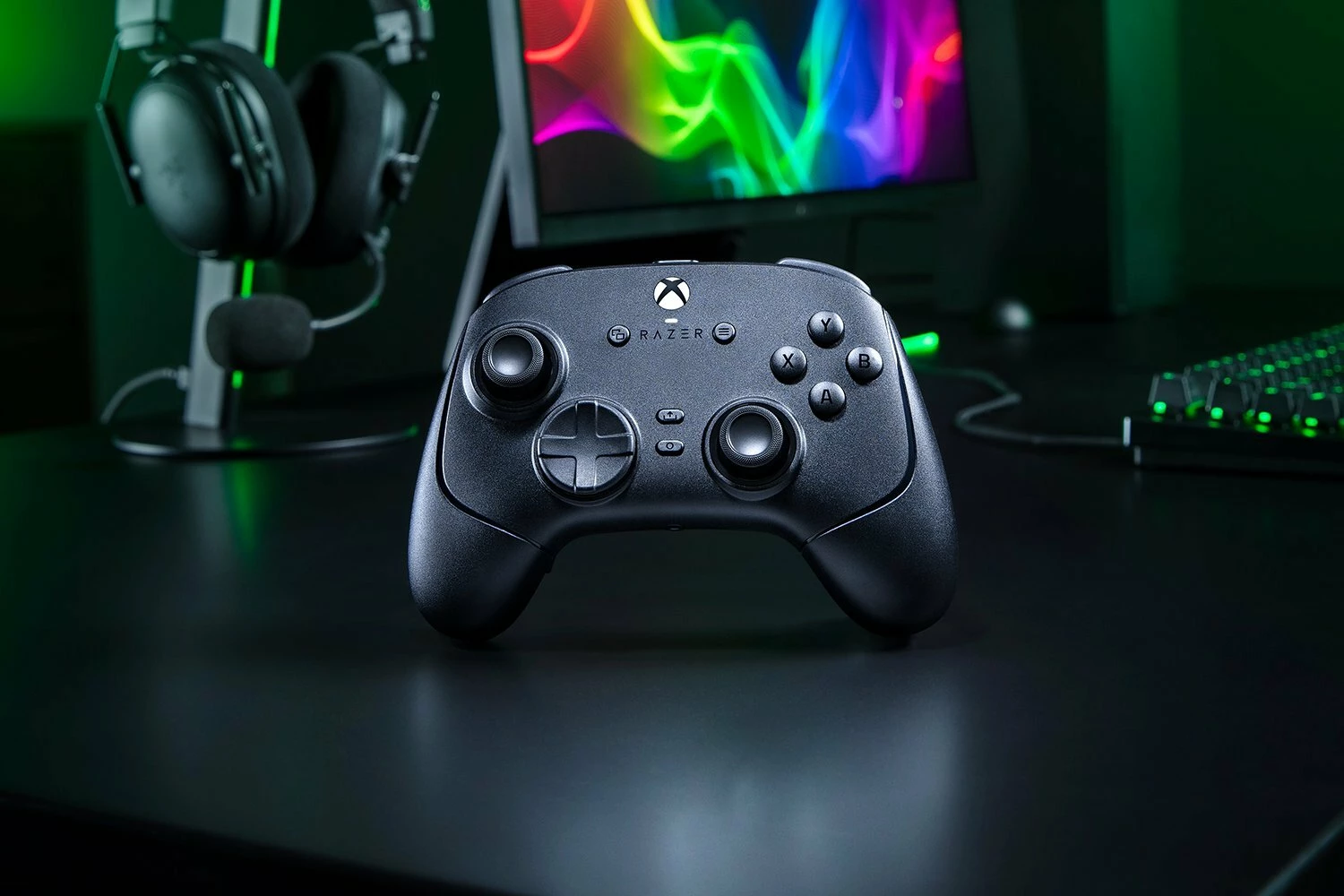
Power your play with the new limited-edition Razer Wireless Controller & Quick Charging Stand for Xbox - an essential for our most hardcore fans. Designed to work with Xbox Series X|S and all Xbox One models, rep our iconic colorway and Triple-headed Snake today: https://rzr.to/razer-xbox-controller-charging-stand *Only available in US and Canada.
Conquer on console with the new Razer Kaira HyperSpeed and Kaira X, now licensed by PlayStation. Armed with cutting-edge Razer TriForce 50mm Drivers and crystal-clear Razer HyperClear Cardioid Mic, enjoy competition-ready audio no matter where you game. https://rzr.to/kaira-hyperspeed-for-playstation
Customize, control, and conquer with the all-new Razer Wolverine V2 Chroma. This ergonomic controller comes armed with Mecha-Tactile switches, 6 remappable buttons, swappable thumbsticks, a hair trigger mode, and Razer Chroma RGB, for a level of consistency and speed crucial to competitive play. https://rzr.to/wolverine-v2-chroma
Hello, I own a Razer BlackShark V2 Pro for PlayStation (2023), model RZ04-04530500. My HyperSpeed USB dongle has stopped working. It is not detected by either my Windows PC or my PS5, while the headset still works perfectly over Bluetooth. I would like to purchase a replacement USB dongle compatible with model RZ04-04530500. Could you please let me know if it is available for Canada?
Hello ! I use a lot the controller and i would like to know if there any ways to get remplacement thumbstick caps ?
Stay one step, one shot, and one level above the competition with the Razer Wolverine V3 Pro—the definitive wireless esports controller. Officially licensed by Xbox, play like the world’s best on console and PC with speed, control, and precision that helps you clutch up for the win.http://rzr.to/wolverine-v3-pro
Hi, We have a razer wolverine v3 tournament edition controller that remapped the M5 button (left thumbstick) to the Y button by itself after using it for a while. Is this a firmware issue? Currently we only used profile 1. The rest of the profiles was not mapped. Regards
Does this device work - is it systemic issue or a bad unit? My finger is poised on the Amazon return button. This is not a good introduction to Razer products. Razer Wolverine V3 Tournament Edition – Windows 10Summary of Issues: • The normal xBox buttons work. • The Profile Sync icon in Synapse spins indefinitely. The tab always shows perpetual “Loading”. The three‑dot menu never appears, so I cannot view or create profiles. • Profile switching on the controller does not change the LED color. • M‑Keys do not retain assignments. None of the changes I make persist. As soon as I click the refresh icon in Synapse, all assignments disappear. • The serial number field in Synapse is blank. It appears as if Synapse is not communicating with the device, even though the controller shows up as a configurable device. • I have uninstalled and reinstalled Synapse multiple times. • Firmware update cannot be performed. The “Update” button never becomes active after the switch to XBox mode step.
I'm a long-time Razer user and currently use a Razer keyboard and mouse as my primary gaming peripherals. I recently started looking for a new headset and was surprised to discover that there are currently no RGB gaming headsets on the market that offer both full Chroma RGB integration and native Xbox wireless support.I would love to see a Kraken V4 Xbox Edition (or similar product) with the following features:Xbox Wireless support (native or Xbox-certified dongle) Full Chroma RGB lighting PC wireless support Bluetooth connectivity Simultaneous audio mixing (Xbox + Bluetooth) Synapse and Chroma integration Cross-platform compatibility with Xbox Series X|S and PCAt the moment, Xbox users who want wireless compatibility are forced to choose products like the SteelSeries Arctis Nova 7X, while users who want RGB and Chroma integration are pushed toward products like the Kraken V4 or Barracuda X Chroma that lack Xbox support.There appears to be a significant gap in the market for an Xbox-ce
Hello, when will be the next Cammy skin restock be? I’ve been keeping a watch on Amazon since the start of 2026 but no luck.
ive had my razer blackshark v3x hyperspeed PC for some months now , yesterday my dongle broke and bent and hasnt been able to work . im wondering if i could reach of for warranty or buy a replacement part for my headset . serial number: (removed by moderator)product number : RZ04-05420100-R3M1
How can I get another domed thumbstick for the v3 wolverine pro? I can't find anything in the Razer store.
Dear Razer Team,I’m a long-time supporter writing regarding the Wolverine V3 Pro 8K and the lack of macro support for controller users.Many in the community are confused and disappointed that macros are restricted on controllers while the vast majority of Razer keyboards fully support macro recording and advanced customization. This feels inconsistent and biased — especially when 99% of your keyboards allow it, yet controllers do not. It creates an imbalance within the same ecosystem, where one group of users has full customization and another does not.It’s also worth noting that you already released a wired version titled the Tournament Edition. If a tournament-focused model exists, it would make sense for the Pro version to allow broader functionality.A simple solution would be a firmware update with two selectable modes:Free Mode – Enables macro support and advanced customizationTournament Mode – Disables macros for competitive complianceThis preserves competitive integrity while gi
Alguien sabe cómo puedo conseguir refacciones para mi control Razer Wolverine v3, está fuera de garantia y ocupo repararlo
Model:RZ06-0555When pulling the stick in a direction and realeasing it, a good controller should get back to neutral center, but this new TMR joysticks on the Wolverine V3 TE 8K PC bounce in the oposite direction, sometimes not much but some times are large inputs that can mess your combos or game mechanichs, check with your synapse and see video of example.I had 1 controller with 6 months using it, updated, calibrated, clean, and I just noticed now the snapback inputs i was getting on my games I though i was bad at games, but now i realise the stick contributed a lot, I bought another one, out of the box exact same bouncing, synapse open or closed didnt matter, is a hardware failure, exact as this video I also have one Wolverine V3 TE but for Xbox, Model: RZ06-0521 and those have Hall effect joysticks and have no snapback or rebounce, no unwanted inputs on the oposite direction when realeasing the stick, so I will play with that meanwhile as I can use it on my PC at 1000 polling rate
Hi everyone,After several tests and research, I believe I’ve identified a potential temporary solution for the Wolverine V3 Ultimate disconnect issue that many users, including myself, have been experiencing. Here’s a breakdown of my findings and steps you can try until Razer releases a firmware update:Problem Analysis:The disconnect issue seems to be caused by a combination of factors, including: The energy-saving settings of USB ports on Windows. The quality of the USB-C cable provided by Razer, which appears to be suboptimal compared to third-party cables. Higher polling rates (1000Hz) may increase the likelihood of disconnections, especially under heavy system load. Tests I Conducted:I disabled the USB selective suspend setting in Windows to ensure the ports receive consistent power. I replaced the original Razer cable with a third-party USB-C cable (Motorola in my case). I tested the controller on both 200Hz and 1000Hz polling rates: At 200Hz, the controller remained stable with
I have lost all but one of the joysticks , including the tube that attaches to the joystick, do my wolverine v3 pro controller for Xbox, and can’t find any replacements anywhere please help
Hi, I lost the USB connector for my Razer Nari Essential headset and now I can't connect it to my PC. How can I get a replacement USB connector or something so I can use it?
Will there be breadcrumbs or no comment? 🤐
Hi Razer Team,I’m a Raiju V3 Pro user and I’d like to suggest a feature that would add a lot of value for competitive players.The controller already allows us to adjust deadzones, which is great. I’d love to see an additional option to adjust the maximum input threshold for each analog stick.Some games include this setting, and it makes a noticeable difference in how quickly the stick reaches full input. But many games don’t offer it, and the controller hardware feels like it could easily support this at the firmware level.Why this matters:• Lets players fine‑tune how fast the stick hits 100% input• Helps with movement tuning in games without built‑in max threshold settings• Improves consistency across titles• Gives more control to players who use high‑precision or low‑range stick movementsThis would make the Raiju V3 Pro even more competitive and customizable.Thanks for considering it!
Hey, is it possible to map Lb + Rb to one of the extra bumper buttons? Or any button combos? There’s an option for L3 + R3, why no others?
Hi all, I picked up a Razer Turret for Xbox One (model RZ03-0282) from a thrift store. It’s seemingly in great shape, but it’s missing the mouse dongle, and more importantly, it’s stuck in STM32 bootloader mode (I’m assuming that’s what landed it in a thrift shop in the first place.) I can see it in STM32CubeProgrammer, but I need the correct firmware file to recover it. The flash memory reads as empty. The official Razer updater won’t detect it in this state. Does anyone know how to obtain the Turret’s recovery firmware (.bin or .dfu) so I can flash it directly? Thanks a ton! 🤗
Hi all! My new Wolverine PC Tourney controller keeps randomly programming 2 rear buttons to random buttons. Always at the worst time. I tried updating firmware, removing HALO as my game, saving profiles, deleting profiles, and it keeps happening. Is this thing cooked? My PC has two USB 3.0 5GB ports, two Usb4 10GB ports as well as 4 standard usb ports . I have tried other ports and the same thing happens. Tried to share some specs below, any ideas? Thanks in advance! Processor Intel(R) Core(TM) Ultra 9 285 (2.50 GHz)Installed RAM 64.0 GB (63.4 GB usable)System type 64-bit operating system, x64-based processorEdition Windows 11 HomeVersion 25H2Installed on 11/14/2025OS build 26200.7840USB4 version: 1.0Nvidia GEFORCE 5080
Hello, my controller doesn't work.I have a wolverine toutnament edition.The connection doesn't work. My controller is connected et it's disconnected by moment.Please help.
Already have an account? Login
No account yet? Create an account
Enter your E-mail address. We'll send you an e-mail with instructions to reset your password.