























[MONTHLY SILVER] November 2026 30,000 Silver Drawing
-
Recently active
Good Evening Everyone, I just bought the razer Wolverine v2 pro for ps5.There is tremendous deadzone in MW2 .Any good solutions to fix?
So I am looking at a mouse, and saw some good reviews on this = Razer Basilisk V3 ProBUt I will be using this with my Steam Deck for now connected up to monitor etc, and eventually be used with my gaming PC which is in planning and in the next few months, buying each component. Returning to PC gaming after years of Xbox and PS console. So would the Razer software to amend the settings of the mouse, work on the Steam Deck. I want to get the use of all feature between my Steam Deck and eventually PC… so if I go away on hols or work, and I have my steam deck, up i go, large screen room tv mouse keyboard and game...
why can't razer kitsune use socd? If hitbox doesn't have socd, do I still need to use hitbox?
I recently purchased the Razer Arctis headset, The audio periodically cuts out during games and sometimes sounds distorted. It's quite frustrating, especially in competitive matches. I'm not sure if this is a software or hardware issue. Has anyone else experienced similar problems?
A friend of mine purchased a $300 razer gold card from Amazon, upon redemption i got the invalid pin code response…i don’t know what to do because I didn’t give anyone else the card and i am as well confused on why it wouldn’t work, i have emailed Razer gold and Amazon on this issue, Razer gold just gives me a loop of automated replies, while Amazon hasn’t given me a reply at all…please help because $300 is a lot of money.
Absolutely ridiculous,I'm extremely angry and disappointed at Razer. I bought a my Razor Chroma 2 Xbox controller on the 22nd of June 2023 and it was working great until last night the A button wasn't responding and wouldn't work. I had to use the paddles. I went into the Razer Xbox App and it said my Controller needed an update ,so I updated it now the Controller. As soon as the update finished the Controller died and won't turn on or light up I've tried swapping usb ports, different leads and restarting my xbox. Nothing it has completely died. I've wasted £110 on Controller that can't even update. 3 months and it died because I updated the Controller as it told me to. Razer won't even do anything because the warranty has run out. I'm not even at fault I updated the Controller and it died. I need help or someone to guide me through to get in contact with Razer support.
Giveaway
Hi! does the razer blade RZ09-01161E32 (which i believe is from 2014) have 8gb or 16gb ram? on the razer website it says it has 16gb, but in other places it says it has 8, I want to know because I'm deciding whether to fix one or not.
Hi,My razer viper v2 pro usb dongle stopped working. 1 month ago it stopped working when plugged into the usb receiver. So I removed the dongle from the receiver and connected it directly to the computer and used it like that for 1 month. I thought the problem was in the receiver. Today the dongle started having problems when plugged directly the computer. Sometimes it works and sometimes it doesn't. I tried it on several different computers and had the same problem. Then I connected a different mouse to the receiver and it worked fine. The problem was not with the receiver but with the usb dongle. Now I'm trying to open a ticket but I can't create a ticket of any kind, the page always redirects to the beginning. How do I request a dongle replacement. Thanks.
Hi guys. My Deathstalker V2 Pro's RGB light just stop working via 2.4Ghz mode, it’s off completely. And it only lit up in with a static color with wired connection. All this happens after I update the firmware to v1.03.00_r2. I paired the keyboard with my Basilisk V3 pro’s dongle and the RGB works normally, but sometimes a key would be stuck and it would write something like “kkkkkkkkkk...”. Very annoying. Please help. Is there a way to roll back the keyboard firmware? What else can I do?
Like i said my aux cable came from amazon and its not picking up my mic and only the mic on my laptop
My deathadder stop on the middle of the screen, how can i resolve it?
The gag may be over, but the dream is now real. Get your game face on with the GilletteLabs Razer Limited Edition. Experience the true meaning of cutting-edge with the ultimate grooming product, created with Gillette. Feel Sharp, Play Sharp: https://rzr.to/gillettelabs-razer
Llevo meses con este problema, resulta que sin yo mover el cable, los cascos se desconectan solos, durante unos segundos. Me gustaría darle una solución a esto ya que los cascos son nuevos.
Hi, I have a model: BLACKWIDOW ELITE, the colors don't change at all, stuck on the same colors or don't change colors at all, everything is stuck on all kinds of colors without actually performing even a WAVE, I did a HARD RESET and still nothing happens When I change the modes in STUDIO the colors stay in place without changingOn the other hand, I have a BASILISK model mouse that works great with changing colors, only the keyboard doesn't do what it should when changing colors
Hi,I just got a Razer Blade 15 2022 with the 240hz OLED screen. It’s my first Razer laptop but I’m in tech for many years and have had many other laptops. It’s nice but I’m having a problem with the touchpad getting really laggy. It seems to happen mostly when plugged in (maybe exclusively not sure as I have not used it enough yet). Power modes and screen refresh don’t seem to matter. It’s really weird. It can be working fine, I think, then I shake the pointer going back and forth to verify and for the first few back and forths its fine, then suddenly switches to the laggy mess. It can switch back to fine, not sure what the trigger is. It might even be typing as the problem is coming and going as I post this and check for lag. It’s really annoying. I’m over shooting menus and buttons like crazy.Anyone have experience with this? Right now I’m feeling like my laptop is faulty but not sure.ThanksPete
Mouse goes to sleep seemingly well, but does not want to wake up. It doesn't wake up instantly, 6 seconds is the record, you can't wake the mouse up straight away
Hi, I am having problems with my razer nari ultimate dongle. It started a few weeks after I got it, more than a year ago.My headset disconnects after restarting/turning on pc, but i usually could connect it back with the recovery tool, however It does not work anymoreAlso tried to update the dongle, but it keeps failingWould be glad for any help whatsoever Thanks in advance
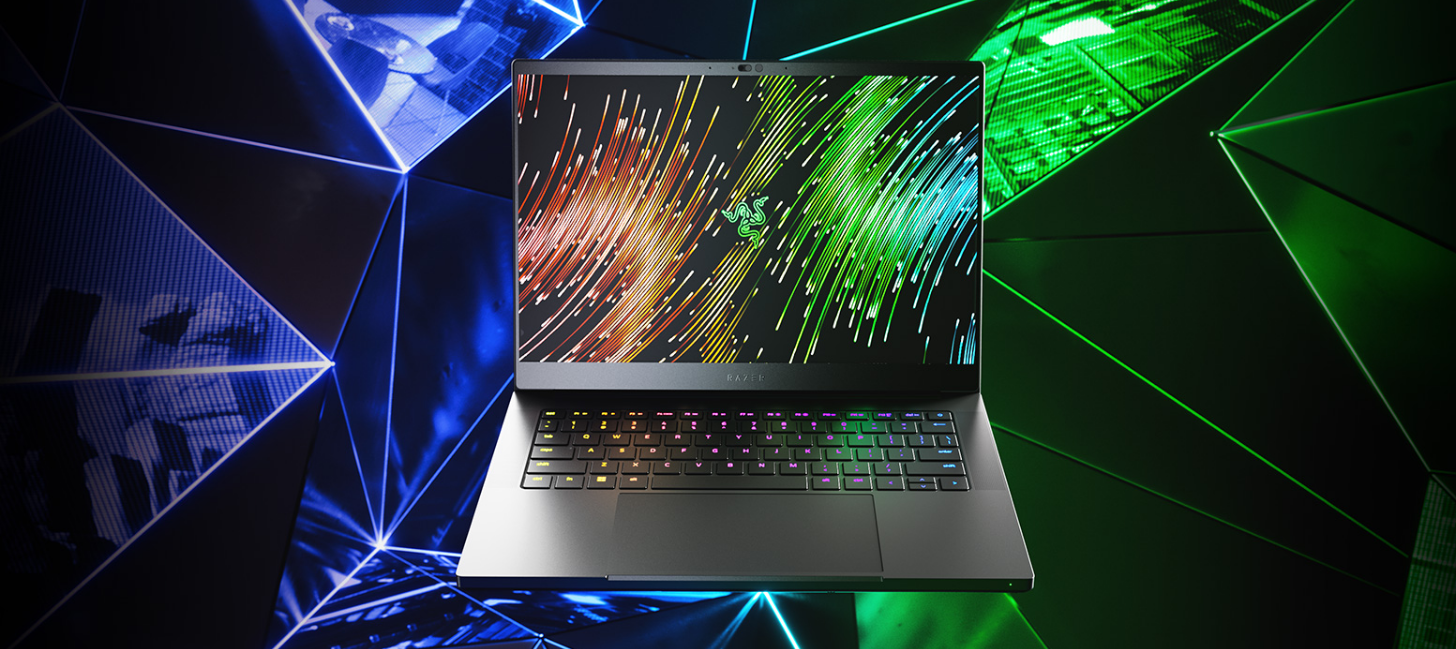
Our most portable Blade is now more powerful than ever. Upgraded with an @AMD Ryzen 9 7940HS CPU, @NVIDIAGeForce RTX 40-Series Graphics, & expandable RAM, the new Razer Blade 14 delivers incredible gaming performance in a compact form factor. Buy now: rzr.to/razer-blade-14
Hy All! I want to buy a razer ripsaw HD card. My question is, can I use it with my macbook air M1?I can play the game on the PC and the obs on the macbook air M1.Will it work?I know I need synapse and it's not available for mac. But I watched a video where the guy was streaming with macbook in obs with razer capture card. Here is the link: Macbook Air Stream Razer RipsawI look forward to your answers and ideas, thx! Andrew
My problemis that I can’t pair my Razer headset with Razer audiohub, they just blink slowly.How I can fix this! Thanks
gold.noreply@razer.comThis email is scam?
Hi, I would like to update the SSD-Harddrive at my RazerBlade14 (2016) model. (ID: RZ09-01952G31)I have to 256 GB now and would like to upgrade to 1 TB.what about this for example:https://www.mindfactory.de/product_info.php/1TB-WD-Black-SN770-M-2-2280-PCIe-4-0-x4-3D-NAND-TLC--WDS100T3X0E-_1443789.htmlwhat´s the specs I should take care of? Hope you guys can help. Best regardsPhil
Insiders! Gameplay and Story are both important factors but if you can only get one game, will you choose the one that has an Excellent Story but Mediocre Gameplay or the other with Excellent Gameplay but has a Mediocre Story?Like and comment with your thoughts for this week’s topic and get a chance to win 5000 Razer Silver!
NOTE: I originally made this post in General Discussions earlier. I believe that was the Wrong location to post. When I connect my Razer Blade 2021 to my charger it keeps disconnecting and reconnecting. I’ve also followed this from Razer: https://mysupport.razer.com/app/answers/detail/a_id/393 and nothing worked. Any possible solutions?Troubleshooting I’ve Done:Bought a new official Razer charger and the problem still prosiest. Checked the battery as well and it’s not swollen Powered the System with battery disconnected while the charger connected. The same thing happens. HOWEVER, the system does not turn off. Windows still shows the charger being connected and disconnected and my laptop backlight keyboard keeps turning on and off (My RGB profile settings is set to turn on only when connected to a power source.)
Already have an account? Login
Enter your E-mail address. We'll send you an e-mail with instructions to reset your password.